Key benefits
Highlight premium brand partnerships
Enhance navigation using brand-based filtering
Enhance store credibility using recognized brands
Create an organized shopping experience by brand
Boost engagement using interactive brand discovery
Showcase featured brands with an interactive, scrollable brand carousel display.
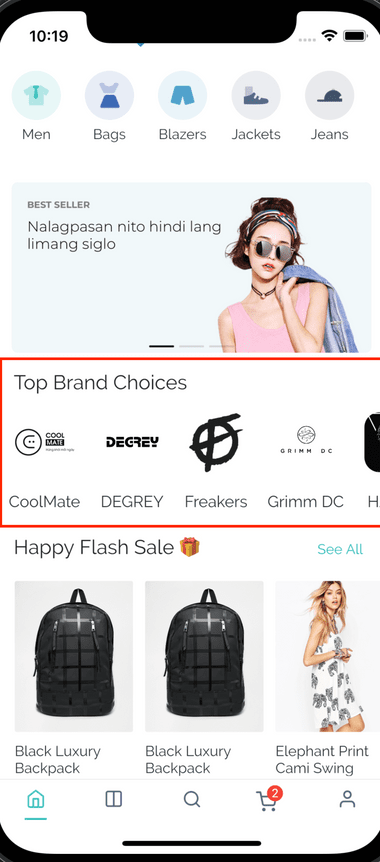
Highlight premium brand partnerships
Enhance navigation using brand-based filtering
Enhance store credibility using recognized brands
Create an organized shopping experience by brand
Boost engagement using interactive brand discovery
A practical setup flow for turning this capability into a production-ready app experience.
Open your FluxBuilder project and enable Brands Carousel from the relevant app feature or integration area.
Adjust content, platform connections, permissions, and visual settings so the feature matches your app workflow.
Use live preview to test the mobile flow, then publish your update when the app experience is ready.
Short answers for teams evaluating Brands Carousel inside a FluxBuilder app.
Continue exploring capabilities from the same category or use-case cluster.

Enable customers to adjust product quantities directly from product listings without visiting detail pages.
Explore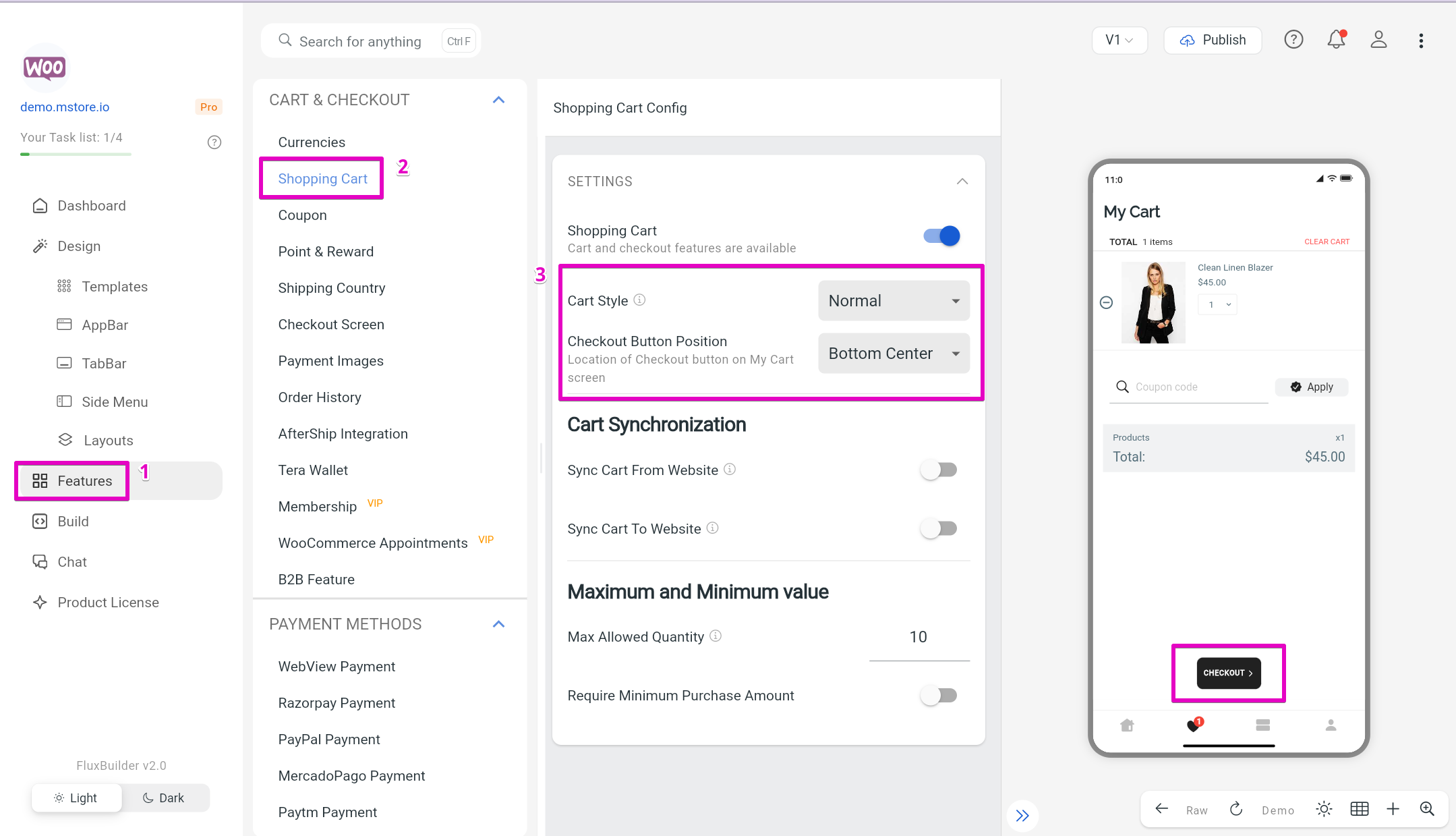
Sync changes instantly without needing app store approval.
Explore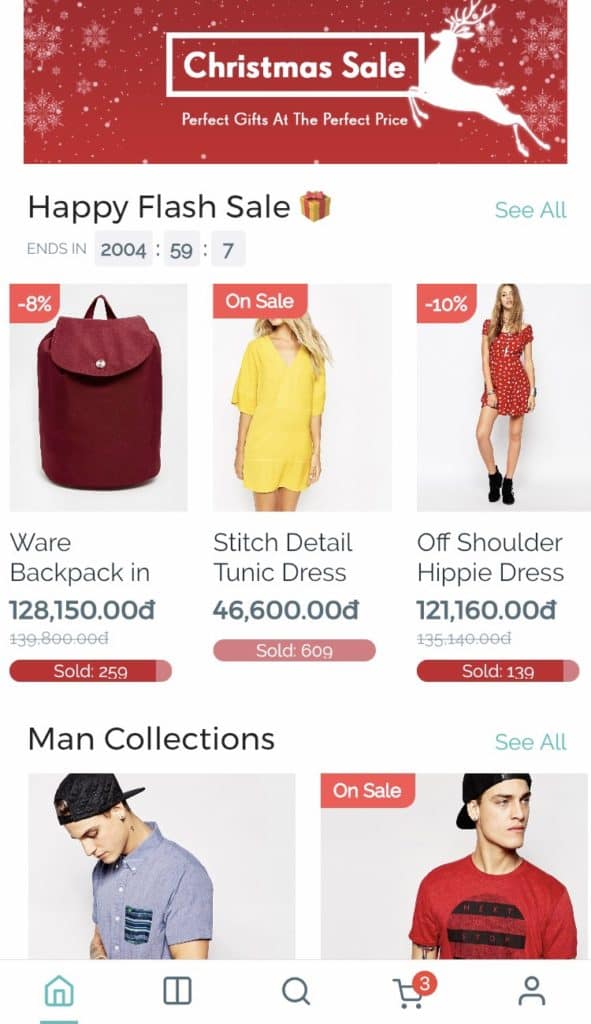
Create urgency and drive conversions with dynamic countdown timers for sales and promotions.
Explore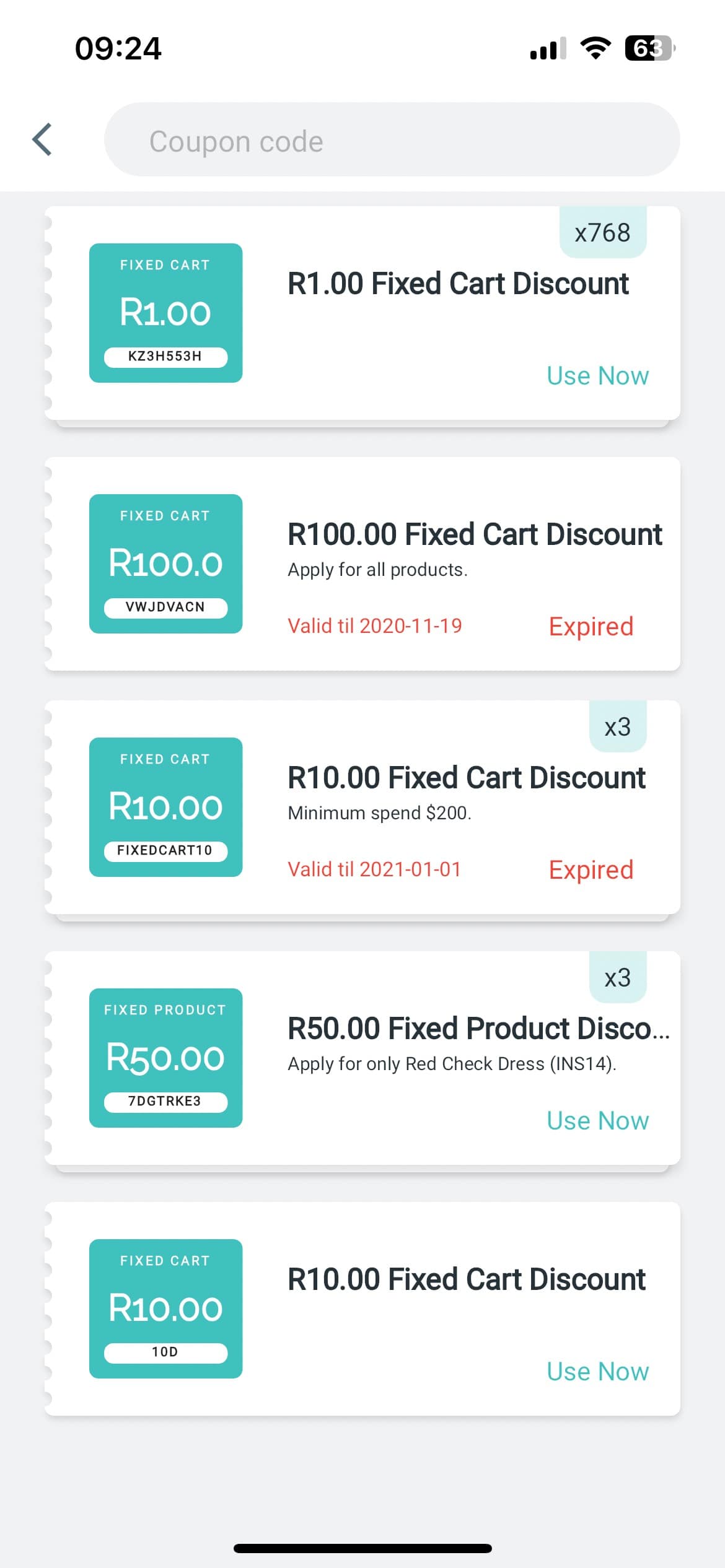
Implement comprehensive coupon functionality with various discount types, usage restrictions, and promotional campaigns.
ExploreDownload FluxBuilder, connect your website, and configure app features visually before publishing to iOS and Android.