Key benefits
Cut eye strain in low-light environments
Enhance battery life on OLED/AMOLED screens
Give personalized visual experience options
Follow system preferences for seamless integration
Implement automatic and manual dark mode with customizable color schemes for improved user experience and reduced eye strain.
Cut eye strain in low-light environments
Enhance battery life on OLED/AMOLED screens
Give personalized visual experience options
Follow system preferences for seamless integration
A practical setup flow for turning this capability into a production-ready app experience.
Open your FluxBuilder project and enable Dark Themes from the relevant app feature or integration area.
Adjust content, platform connections, permissions, and visual settings so the feature matches your app workflow.
Use live preview to test the mobile flow, then publish your update when the app experience is ready.
Short answers for teams evaluating Dark Themes inside a FluxBuilder app.
Continue exploring capabilities from the same category or use-case cluster.
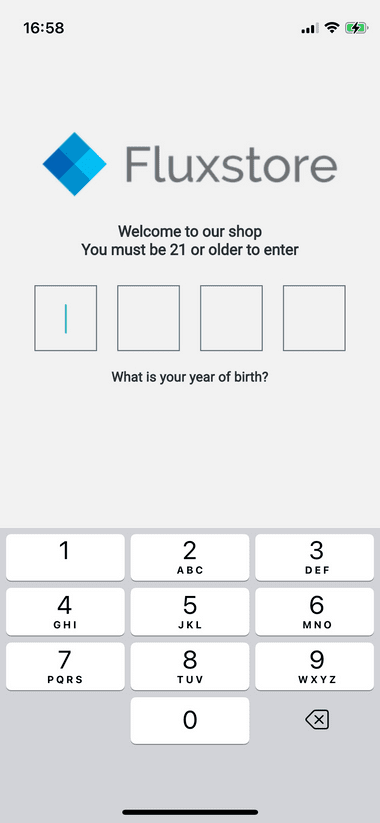
Implement age verification and content restrictions to comply with regulations and protect younger users.
Explore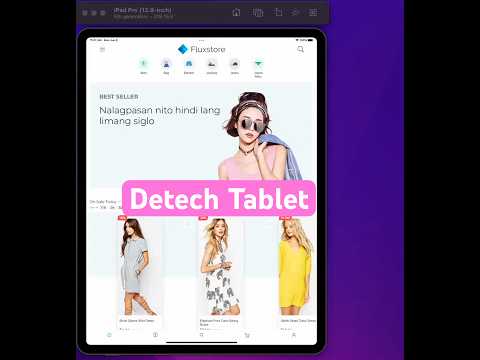
Create optimized tablet experiences with responsive layouts, multi-pane interfaces, and tablet-specific features.
Explore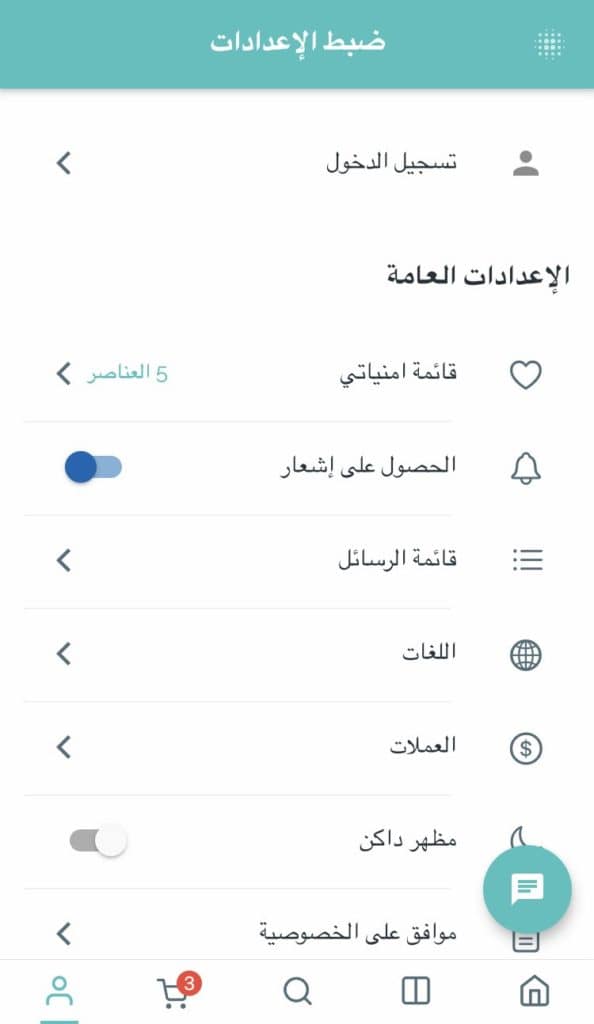
Support right-to-left languages like Arabic, Hebrew, and Persian with automatic layout mirroring and text alignment.
Explore
Download FluxBuilder, connect your website, and configure app features visually before publishing to iOS and Android.