Key benefits
Gain insights into user behavior and preferences
Track conversion rates and identify bottlenecks
Measure the effectiveness of marketing campaigns
Make data-driven decisions to improve your app
Integrate Google Analytics to track user behavior, app performance, and conversion metrics.
Gain insights into user behavior and preferences
Track conversion rates and identify bottlenecks
Measure the effectiveness of marketing campaigns
Make data-driven decisions to improve your app
A practical setup flow for turning this capability into a production-ready app experience.
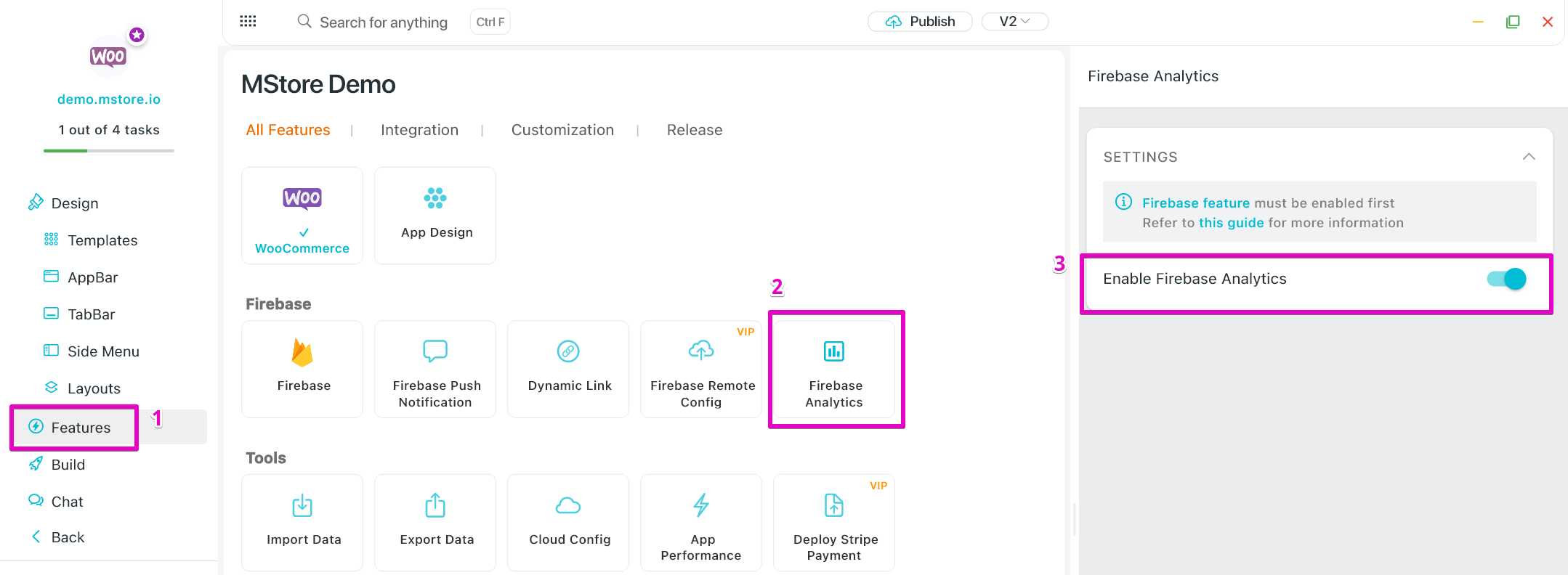
Open your FluxBuilder project and enable Google Analytics from the relevant app feature or integration area.
Adjust content, platform connections, permissions, and visual settings so the feature matches your app workflow.
Use live preview to test the mobile flow, then publish your update when the app experience is ready.
Short answers for teams evaluating Google Analytics inside a FluxBuilder app.
Continue exploring capabilities from the same category or use-case cluster.
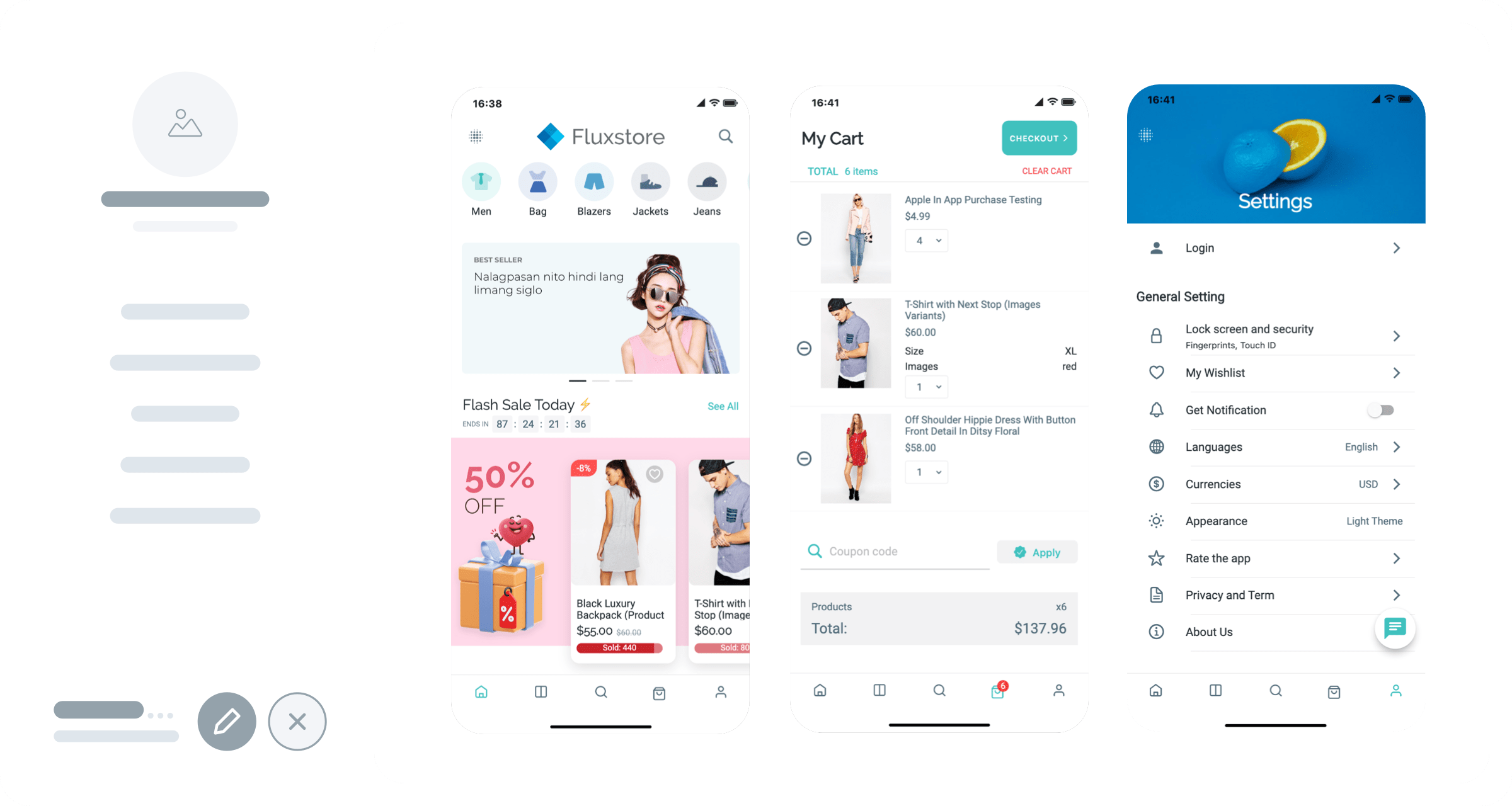
Gain deep insights into user behavior with Firebase Analytics integration for comprehensive app usage tracking.
Explore
Track user behavior, engagement, and conversion metrics with comprehensive analytics integration.
ExploreQuickly generate demo versions of your app for both Android (APK) and iOS platforms to test and preview your app's functionality before final publication.
Explore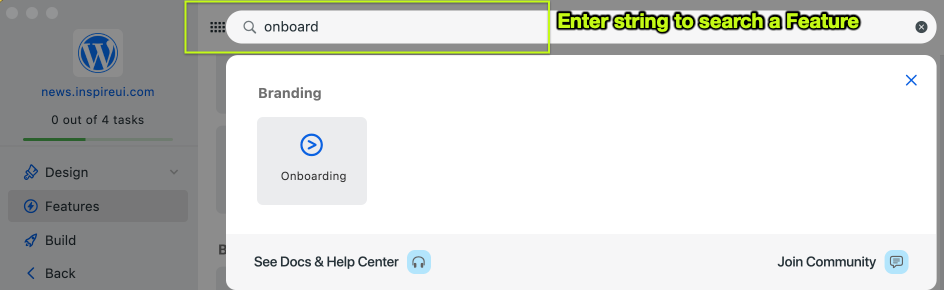
Configure app features such as push notifications, payment gateways, and social media integration without any coding knowledge.
ExploreDownload FluxBuilder, connect your website, and configure app features visually before publishing to iOS and Android.