Key benefits
Boost update adoption rates using seamless in-app updates
Cut security vulnerabilities by keeping users on latest version
Enhance user experience by eliminating store visits for updates
Choose between immediate or flexible update flows
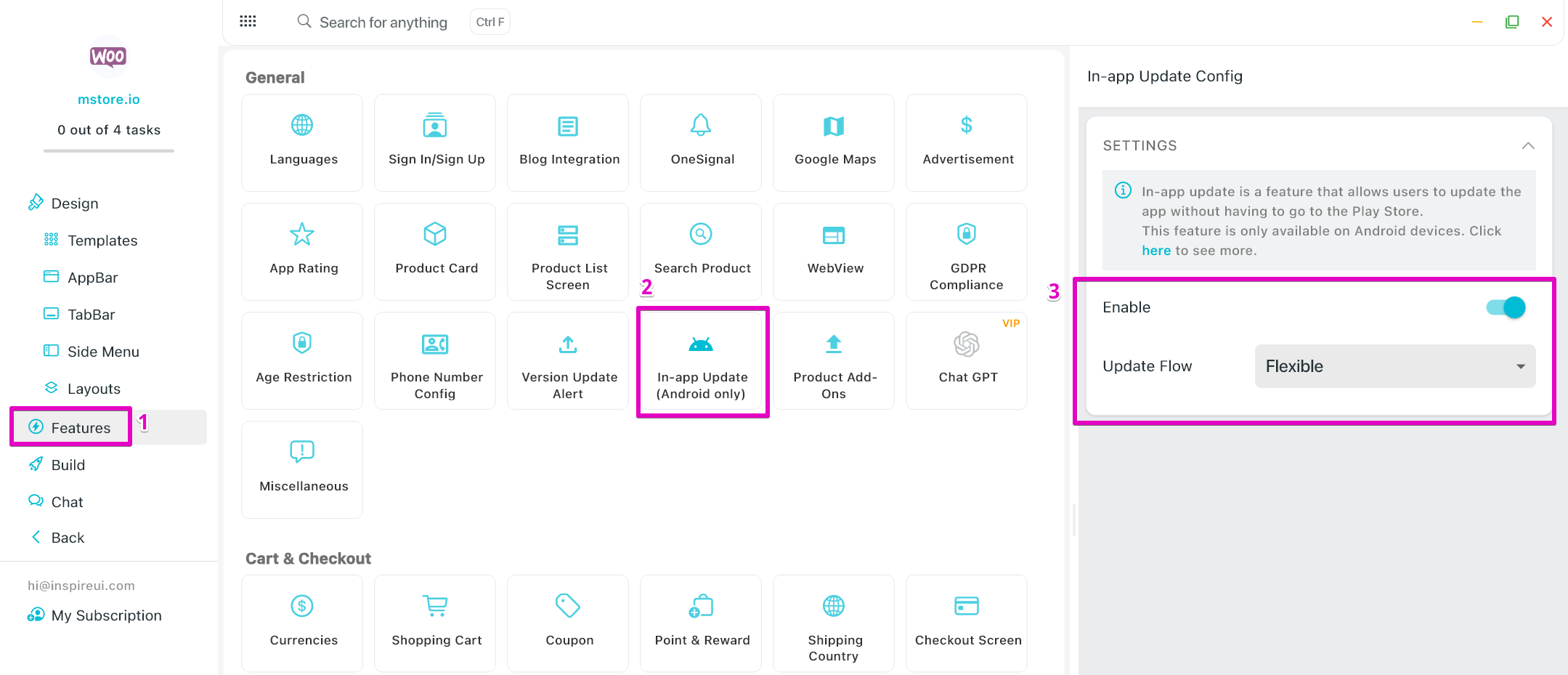
Allow users to update the app directly within the app without going to Google Play Store.
Boost update adoption rates using seamless in-app updates
Cut security vulnerabilities by keeping users on latest version
Enhance user experience by eliminating store visits for updates
Choose between immediate or flexible update flows
A practical setup flow for turning this capability into a production-ready app experience.
Open your FluxBuilder project and enable In-App Updates from the relevant app feature or integration area.
Adjust content, platform connections, permissions, and visual settings so the feature matches your app workflow.
Use live preview to test the mobile flow, then publish your update when the app experience is ready.
Short answers for teams evaluating In-App Updates inside a FluxBuilder app.
Continue exploring capabilities from the same category or use-case cluster.


Get full access to the source code that's 100% compatible with FluxStore apps, enabling complete customization and flexibility for your mobile application development.
Explore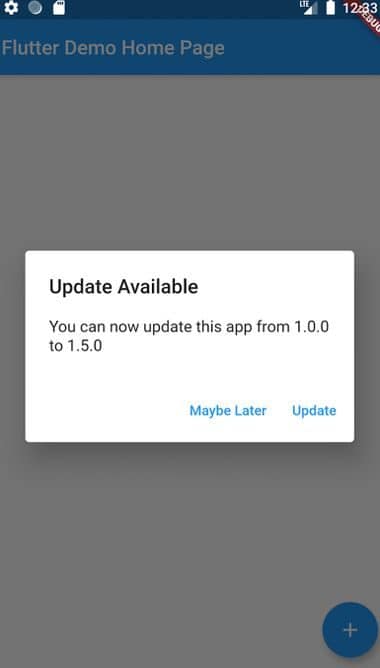
Notify users about new app versions with customizable update prompts, release notes, and update enforcement options.
ExploreDownload FluxBuilder, connect your website, and configure app features visually before publishing to iOS and Android.