Key benefits
Enhance app loading and response times
Cut memory and battery usage on user devices
Optimize network usage for better performance
Identify and resolve performance bottlenecks
Ensure smooth operation on a wide range of devices
Improve app speed, responsiveness, and resource usage with built-in performance optimization tools.
Enhance app loading and response times
Cut memory and battery usage on user devices
Optimize network usage for better performance
Identify and resolve performance bottlenecks
Ensure smooth operation on a wide range of devices
A practical setup flow for turning this capability into a production-ready app experience.
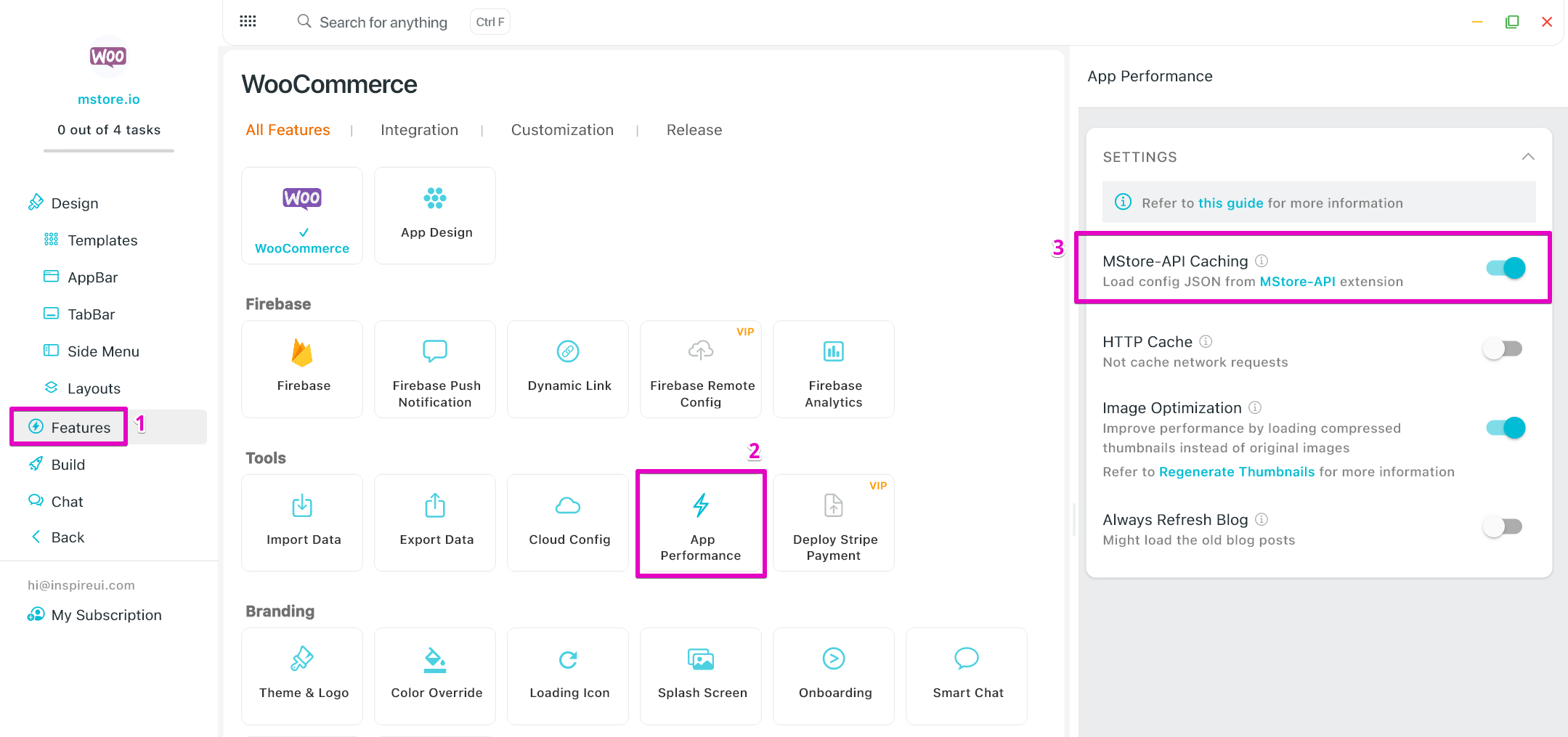
Open your FluxBuilder project and enable Performance Optimization from the relevant app feature or integration area.
Adjust content, platform connections, permissions, and visual settings so the feature matches your app workflow.
Use live preview to test the mobile flow, then publish your update when the app experience is ready.
Short answers for teams evaluating Performance Optimization inside a FluxBuilder app.
Continue exploring capabilities from the same category or use-case cluster.
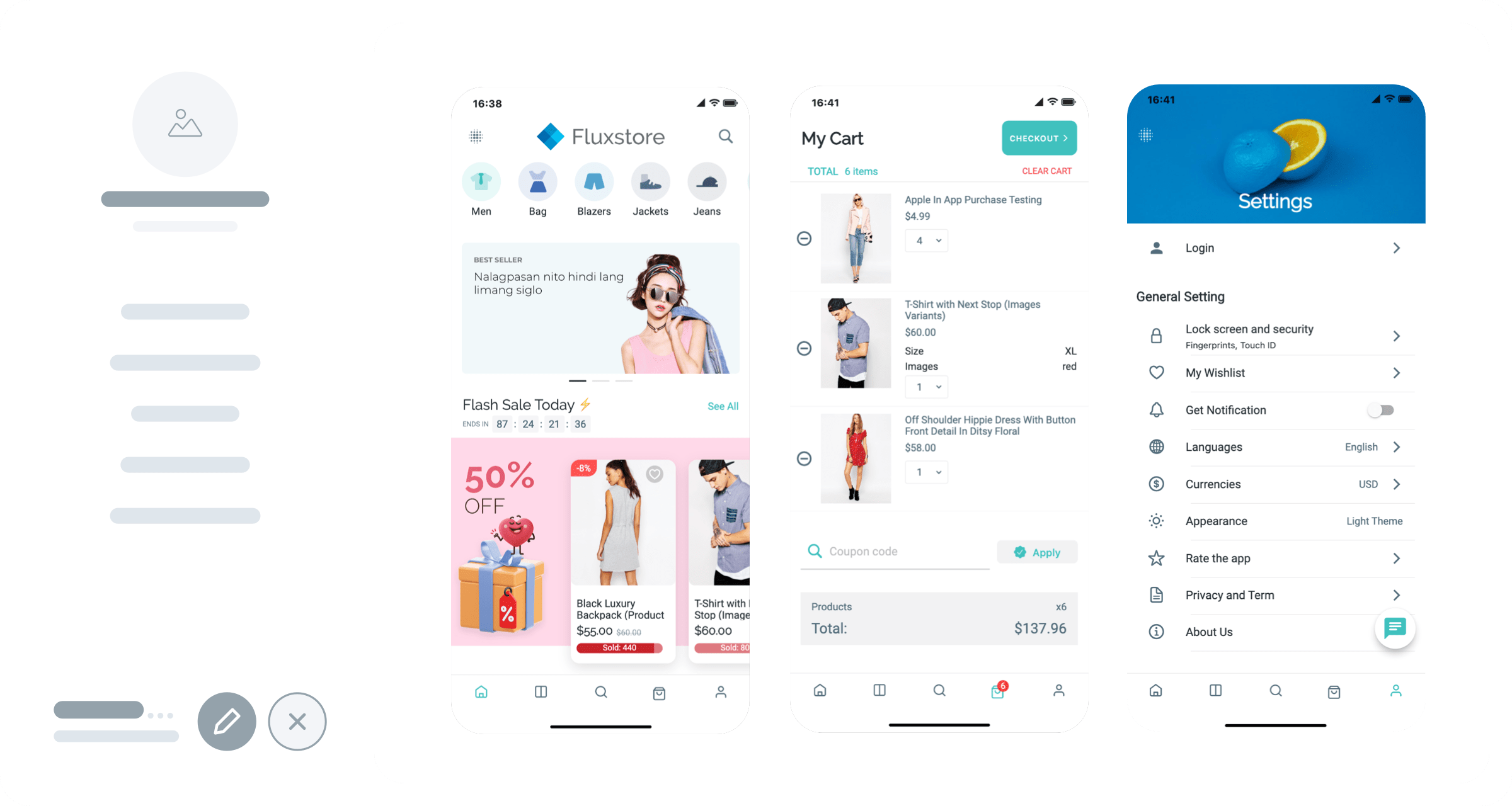
Quickly generate demo versions of your app for both Android (APK) and iOS platforms to test and preview your app's functionality before final publication.
Explore
Configure app features such as push notifications, payment gateways, and social media integration without any coding knowledge.
Explore
Automatically build iOS IPA files for your app with no setup or Xcode knowledge.
Explore
Build your app in the cloud without local development environment setup.
ExploreDownload FluxBuilder, connect your website, and configure app features visually before publishing to iOS and Android.