Key benefits
Create engaging, time-limited content
Showcase new products and promotions
Drive user engagement with interactive stories
Highlight limited-time offers effectively
Provide bite-sized, visual content experiences
Implement Instagram-style stories for showcasing products, promotions, and content in an engaging format.
Create engaging, time-limited content
Showcase new products and promotions
Drive user engagement with interactive stories
Highlight limited-time offers effectively
Provide bite-sized, visual content experiences
A practical setup flow for turning this capability into a production-ready app experience.
Open your FluxBuilder project and enable Story Slider from the relevant app feature or integration area.
Adjust content, platform connections, permissions, and visual settings so the feature matches your app workflow.
Use live preview to test the mobile flow, then publish your update when the app experience is ready.
Short answers for teams evaluating Story Slider inside a FluxBuilder app.
Continue exploring capabilities from the same category or use-case cluster.

Create engaging video shopping experiences with shoppable video content and product showcases.
Explore
Create custom app layouts with flexible design options and unlimited customization possibilities.
Explore
Connect your app with Instagram to display feeds, stories, and shoppable content from your Instagram account.
Explore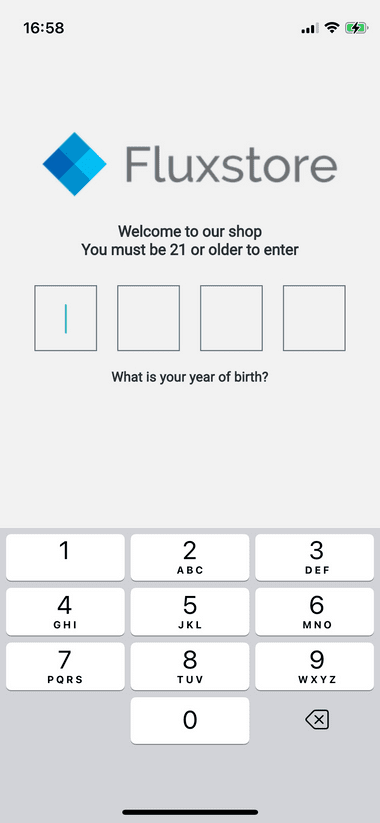
Implement age verification and content restrictions to comply with regulations and protect younger users.
ExploreDownload FluxBuilder, connect your website, and configure app features visually before publishing to iOS and Android.