Key benefits
Engage visitors with proactive chat triggers
Track visitor behavior for targeted assistance
Gather sales intelligence from chat interactions
Integrate with Zoho CRM for lead management
Provide personalized customer experiences
Integrate Zoho SalesIQ for advanced live chat, visitor tracking, and sales intelligence features.
Engage visitors with proactive chat triggers
Track visitor behavior for targeted assistance
Gather sales intelligence from chat interactions
Integrate with Zoho CRM for lead management
Provide personalized customer experiences
A practical setup flow for turning this capability into a production-ready app experience.
Open your FluxBuilder project and enable Zoho SalesIQ Chat from the relevant app feature or integration area.
Adjust content, platform connections, permissions, and visual settings so the feature matches your app workflow.
Use live preview to test the mobile flow, then publish your update when the app experience is ready.
Short answers for teams evaluating Zoho SalesIQ Chat inside a FluxBuilder app.
Continue exploring capabilities from the same category or use-case cluster.
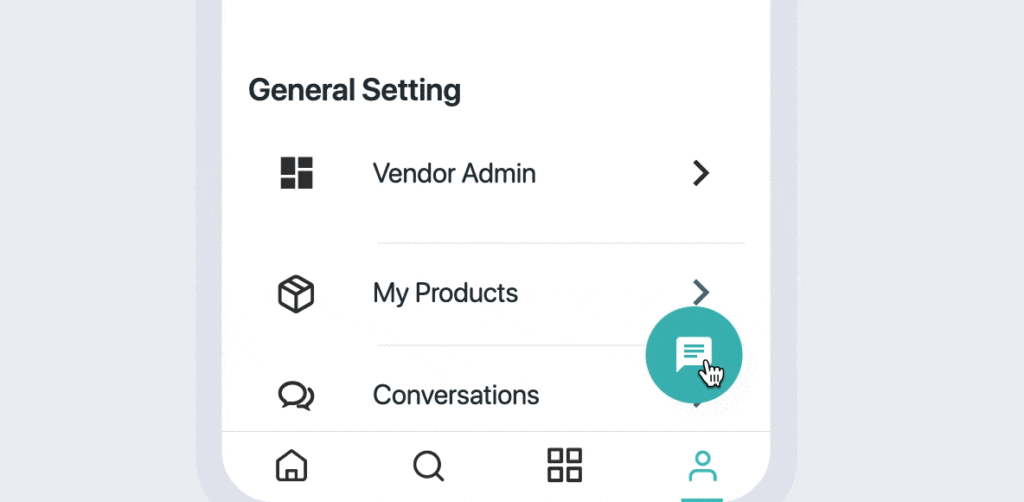
Implement intelligent chat functionality with automated responses, agent routing, and conversation history.
Explore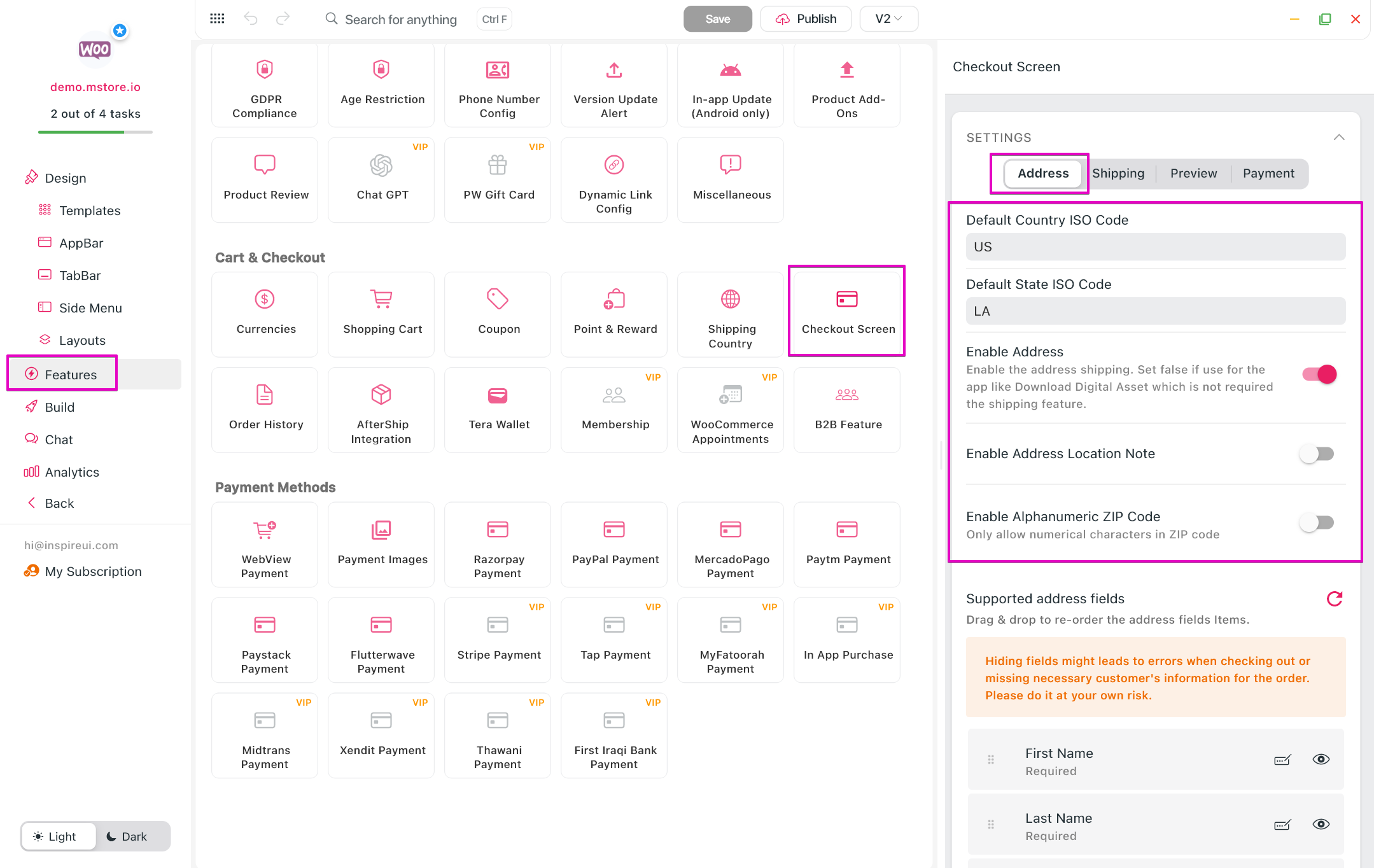
Allow customers to manage multiple billing addresses for different payment methods and purposes.
Explore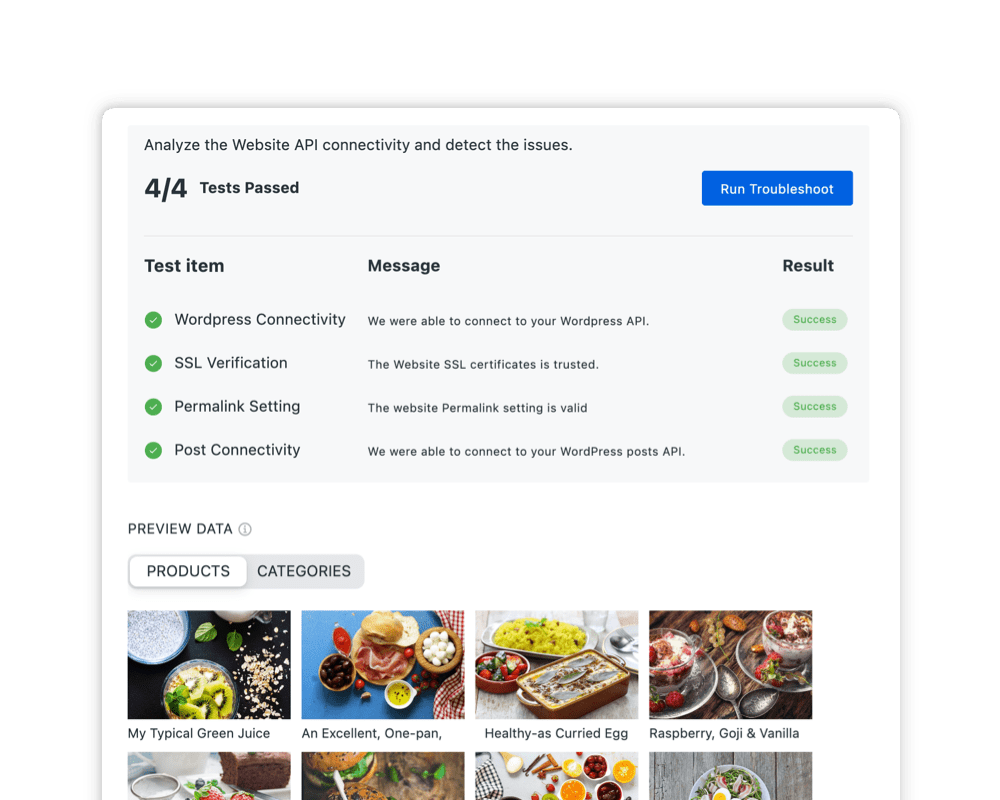
Connect FluxBuilder with your existing platforms and frameworks.
Explore
Implement Branch.io deep links for seamless user experiences across platforms and marketing channels.
ExploreDownload FluxBuilder, connect your website, and configure app features visually before publishing to iOS and Android.