Announcing FluxBuilder 2.6.0
FluxBuilder 2.6.0 makes all app templates free and adds Liquid Glass TabBar, new content widgets, checkout controls, Cashfree payments, and more.
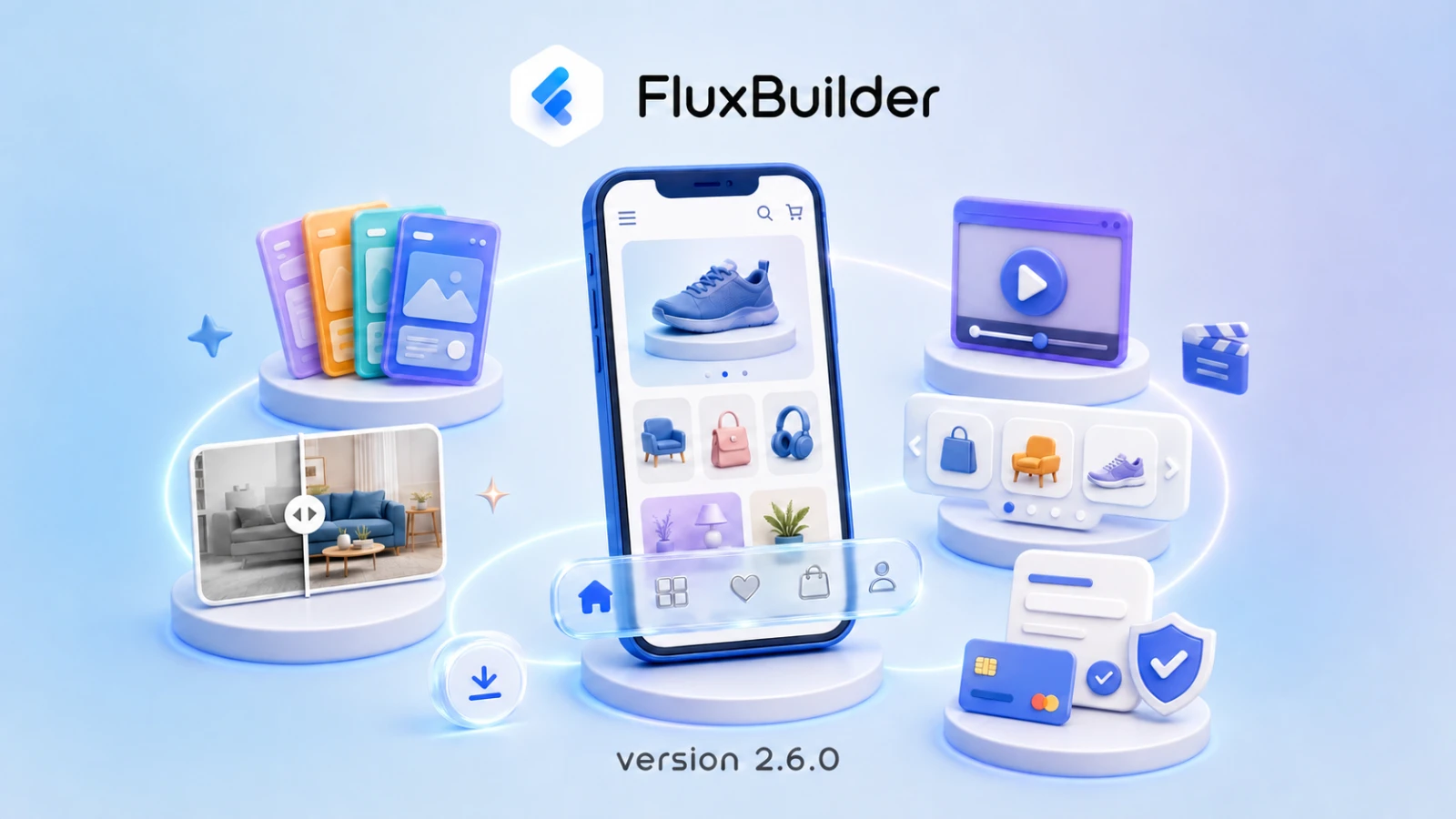
We’re excited to announce FluxBuilder 2.6.0, our biggest update yet. This release opens every app template to all creators, introduces a new generation of TabBar designs, expands the layouts available for rich home screens, and adds more control across shopping, authentication, marketplace, and checkout experiences.
Explore the complete FluxBuilder 2.6 documentation
Every app template is now free
The headline change in FluxBuilder 2.6 is simple: all app templates are now available for free. You can browse the complete template library, choose a design that fits your business, and use it as the foundation for your app without starting from a blank canvas.
Version 2.6 also makes desktop setup more approachable with an easier macOS installation flow. FluxBuilder remains available for Windows, while the web version lets you build from any modern operating system without installing the desktop app.
A new generation of TabBar designs
Navigation has a major visual upgrade in this release. Three new options give creators more ways to balance screen space, accessibility, and brand style:
- Minimize TabBar lets customers collapse the bottom navigation to create more room for app content while keeping important destinations close at hand.
- Floating TabBar adds a clean, modern navigation style that sits independently above the page.
- Liquid Glass TabBar introduces a premium translucent glass effect for a more contemporary app experience.
Together, these options make it easier to create navigation that feels intentional instead of relying on a single default layout.
Build richer home screens
FluxBuilder 2.6 adds three powerful ways to make the Home layout more visual and engaging.
Image Compare widget
The new Image Compare widget places two images behind a draggable slider. It is ideal for before-and-after results, product comparisons, interior design transformations, beauty services, and any story where the difference is best understood visually.
Brand Carousel
Use the new Brand Carousel to present brands in a compact, browsable row. Customers can discover collections by brand without taking up the space of a large grid.
Videos layout
A dedicated Videos layout now lets you feature video content directly on the app’s Home screen. Add a YouTube link or a direct video file URL such as MP4 or M3U8, then configure the default sorting order to control how videos are presented.
More flexible commerce experiences
This release continues to improve the experience between product discovery and purchase:
- Cashfree Payment adds another payment gateway option at checkout.
- Show Store Name can display the seller on product cards and cart items in multi-vendor apps.
- Show Price improves price visibility on the Product Detail screen.
- Delivery Online lets WooCommerce and Dokan delivery staff switch their availability on or off from Profile settings.
- Default Expand FAQs can reveal answers as soon as the FAQ section opens.
- Default Expand Calendar View can open the event or booking calendar in its expanded state on Listing Detail pages.
These controls help creators reduce unnecessary taps and surface the information customers need at the right moment.
More control over sign-in and registration
Authentication is not one-size-fits-all, so FluxBuilder 2.6 adds more configuration for different customer journeys.
You can now choose whether to display Continue as Guest, customize which registration fields appear during account creation, and configure the required OTP length for SMS login. These options let each app balance conversion, data collection, and account security according to its business requirements.
Better search, filters, and links
Product discovery receives several practical improvements:
- Filter Settings provide more control over the items shown on the Filter screen.
- Search Product image settings let you upload an empty-state image and choose how product images fit within their containers.
- Improved Dynamic Link handling makes it more reliable to direct customers to the intended content from a shared link.
These additions make search and navigation more consistent with the rest of an app’s visual system.
Marketplace and checkout improvements
FluxBuilder 2.6 also expands the controls available to marketplace owners and store teams:
- Disable Vendor Add Attributes can prevent vendors from creating new product attributes when native store management is enabled.
- Vendor Store Profile adds controls for profile image fit and a default store profile image.
- Shopping Cart image settings provide an empty-cart image and a product image
BoxFitoption. - Checkout Fields Manager lets creators customize checkout fields to better match business and fulfillment requirements.
The Checkout Fields Manager applies across address entry, checkout preview, and order history, helping keep customer information consistent throughout the order flow.
Start building with FluxBuilder 2.6
FluxBuilder 2.6.0 combines a more accessible starting point with deeper design and commerce controls. Whether you’re launching a first app from a free template or refining an established marketplace, this release gives you more ways to shape the experience without writing code.
Ready to explore the update? Create or open your app in FluxBuilder, download FluxBuilder for desktop, or review every feature and setup path in the FluxBuilder 2.6 documentation.