Announcing FluxBuilder 2.7.0
FluxBuilder 2.7.0 introduces the new AI Assistant for conversational app building, plus ExpressPay and Thai PromptPay payment support.
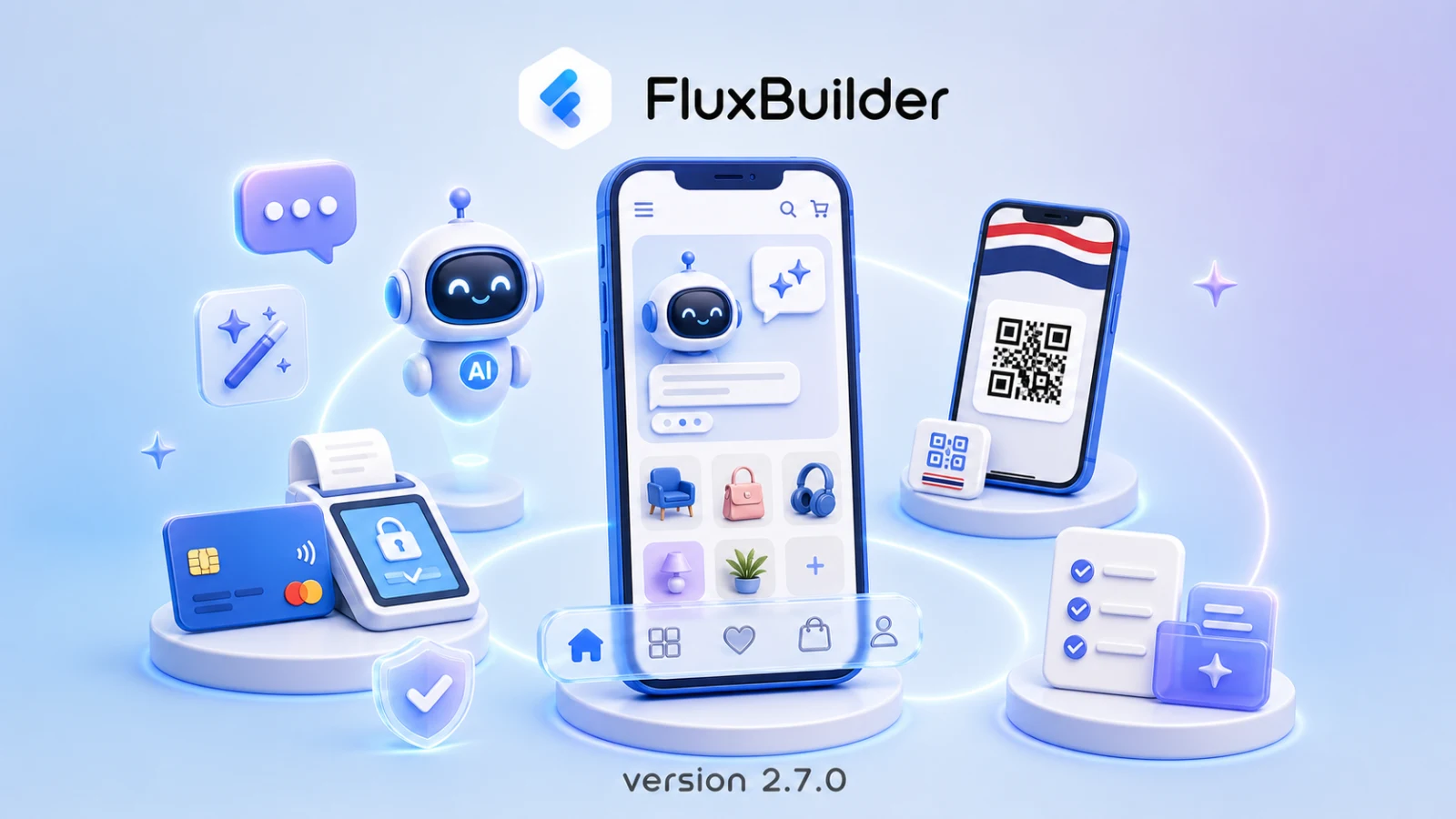
We’re excited to introduce FluxBuilder 2.7.0, a major update centered around the all-new AI Assistant. You can now design screens, configure features, build your project, and get guidance from the FluxBuilder documentation through natural language conversations. This release also expands payment support with ExpressPay and Thai PromptPay.
Explore the complete FluxBuilder 2.7 documentation
Meet the new AI Assistant
The new AI Assistant is built directly into FluxBuilder to help turn ideas into working app experiences faster. Instead of searching through settings or completing every task manually, simply describe what you want and let the assistant guide the next steps.
With the AI Assistant, you can:
- Design app screens and layouts through natural language requests.
- Configure app features and settings.
- Build and update your app automatically.
- Learn how FluxBuilder features and workflows work.
- Get instant answers from the documentation and user guides.
Whether you’re starting a new project or improving an existing app, the assistant helps reduce repetitive setup and makes advanced workflows easier to access.
Design apps through conversation
The AI Assistant brings design and configuration into one conversational workflow. Describe the screen, layout, or experience you want to create, then continue refining the result with follow-up instructions.
This approach makes it easier to move from an initial idea to a usable app design without needing to navigate every configuration panel first. New creators can get guidance as they work, while experienced teams can complete common tasks more quickly.
Build and update projects faster
FluxBuilder 2.7 extends the assistant beyond design. It can also help configure features, build projects, and update an app based on your instructions.
By connecting design, feature setup, building, and documentation in the same experience, the new release creates a more direct path from a request to a completed task.
Get instant answers from FluxBuilder documentation
When you need help understanding a feature or workflow, you can ask the AI Assistant directly. It can explain FluxBuilder capabilities and answer questions based on the documentation and user guides, keeping useful guidance close to the project you’re building.
This is especially helpful when exploring an unfamiliar feature or deciding which settings are appropriate for a particular app experience.
ExpressPay payment support
FluxBuilder 2.7 adds support for the ExpressPay payment gateway. Merchants can integrate ExpressPay into their mobile apps and offer customers a secure, seamless checkout option during payment.
The new integration expands the payment choices available to FluxBuilder stores and helps businesses support checkout experiences that better match their market.
Thai PromptPay support
This release also introduces Thai PromptPay, one of Thailand’s most popular payment methods. Merchants serving the Thai market can now offer PromptPay as a checkout option, giving customers a faster and more convenient way to complete payments.
Together, ExpressPay and Thai PromptPay help FluxBuilder apps support more localized payment experiences without compromising the native shopping journey.
Start building with FluxBuilder 2.7
FluxBuilder 2.7.0 combines conversational app creation with broader payment support. The new AI Assistant helps you move from idea to implementation more quickly, while ExpressPay and Thai PromptPay give customers more ways to pay.
Ready to explore the update? Create or open your app in FluxBuilder, download FluxBuilder for desktop, or review the complete feature guide in the FluxBuilder 2.7 documentation.