FluxBuilder vs FlutterFlow for Ecommerce: 2026 Comparison
Compare FluxBuilder and FlutterFlow for ecommerce mobile apps, including store integrations, payments, design workflow, source code, publishing, pricing, and the best use case for each platform.
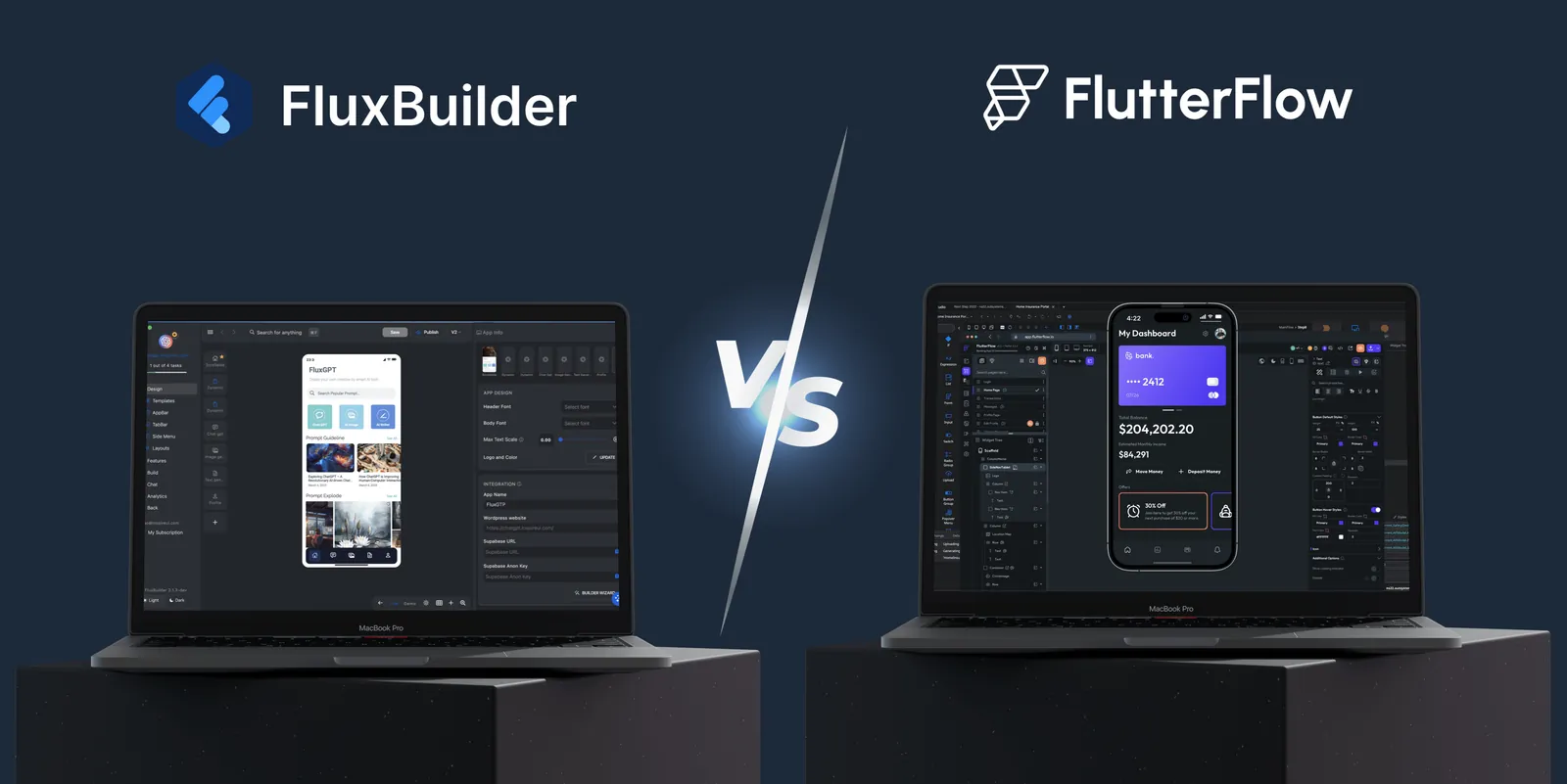
FluxBuilder and FlutterFlow both help teams create Flutter applications visually, but they solve different problems.
FlutterFlow is a flexible, general-purpose low-code platform. FluxBuilder is a commerce-first app builder designed to connect an existing store to a production-ready mobile shopping experience.
That distinction matters. If you are creating a new SaaS product, social network, or custom workflow from a blank canvas, FlutterFlow may be the better fit. If you already run a WooCommerce, Shopify, Magento, PrestaShop, BigCommerce, WordPress, or marketplace website and want to launch on iOS and Android without rebuilding commerce logic, FluxBuilder usually offers the shorter path.
Already have an online store? Create a free FluxBuilder app preview before comparing paid plans. No credit card is required for the demo workflow.
The short answer
- Choose FluxBuilder when your app is centered on products, categories, cart, checkout, payments, orders, shipping, push notifications, or multi-vendor commerce.
- Choose FlutterFlow when you need a custom application architecture, detailed state and workflow logic, or a Firebase/Supabase-first product that is not primarily an online store.
- Choose a developer-led Flutter project when neither visual builder can cover your core requirements without extensive custom code.
Watch FluxBuilder build a commerce app
The 79-second walkthrough below shows the actual editor rather than a concept mockup: drag-and-drop layouts, live preview, branding, more than 50 languages, payment options, remote configuration, and cloud builds for Android and iOS.
FluxBuilder vs FlutterFlow at a glance
| Decision factor | FluxBuilder | FlutterFlow |
|---|---|---|
| Best fit | Ecommerce, marketplaces, content apps, and agencies delivering store apps | Custom consumer apps, SaaS products, internal tools, and prototypes |
| Starting point | Connect an existing website or commerce backend, then configure the app | Create screens, data, actions, and application logic in a general-purpose builder |
| Commerce workflow | Product catalog, cart, checkout, customer account, orders, payments, shipping, and store navigation are part of the product focus | Commerce can be built with APIs, databases, custom actions, and third-party services |
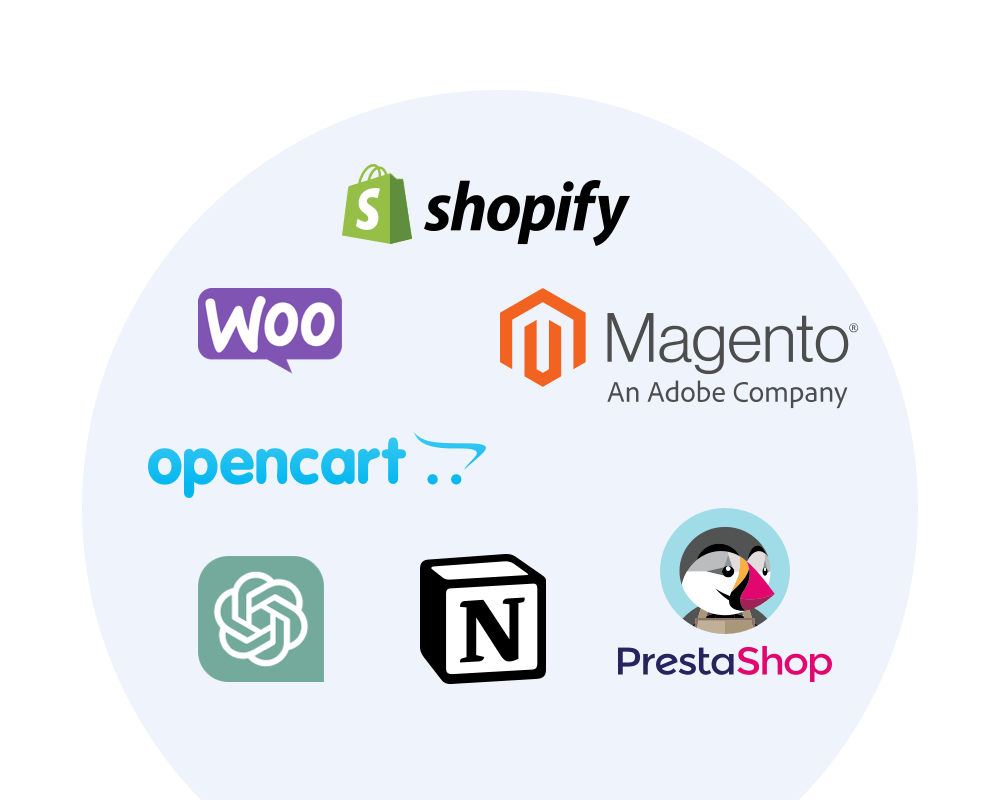
| Supported store platforms | WooCommerce, Shopify, Magento, OpenCart, PrestaShop, BigCommerce, WordPress, Strapi, Notion, and more | No equivalent store-specific platform matrix; integrations are assembled for each project |
| Visual design | Drag-and-drop ecommerce layouts, ready-made templates, live device preview, and remote design sync | Detailed visual UI builder with component, animation, state, and workflow controls |
| Payments | Native and web checkout options, including plan-dependent Stripe, Apple Pay, Google Pay, and other gateways | Payment flows are configured through integrations or custom application logic |
| Marketplace support | Features for Dokan, WCFM, vendor onboarding, vendor products, and marketplace operations | Possible to build, but the data model, permissions, screens, and workflows are project work |
| Build and release | Plan-dependent cloud builds, Android packages, iOS builds from Windows, and TestFlight publishing assistance | Supports mobile deployment; teams still configure the required app IDs, certificates, and store settings |
| Code and handoff | Design/feature files on production plans; full Flutter source access is available through compatible FluxStore/source-code options | Generated Flutter code download is available on paid plans |
| Learning curve | Lower when the goal matches a supported commerce workflow | More flexible, but requires stronger understanding of data, state, APIs, and application architecture |
Features and plan limits change. Confirm current details on the official FluxBuilder pricing page and FlutterFlow documentation before purchasing.
What each platform is built to do
FluxBuilder: connect, configure, brand, and publish
FluxBuilder starts with the assumption that your business already has products, customers, inventory, and an operational backend. Instead of recreating those systems, you connect the store and configure how they should appear and behave in the mobile app.
That gives commerce teams a practical sequence:
- Connect a supported website or backend.
- Select an ecommerce-ready template.
- Customize home, category, search, product, cart, account, and checkout experiences.
- Preview the app on a device while editing.
- Configure payments, login, notifications, language, branding, and advanced features.
- Generate test or production builds based on the selected plan.
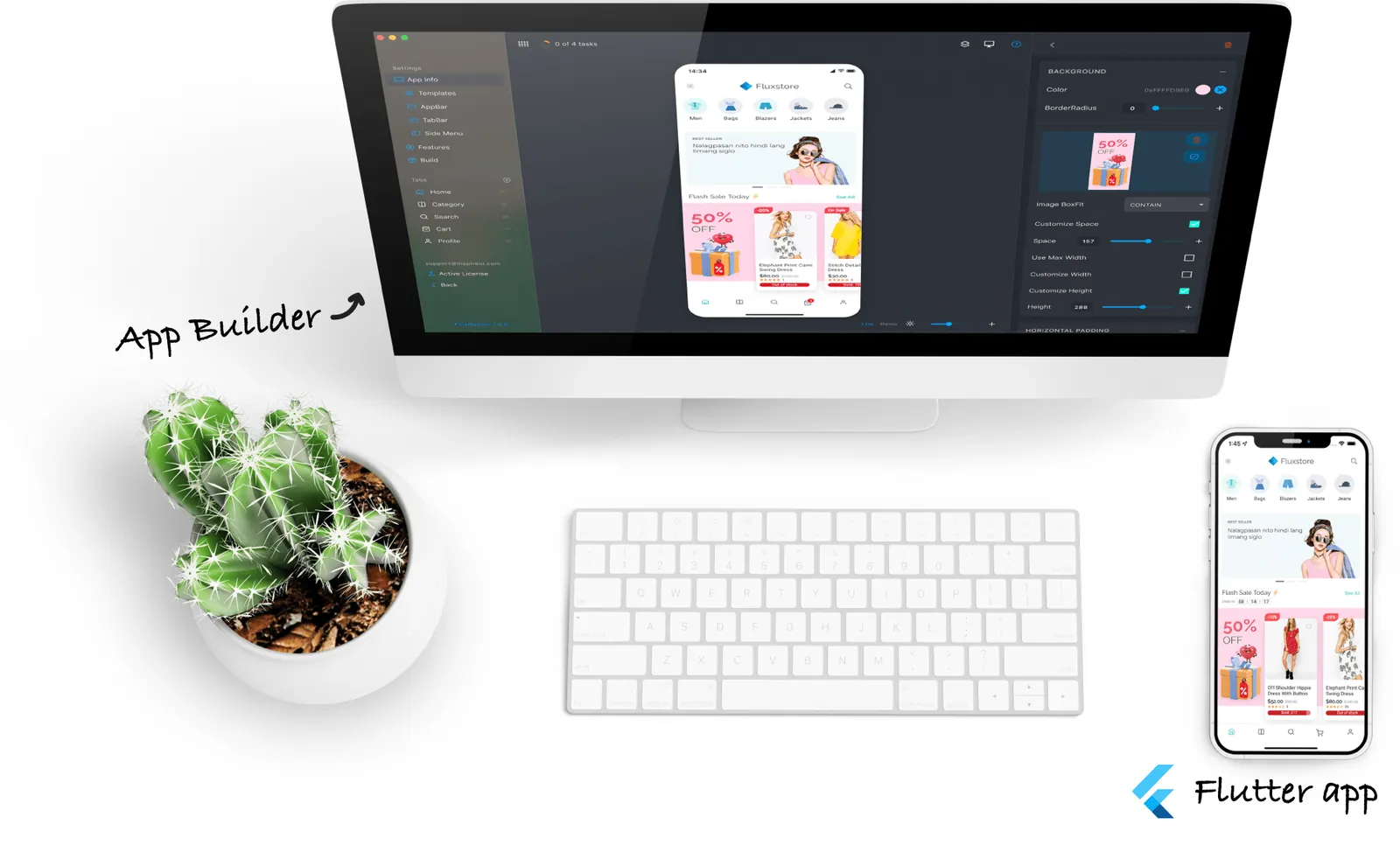
The point is not merely to draw screens faster. It is to avoid rebuilding the standard commerce journey before you can test the app with customers.
FlutterFlow: visually engineer a custom application
FlutterFlow gives product teams a broader canvas. Its strengths include visual UI composition, action flows, app state, API calls, Firebase and Supabase integrations, custom widgets, custom actions, and generated Flutter code.
That flexibility is valuable when your product does not fit a predefined business model. It also means the team remains responsible for more architecture decisions: data modeling, authentication rules, product and inventory APIs, cart state, tax and shipping logic, checkout behavior, error handling, analytics, and release testing.
FlutterFlow’s official documentation confirms that generated code can be downloaded on paid plans and run locally with the Flutter SDK. It also documents separate deployment configuration for development, staging, and production environments. These are strong developer capabilities—but they are not a substitute for a ready-made commerce layer.
Six reasons FluxBuilder is the stronger ecommerce choice
1. You connect the store instead of recreating it
A general-purpose builder can call a WooCommerce or Shopify API, but a working shopping app requires much more than displaying products. Customers expect variants, categories, search, cart persistence, coupons, account data, order history, shipping, taxes, checkout, and payment status to work together.
FluxBuilder’s feature catalog is organized around these production commerce requirements. That can remove weeks of integration and edge-case work when your store uses a supported platform.
2. The editor is optimized for shopping journeys
FluxBuilder includes ecommerce templates and configurable modules for common store screens. Teams can rearrange layouts, change colors and typography, configure navigation, customize branding, and inspect the result in a live mobile preview.
This is especially useful for store owners and ecommerce managers: they can make merchandising and design decisions without first translating every request into a developer ticket.
3. Payments and checkout are product features, not a blank integration task
Payment capability depends on the store platform, selected plan, country, and gateway. FluxBuilder supports both native and web-based checkout strategies, with options such as Stripe, PayPal, Razorpay, Apple Pay, Google Pay, and regional gateways represented in its payment catalog.
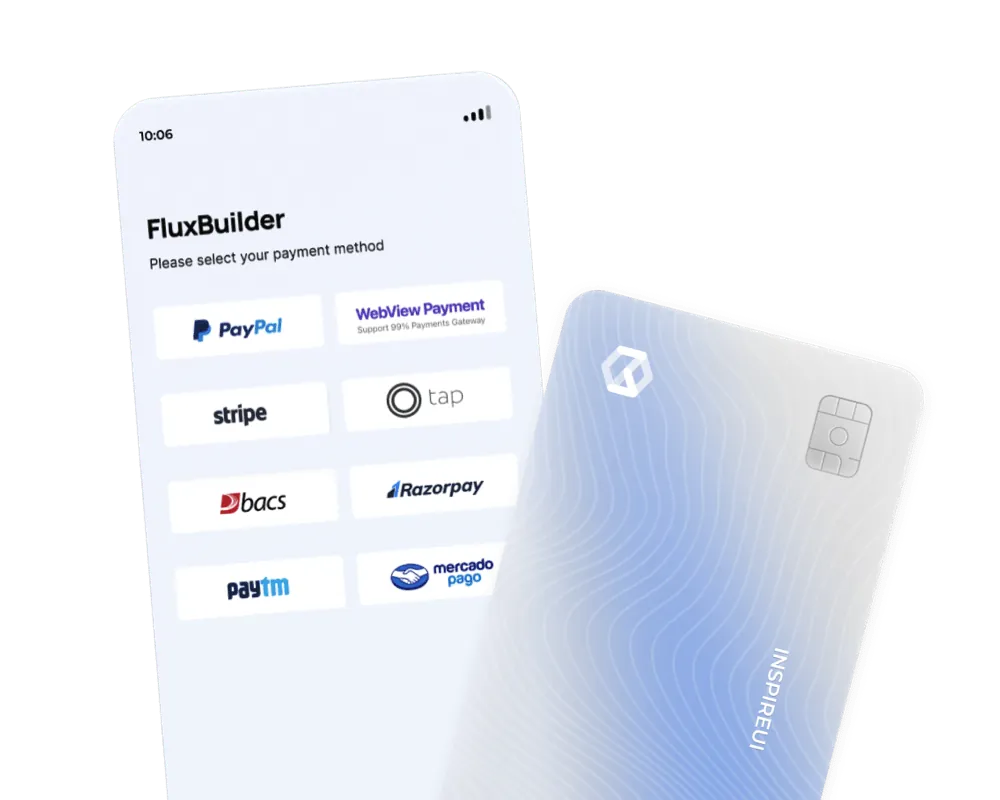
The advantage is not that every gateway works with every plan automatically. The advantage is that payment and checkout are first-class commerce concerns with documented configuration paths. Always verify your exact gateway and platform combination before purchase.
4. Marketplace features are available when one store becomes many vendors
Multi-vendor apps need vendor onboarding, permissions, product management, order management, commissions, and storefront discovery. FluxBuilder supports marketplace workflows and popular WordPress ecosystems such as Dokan and WCFM.
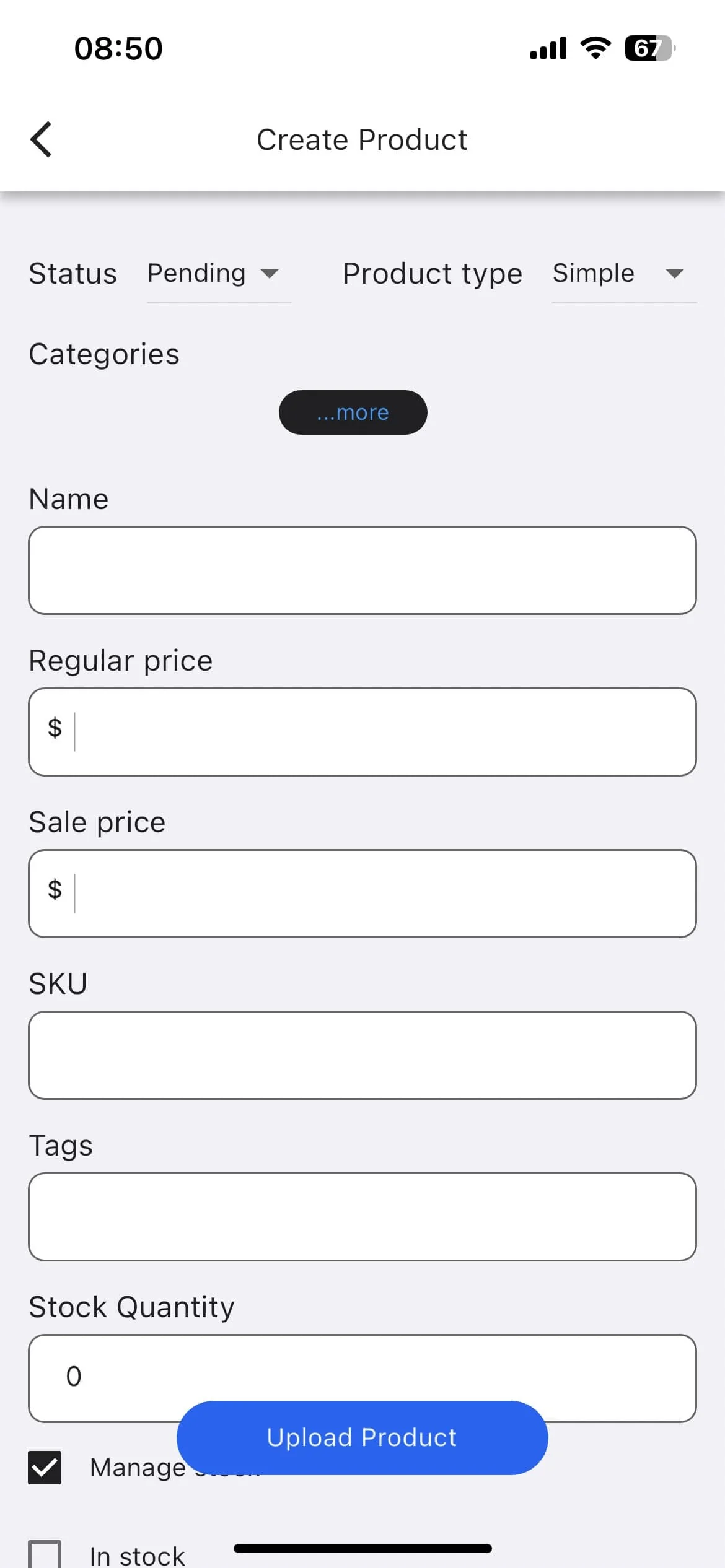
Building the same capability in FlutterFlow is possible, but it is a custom product project rather than a pre-shaped ecommerce path.
5. Operational features continue after launch
A store app is not finished when it reaches the App Store. Teams still need promotions, push notifications, layout updates, feature configuration, app-version prompts, analytics, and customer support workflows.
FluxBuilder includes capabilities such as:
- Unlimited push notifications on eligible plans
- Remote design and feature synchronization
- Firebase Remote Config on eligible plans
- App update alerts and customer engagement features
- More than 50 languages and RTL layouts
- White-label branding
- Cloud-based Android and iOS build workflows
The ability to update supported design and configuration without a full store release can be particularly valuable for seasonal campaigns and merchandising changes.
6. It creates a clearer path from no-code to developer customization
Some teams need a visual builder today and source-level customization later. FluxBuilder production plans can provide downloadable design and feature configuration, while compatible FluxStore source-code options provide the Flutter project for deeper development.
This distinction is important: full source code is not included in every FluxBuilder plan. Review the current plan or bundle before buying. FlutterFlow similarly restricts local code download to paid plans, according to its official local-run documentation.
Where FlutterFlow is the better choice
FluxBuilder should not be presented as the winner for every app. Choose FlutterFlow when:
- The product is not mainly ecommerce, marketplace, delivery, listing, or content publishing.
- Your main backend is Firebase or Supabase and the data model is unique to your product.
- Custom state, conditional workflows, animations, and reusable components matter more than prebuilt commerce operations.
- A technical product team wants visual development plus custom Dart code.
- You are prepared to design and test the complete commerce stack yourself if the app later adds selling features.
This is why a fair comparison is more useful than arbitrary star ratings. FlutterFlow offers more general-purpose flexibility. FluxBuilder offers more commerce-specific leverage.
A practical cost comparison
Subscription price is only one part of app cost. Compare the work that remains after you pay for the tool.
| Work to budget for | With FluxBuilder | With FlutterFlow |
|---|---|---|
| Store catalog and account integration | Usually configuration for a supported platform | API, data, state, and UI implementation |
| Cart and checkout | Commerce-oriented flow and supported integrations | Project-specific implementation and testing |
| Shipping, tax, coupons, and order history | Uses the connected store workflow where supported | Must be modeled through APIs and application logic |
| Marketplace/vendor operations | Supported feature paths for selected ecosystems | Custom roles, data, screens, and permissions |
| Custom non-commerce logic | Possible, but not the product’s primary advantage | A core strength of the platform |
| Ongoing maintenance | Store-aware templates, sync, notifications, and cloud build options | Flexible project maintenance with greater technical ownership |
For a custom startup product, FlutterFlow’s flexibility can reduce development time. For an existing online store, FluxBuilder’s prebuilt domain knowledge can reduce the amount of software you need to design, integrate, and maintain.
Which one should you choose?
Choose FluxBuilder if you answer “yes” to most of these questions
- Do you already have a WooCommerce, Shopify, Magento, OpenCart, PrestaShop, BigCommerce, WordPress, Strapi, or supported marketplace website?
- Is product discovery, checkout, or order management central to the app?
- Do you want a working store preview before investing in development?
- Will non-developers manage layouts, branding, or promotions?
- Do you need marketplace, payment, multilingual, RTL, notification, or white-label features?
- Would cloud builds and guided publishing reduce operational friction?
Choose FlutterFlow if you answer “yes” to most of these questions
- Are you building a custom product from a new data model?
- Does the app require unique workflows rather than standard store behavior?
- Is your team comfortable with APIs, state management, authentication rules, and release engineering?
- Do you want a general-purpose visual development environment?
- Will developers extend the generated Flutter project?
Try the lower-risk validation path
You do not need to make the decision from a feature table alone.
- Generate a free FluxBuilder preview from your website.
- Check whether products, categories, branding, and store data appear correctly.
- Test the layouts and live preview with the people who will operate the app.
- Confirm your required gateway, marketplace plugin, and publishing workflow.
- Compare current FluxBuilder plans only after the proof of concept works.
The fastest useful test: paste your store URL into FluxBuilder and inspect a real app preview. Build my free preview.
Frequently asked questions
Is FluxBuilder the same as FlutterFlow?
No. Both use Flutter technology, but FluxBuilder specializes in commerce and website-connected mobile apps. FlutterFlow is a general-purpose low-code development platform.
Can FlutterFlow build an ecommerce app?
Yes. FlutterFlow can connect APIs, databases, authentication, payments, and custom logic. The tradeoff is that your team must design and maintain more of the commerce architecture than it would with a specialized platform.
Can FluxBuilder create apps for both iOS and Android?
Yes. FluxBuilder targets iOS and Android from a Flutter-based workflow. Test, cloud-build, and publishing capabilities depend on the selected plan.
Does FluxBuilder include source code?
Not on every plan. Production plans include different download and build capabilities, while full Flutter source access is available through compatible FluxStore source-code products or bundles. Check the current comparison table for the exact entitlement.
Can I try FluxBuilder before paying?
Yes. The Starter workflow lets you create and edit a demo experience, use templates, and preview Android and iOS designs. Production builds and advanced features require an eligible plan.
Final verdict
FlutterFlow is the stronger choice for a custom app that needs a flexible visual engineering environment. FluxBuilder is the stronger choice for an existing ecommerce business that wants to turn store infrastructure into a branded iOS and Android app with less rebuilding.
If commerce is the product, specialization is an advantage. FluxBuilder brings store integrations, templates, checkout options, marketplace features, languages, notifications, white-labeling, and build workflows into one focused path.
Create a free app preview or compare FluxBuilder plans when you are ready to publish.
Sources and verification
- FluxBuilder feature catalog
- FluxBuilder plans and feature comparison
- FlutterFlow local run and code download documentation
- FlutterFlow deployment environments documentation
Reviewed and updated August 3, 2026. Product features, prices, and plan limits can change; verify critical requirements with each vendor before purchasing.