10 FluxBuilder tools that take your store from website to mobile app
Design, connect, test, and publish a native mobile commerce app with ten practical tools built into FluxBuilder.
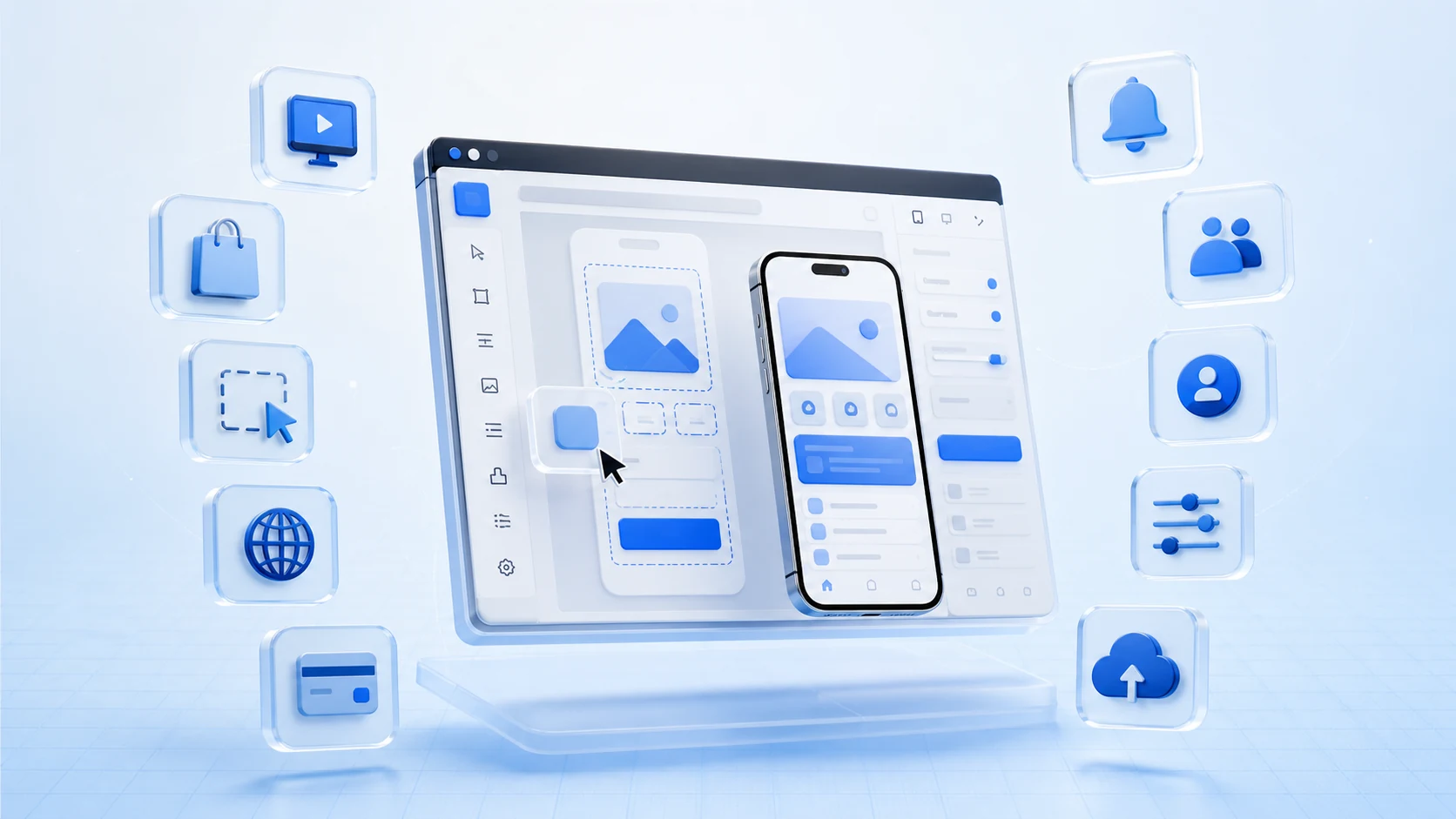
Turning an established online store into a mobile app involves more than choosing a template. Product data must stay in sync, the interface has to work on a smaller screen, checkout must remain familiar, and every change needs to be tested before release.
FluxBuilder brings those jobs into one visual workspace. Store owners can shape the customer experience without writing layout code, while developers keep access to the configuration files and Flutter project needed for deeper customization.
Here are ten tools that make the biggest difference from the first design session to App Store and Google Play submission.
1. Real-time app preview
FluxBuilder shows changes as you make them. Adjust a section, reorder content, update a color, or replace an image and the mobile preview reflects the new design immediately.
This short feedback loop makes it easier to compare ideas, catch spacing problems, and review a screen with a client before anyone starts a build.
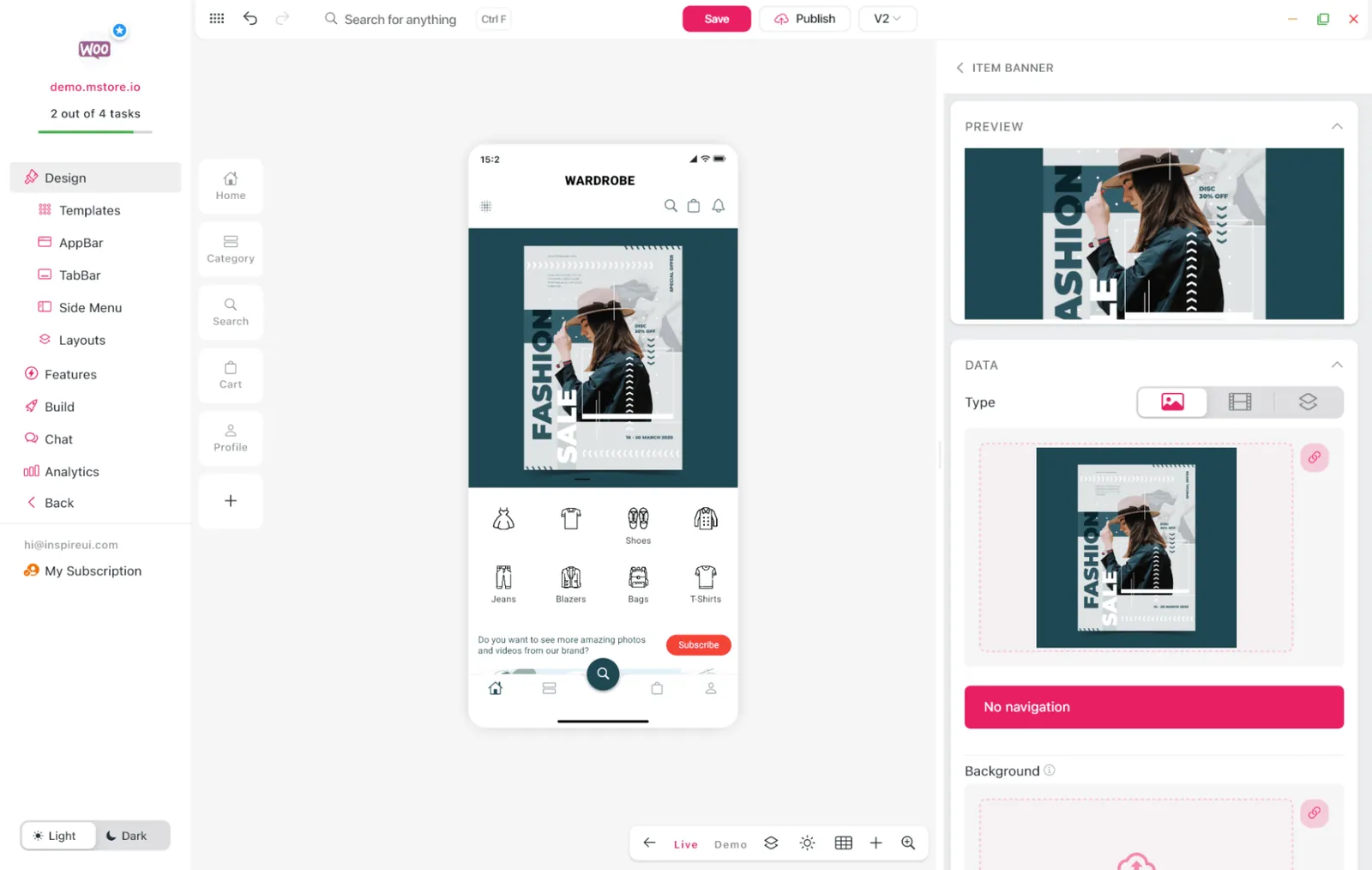
Learn how to customize an app with real-time preview.
2. Direct store integration
Connect an existing WooCommerce, Shopify, Magento, or OpenCart store instead of rebuilding the catalog by hand. FluxBuilder uses the store as the source for products, categories, customer accounts, and orders.
The result is a mobile experience built around the business you already operate, with far less duplicated administration.
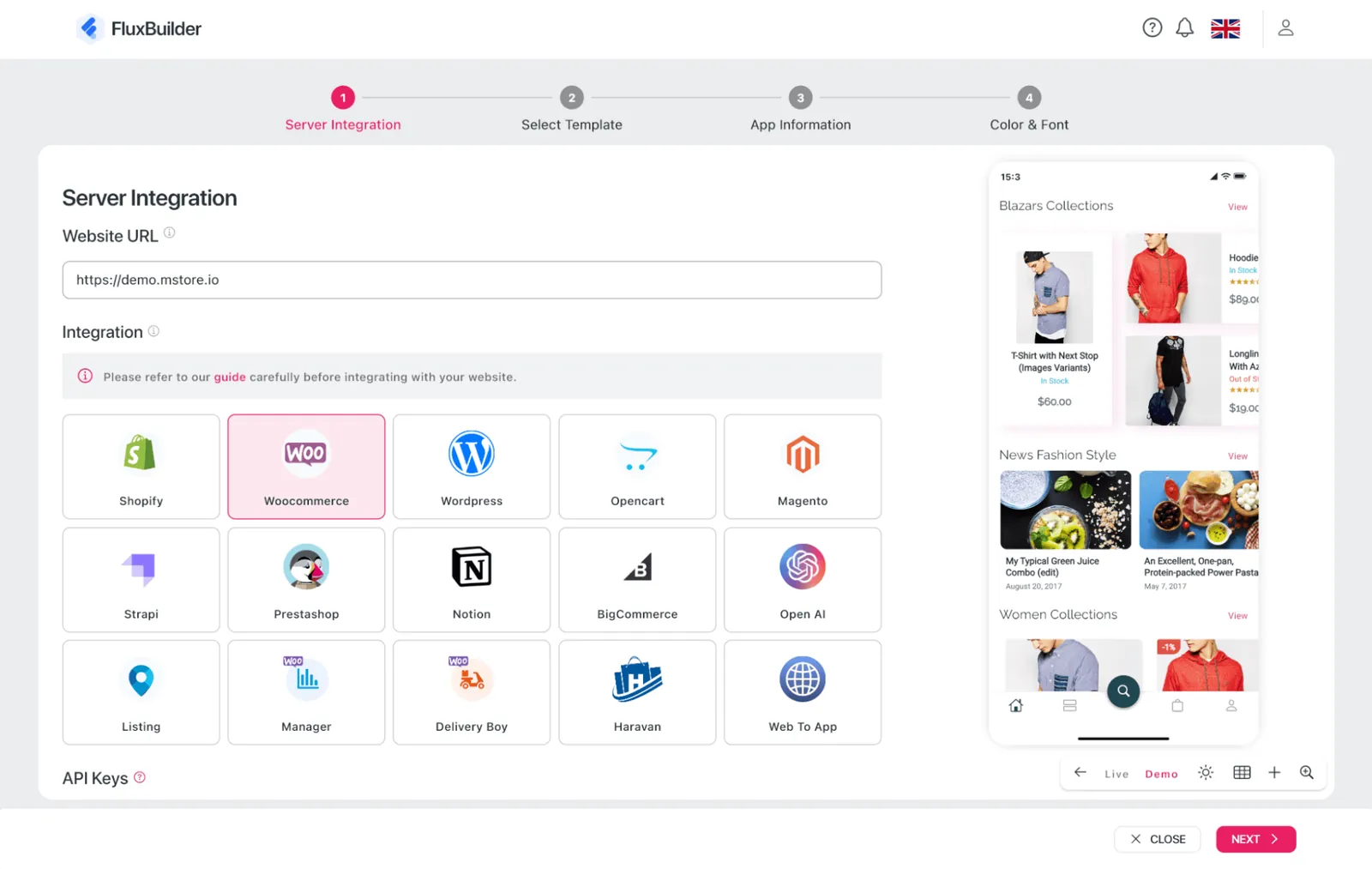
Watch the store integration walkthrough.
3. Drag-and-drop layout builder
Build the home screen from reusable sections, then move those sections into the right order with drag and drop. Banners, product lists, category views, search, and promotional content can be arranged without editing Flutter widgets directly.
Developers can still extend the final project, but routine layout work no longer has to wait for an engineering cycle.
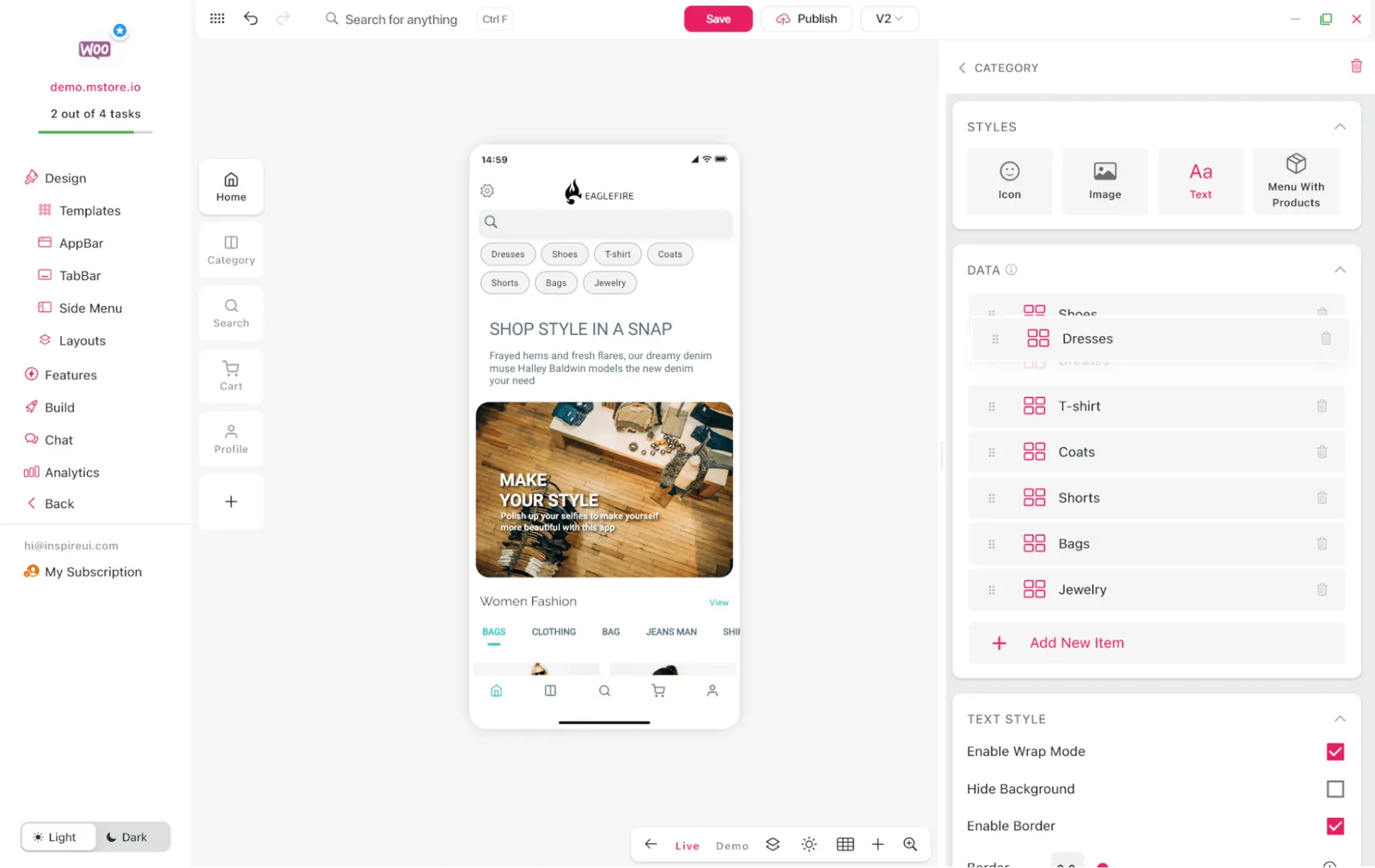
Explore app branding and visual design.
4. Localization and right-to-left layouts
Prepare the app for more markets from the same project. FluxBuilder supports multiple languages and right-to-left layouts for languages such as Arabic and Hebrew.
Localization settings stay close to the design workflow, so teams can review translated labels, navigation, and screen structure before release.
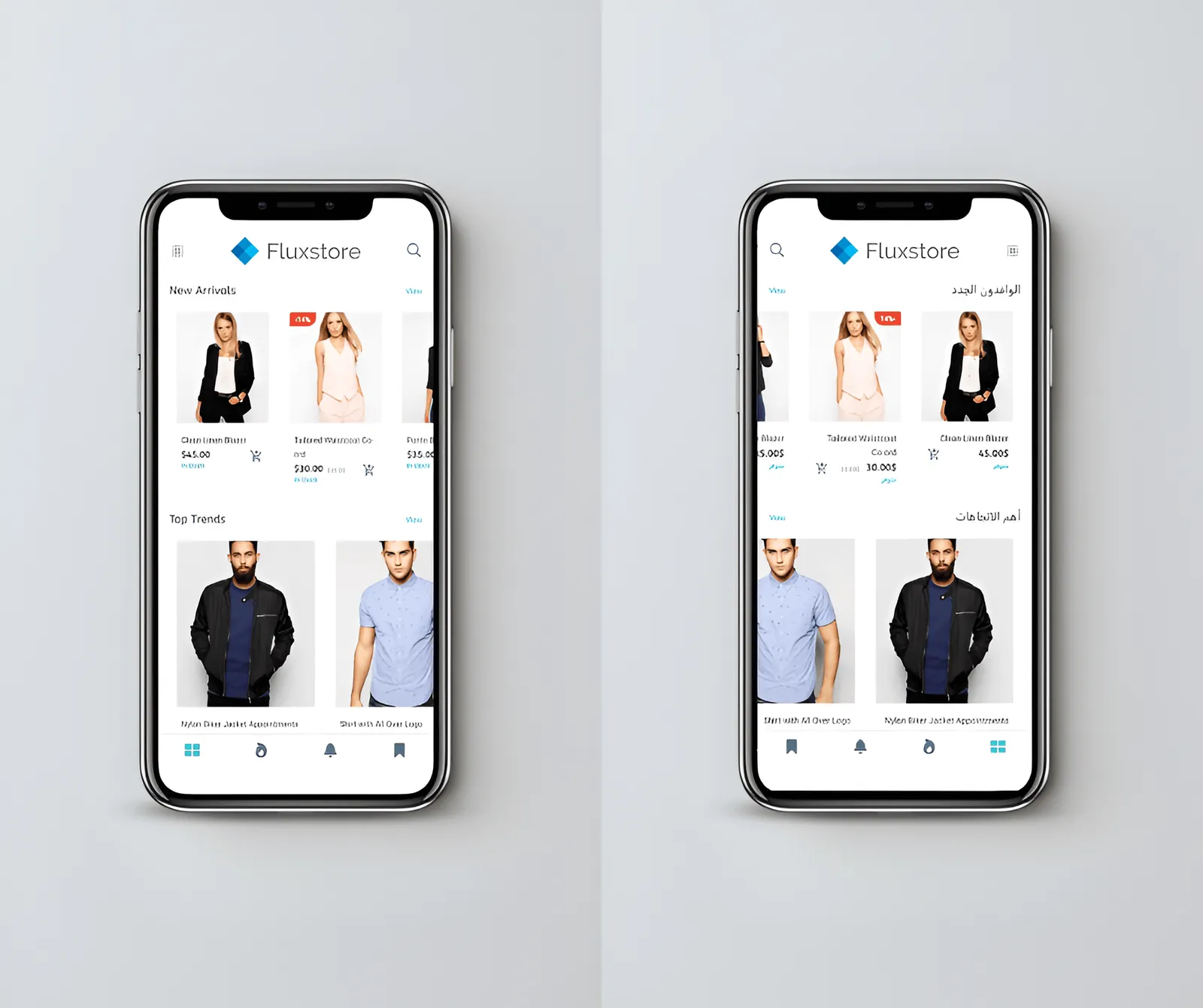
5. Flexible payment configuration
A mobile storefront needs the payment methods its customers already trust. FluxBuilder works with a broad range of gateways, including options such as Stripe, PayPal, and Razorpay, depending on the connected platform and app configuration.
Teams can plan checkout around their market instead of forcing every store into one payment flow.
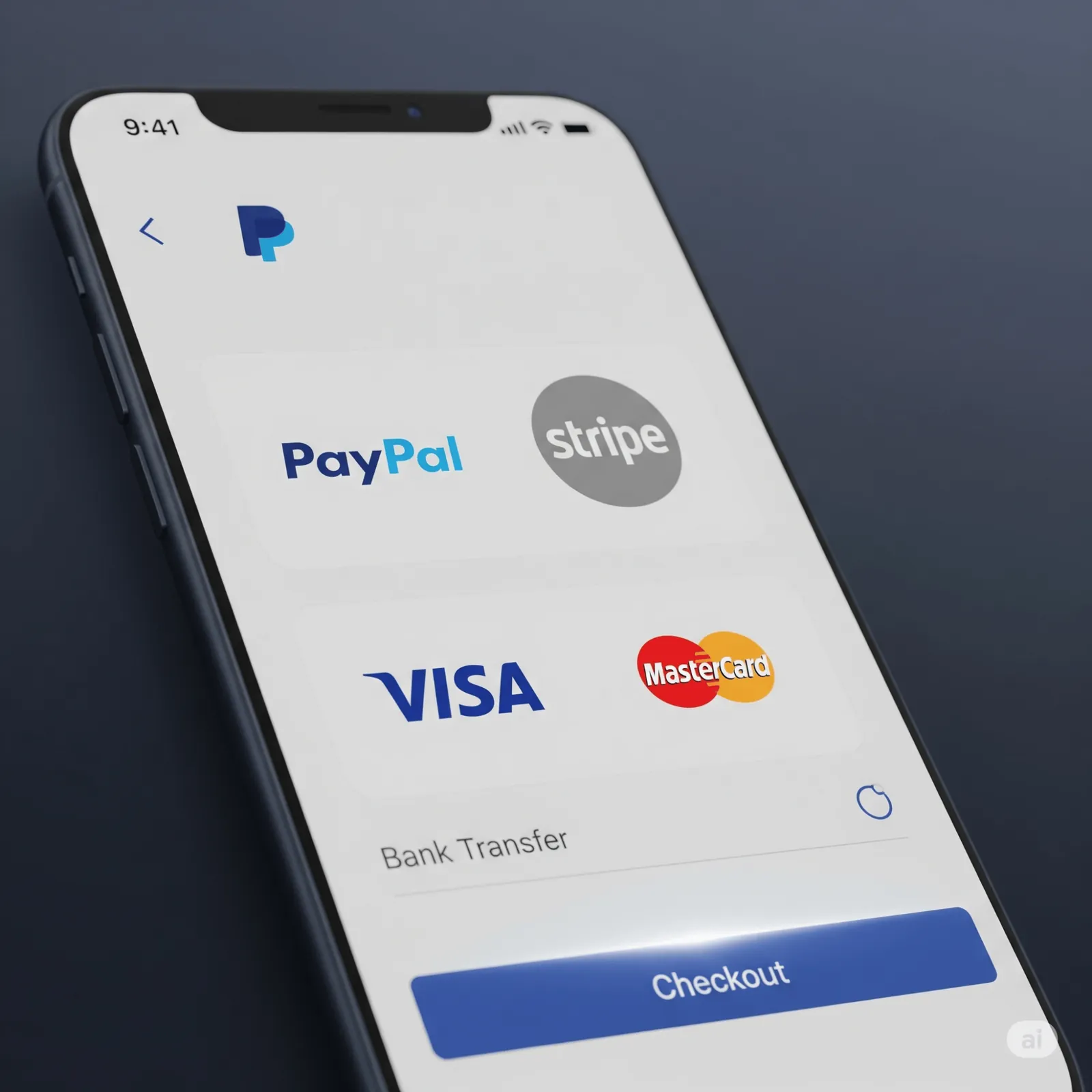
Review supported app features and payment options.
6. Firebase push notifications
Push notifications give store teams a direct channel for order updates, product launches, back-in-stock messages, and time-sensitive campaigns. FluxBuilder supports Firebase configuration so notification setup fits into the wider app project.
Use the channel selectively: a useful delivery update builds trust, while too many promotions quickly lead users to opt out.
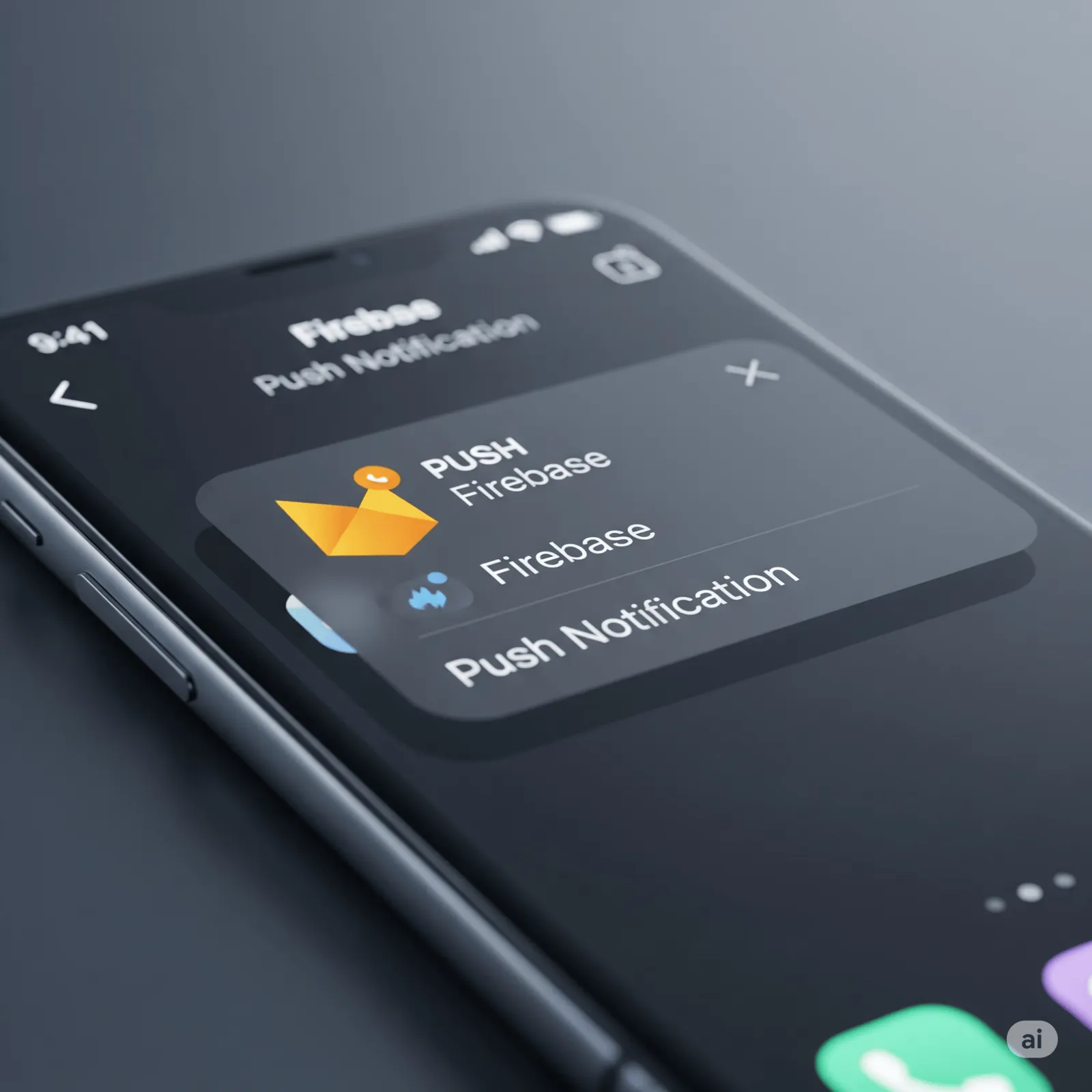
Configure push notifications with Firebase.
7. Social sign-in
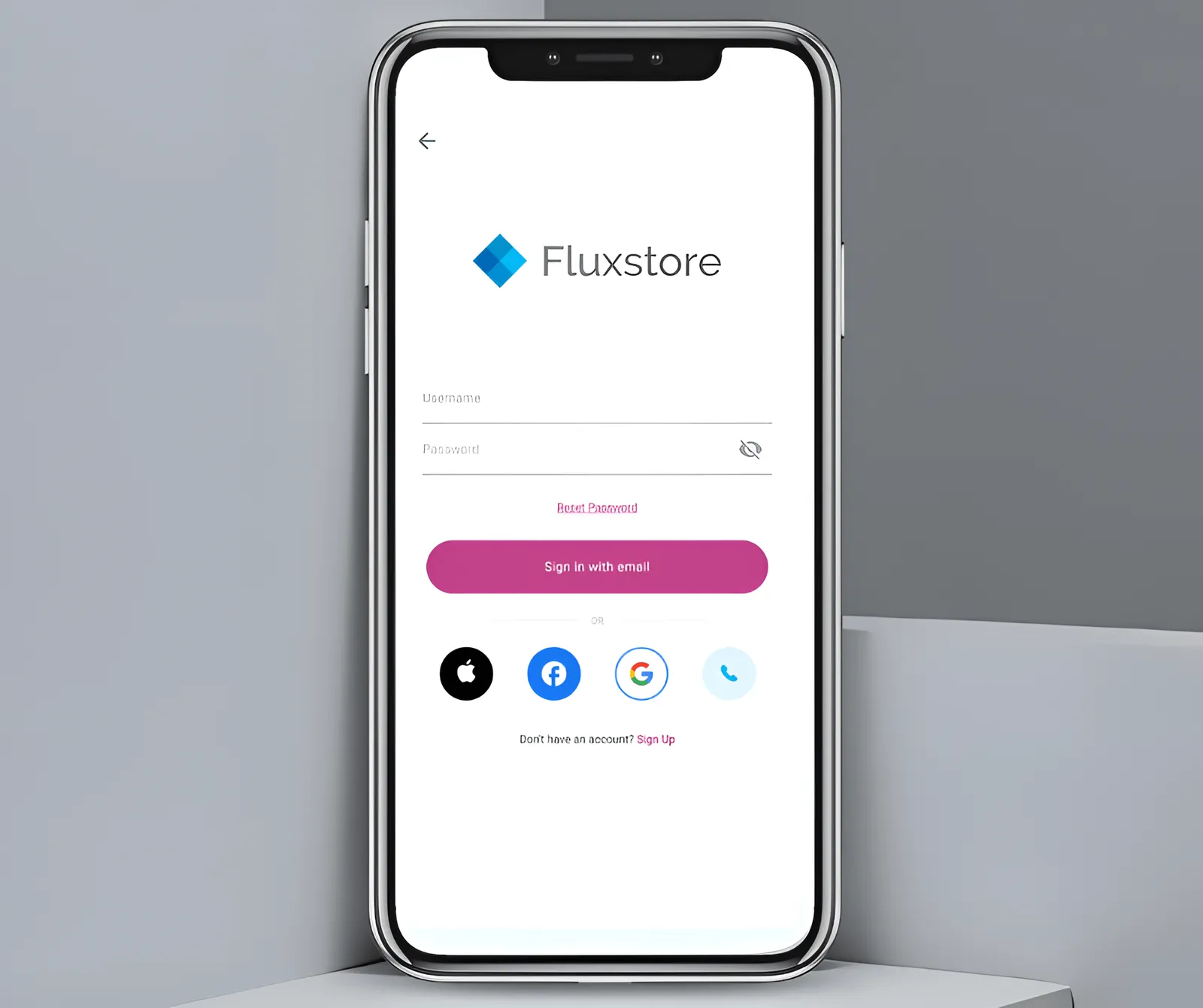
Let customers use familiar Google, Facebook, or Apple credentials instead of creating another password. A shorter sign-in path reduces friction for returning shoppers and keeps account access consistent with common mobile behavior.
Each provider still requires its own platform credentials and release configuration, but FluxBuilder keeps the customer-facing setup manageable.
8. Exportable app configuration
FluxBuilder is not a closed visual prototype. Teams can export the app configuration, including files such as env.dart and DesignConfig, for use with a FluxStore Flutter project.
That creates a practical handoff between non-technical stakeholders and developers: the approved design and settings become implementation inputs rather than a collection of screenshots and notes.
Learn how to import and export configuration files.
9. Reusable themes and templates
Templates provide a working starting point for navigation, merchandising, and visual hierarchy. From there, teams can adapt typography, color, imagery, and content blocks to match the store rather than designing every screen from zero.
The strongest results come from treating a template as a system to refine, not a finished identity to copy.
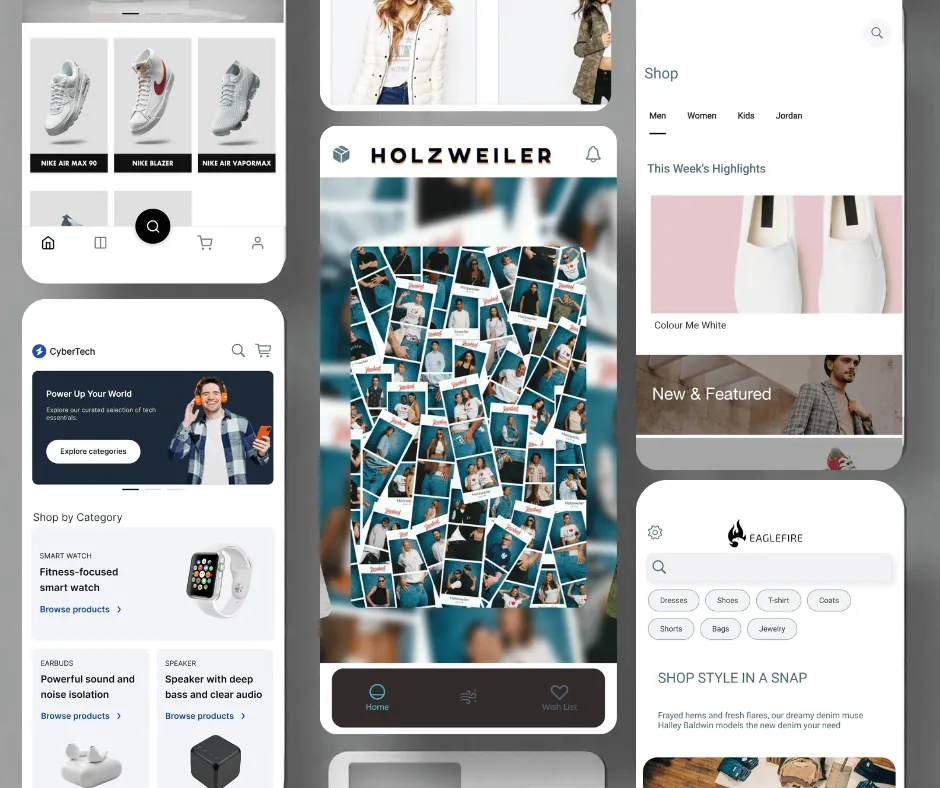
See the themes and templates workflow.
10. Build and publishing workflow
Once the design, integrations, and app settings are ready, FluxBuilder helps teams move toward test builds and store submission. The process brings together the configuration required for Android and iOS while leaving room for final developer checks and platform-specific signing.
Before publishing, test checkout, account access, deep links, notifications, privacy permissions, and the full order journey on real devices.
Follow the build and publishing guide.
A faster workflow without giving up control
FluxBuilder is most useful when design and implementation need to move together. Store owners and designers can make concrete decisions in a visual editor; developers receive structured configuration and a Flutter codebase they can extend.
That combination shortens the path from an existing storefront to a testable mobile app while preserving the flexibility needed for production work.