10 best WooCommerce mobile app builders in 2026
Compare 10 WooCommerce mobile app builders by app type, customization, store sync, publishing support, and the teams they suit best.
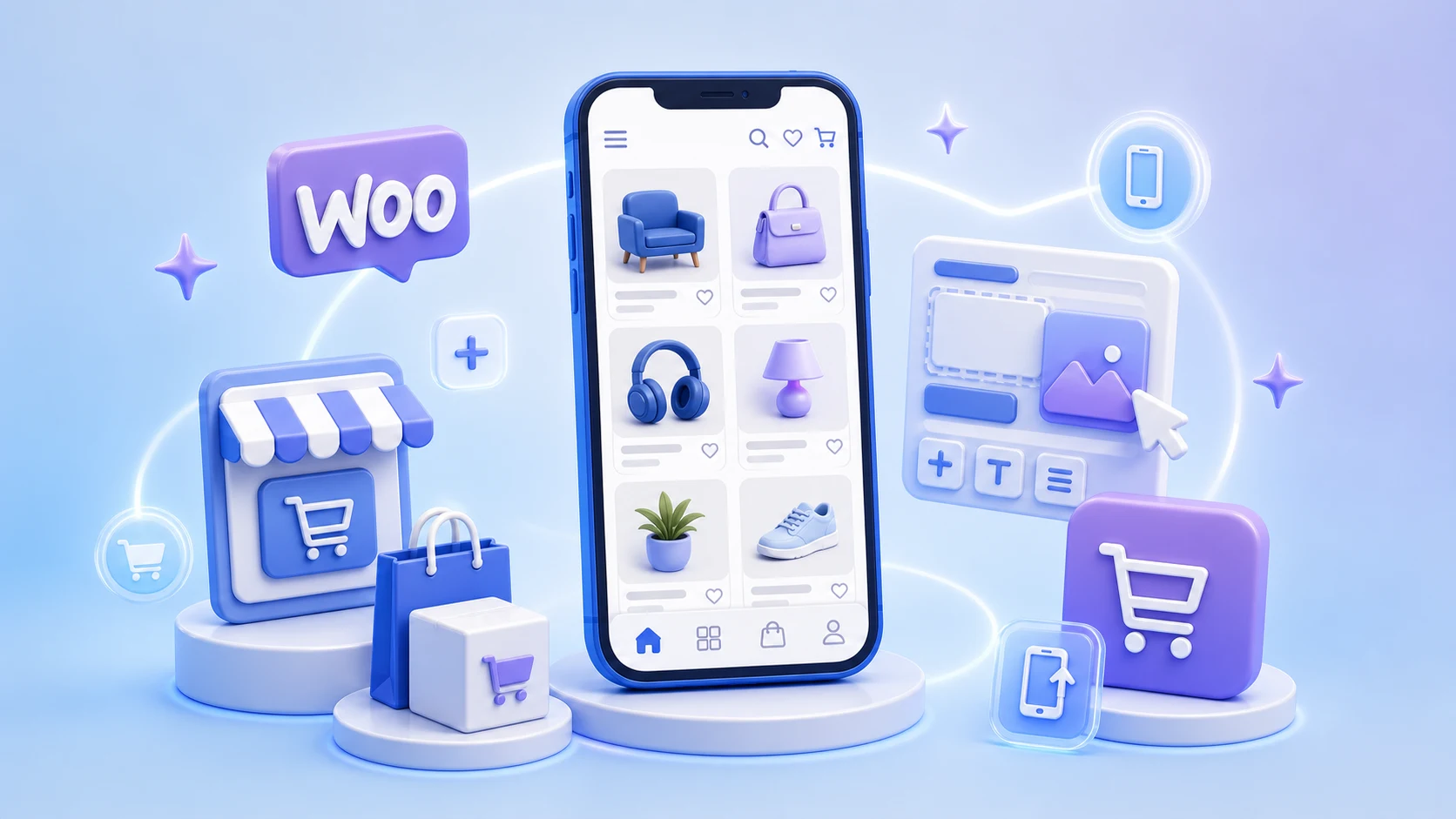
A mobile app can give a WooCommerce store faster repeat access, push notifications, and a shopping experience designed for a phone. The hard part is choosing the right builder.
Some platforms create a native app from store data. Others package the existing website inside an app. A few provide a managed service and handle most of the launch for you. The best choice depends on how much design control, performance, and technical ownership you need.
The short answer
- Best overall for design control and native Flutter apps: FluxBuilder
- Best for a quick no-code setup: AppMySite
- Best managed service: MobiLoud
- Best for WordPress-focused app projects: AppPresser
- Best for turning an existing mobile site into an app: Twinr
If you need a branded shopping experience, custom layouts, and room to grow, start with a native-data builder. If your mobile website already works well and speed to launch matters most, a website-to-app solution may be enough.
Quick comparison
| Builder | Approach | Best for | Main trade-off |
|---|---|---|---|
| FluxBuilder | Native Flutter app builder | Custom design, performance, agencies | More options to configure |
| AppMySite | No-code WooCommerce builder | Fast self-service launch | Less control than a source-based app |
| MobiLoud | Managed website-to-app service | Teams that want launch help | Higher service dependency |
| AppPresser | WordPress-focused app builder | Stores with a broader WordPress experience | Setup may need WordPress expertise |
| Twinr | Website-to-app builder | Stores with a strong mobile website | Experience depends on the website |
| WPMobile.App | WordPress plugin and app generator | Simple WordPress-managed apps | Limited advanced customization |
| Appmaker | WooCommerce app platform | Standard store-to-app projects | Confirm current plan and support scope |
| Mobikul | WooCommerce app solution | Stores needing packaged ecommerce features | More implementation-oriented |
| BuildFire | General-purpose app builder | Apps mixing commerce and other features | Not WooCommerce-first |
| GoodBarber | No-code native app and PWA builder | Content-led commerce and visual design | Check the required connector workflow |
Features, pricing, and publishing services change. Test your own products, plugins, payments, shipping rules, and checkout before choosing a plan.
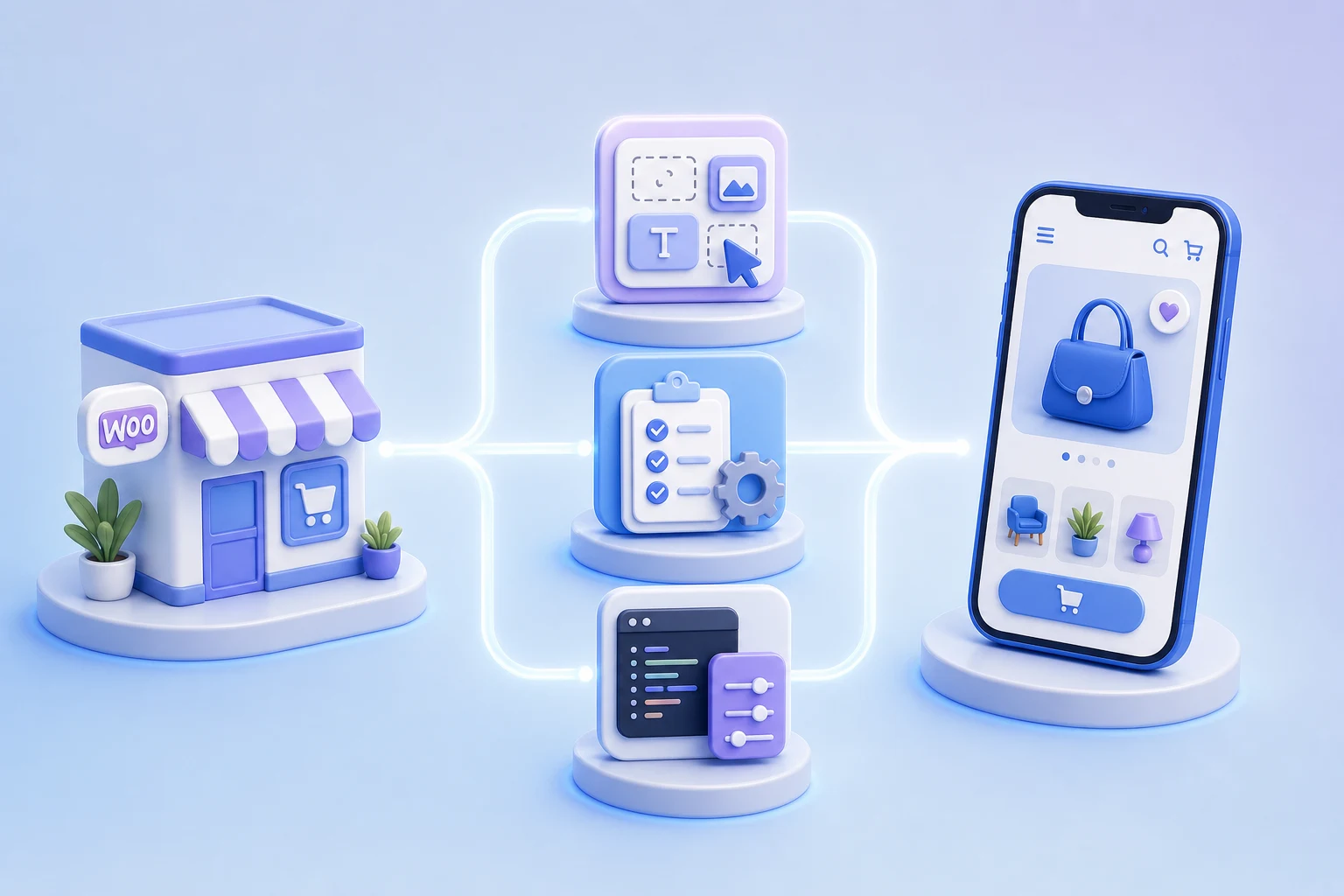
What to check before choosing a builder
Use these five questions to narrow the list quickly:
- How is the app built? A native-data app can offer a more app-like interface. A website wrapper is faster to launch but depends heavily on the quality of the mobile site.
- What stays in sync? Confirm products, variants, stock, customers, carts, orders, coupons, taxes, and shipping methods.
- Will your plugins work? Test the exact payment, subscription, booking, membership, multilingual, and multi-vendor plugins used by your store.
- Who publishes and maintains the app? Check whether app-store submission, certificates, updates, and policy fixes are included.
- What do you own? Ask about source code, developer accounts, analytics data, push-notification accounts, and what happens if you cancel.
The 10 best WooCommerce mobile app builders
1. FluxBuilder
Best for: Stores and agencies that want a customizable native app without building from scratch.
FluxBuilder connects to WooCommerce and creates iOS and Android apps with Flutter. Its visual builder lets you arrange home screens, product layouts, navigation, colors, and ecommerce features while keeping the app connected to store data.
It is the strongest option in this list when you want both no-code editing and a path to deeper customization. It also suits multi-vendor projects using platforms such as Dokan or WCFM.
Choose FluxBuilder if you need:
- Native Flutter performance and app-style navigation
- Visual drag-and-drop design
- Product, inventory, customer, and order synchronization
- Source-code access for advanced customization
- White-label and multi-app workflows for an agency
Keep in mind: The larger feature set means you should allow time for configuration and end-to-end checkout testing.
Build a WooCommerce app with FluxBuilder
2. AppMySite
Best for: Store owners who want a guided, no-code path from WooCommerce to iOS and Android.
AppMySite uses a WooCommerce plugin to connect store data to its app builder. It covers common shopping flows, push notifications, previews, and app builds without requiring development skills.
Choose it if you need:
- A straightforward setup
- Automatic store synchronization
- Support for common WooCommerce checkout flows
- A self-service publishing workflow
Keep in mind: Test complex plugins and highly customized checkout logic early.
3. MobiLoud
Best for: Established stores that prefer a managed service.
MobiLoud turns an existing website into an app and helps with configuration, testing, submission, and maintenance. This approach is useful when the website already delivers a strong mobile experience and the team does not want to manage the app launch alone.
Choose it if you need:
- A hands-off implementation
- Help with app-store submission
- Existing website features carried into the app
- Ongoing maintenance support
Keep in mind: The app experience remains closely tied to the website, and a managed service usually costs more than self-service software.
4. AppPresser
Best for: WordPress businesses that combine WooCommerce with content, courses, communities, or memberships.
AppPresser is built around WordPress rather than ecommerce alone. That makes it useful when the app must bring several parts of a WordPress site together.
Choose it if you need:
- WordPress-focused integrations
- WooCommerce products inside a broader content app
- Push notifications and logged-in experiences
- More control than a basic site wrapper
Keep in mind: Complex WordPress projects may still need technical setup or custom work.
5. Twinr
Best for: Businesses with a polished mobile website that want an app quickly.
Twinr converts websites into iOS and Android apps and adds mobile features such as push notifications, analytics, and native navigation options. Its WooCommerce tools also support ecommerce-triggered messaging.
Choose it if you need:
- A fast website-to-app workflow
- Minimal rebuilding
- Push campaigns and app analytics
- Updates that follow the website
Keep in mind: Website speed, responsive design, cookie prompts, and checkout usability directly affect the app.
6. WPMobile.App
Best for: Smaller WordPress stores that want to manage the app from the WordPress dashboard.
WPMobile.App uses a WordPress plugin for app configuration and content updates. It offers a simple route to Android and iOS without a recurring platform workflow for every content change.
Choose it if you need:
- WordPress-based configuration
- A simple app for an existing site
- Push notifications
- A one-time license option
Keep in mind: It is better suited to straightforward projects than deeply customized native shopping experiences.
7. Appmaker
Best for: Merchants looking for a dedicated WooCommerce app workflow with visual merchandising tools.
Appmaker connects through a WooCommerce plugin and supports app pages built from banners, product lists, sliders, and other store components.
Choose it if you need:
- WooCommerce catalog synchronization
- Visual merchandising sections
- Push notifications
- Standard iOS and Android store flows
Keep in mind: Confirm current product availability, plan limits, and support coverage before committing.
8. Mobikul
Best for: Stores that want a packaged ecommerce solution and are comfortable with a more implementation-led setup.
Mobikul offers WooCommerce mobile app products with common catalog, customer, cart, and order features. It can be a fit when the project needs a defined ecommerce feature set and technical support.
Choose it if you need:
- A WooCommerce-specific starting point
- Standard shopping and account flows
- Options for additional customization
- Vendor support during implementation
Keep in mind: Review the demo against your theme and plugin stack, and clarify which customizations cost extra.
9. BuildFire
Best for: Apps that combine shopping with events, communities, loyalty, internal tools, or other non-store features.
BuildFire is a general-purpose app builder with a broad plugin ecosystem. It can work when WooCommerce is one part of a larger app concept.
Choose it if you need:
- Modular app features
- Content and community tools around commerce
- Professional services for custom features
- A platform beyond a pure storefront
Keep in mind: Because it is not WooCommerce-first, confirm the exact catalog and checkout integration before building.
10. GoodBarber
Best for: Design-conscious teams creating a content-rich app or PWA with commerce elements.
GoodBarber provides visual design tools for native apps and progressive web apps. It is most relevant when editorial content, local services, or a branded browsing experience matters as much as the store.
Choose it if you need:
- Strong visual controls
- Native app and PWA options
- Content publishing features
- Add-ons for engagement and loyalty
Keep in mind: Verify how your WooCommerce data and checkout will connect; the workflow may be less direct than a WooCommerce-specific builder.
Which approach is right for you?
Choose a native-data builder when:
- The app is an important sales channel
- You want app-specific layouts and navigation
- Performance and long-term customization matter
- You may need source code or developer extensions
Choose a website-to-app builder when:
- Your mobile website is already fast and easy to use
- You want to launch with minimal redesign
- Most website plugins must continue working as they do now
- Push notifications and app-store presence are the main goals
Choose a managed service when:
- Your team does not want to handle certificates or store submission
- Launch support is more valuable than the lowest price
- You want one provider responsible for maintenance
A simple test plan
Do not choose from a feature list alone. Build a trial and complete these checks on both iOS and Android:
- Browse a large category and search for a product
- Select variations and apply a coupon
- Sign in, reset a password, and place an order
- Test every payment and shipping method you rely on
- Confirm tax, currency, language, and inventory updates
- Open a push notification to the correct product
- Check analytics, deep links, and order tracking
- Review loading, empty, offline, and error states
The right builder is the one that completes your real checkout flow reliably—not the one with the longest feature page.
Final recommendation
For most WooCommerce teams that want a polished native app and meaningful design control, FluxBuilder is the best place to start. It combines a visual workflow with Flutter output, WooCommerce synchronization, and a route to source-level customization.
Choose AppMySite for a simpler self-service launch, MobiLoud for a managed website-to-app service, or Twinr when your current mobile site already does most of the work.