9 benefits of converting a WooCommerce site to a mobile app
What a WooCommerce store gains from a native mobile app — push notifications, faster repeat purchases, native checkout, and loyalty — plus the costs and when an app is not worth it.
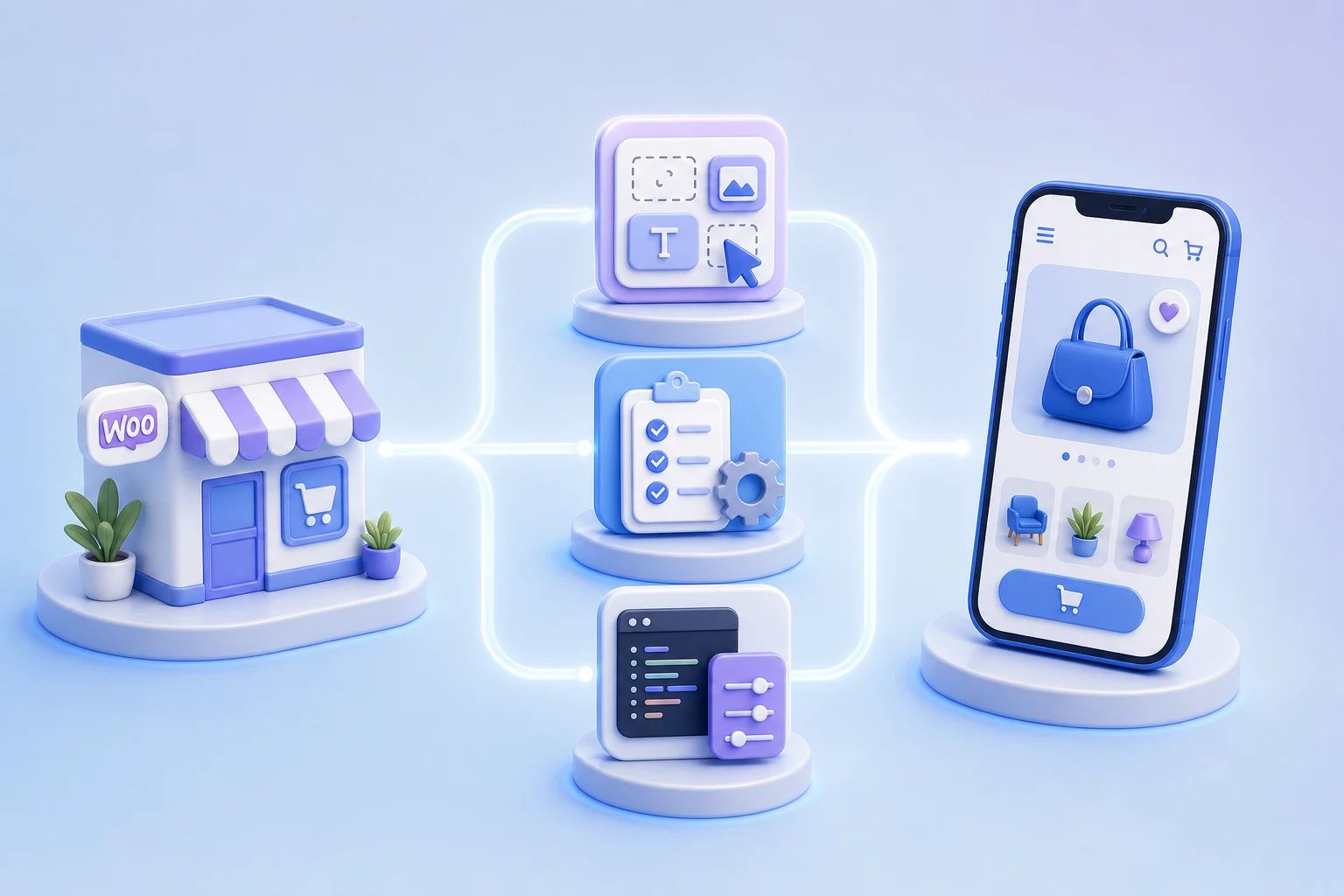
Converting a WooCommerce site to a mobile app gives a store a direct, free channel to its customers (push notifications), a faster repeat-purchase flow (saved login, native checkout, Apple Pay and Google Pay), and a permanent place on the customer’s home screen. The app does not replace the website: the website wins new visitors from search, and the app keeps the customers you already have.
Below are the nine concrete benefits, the costs, and the cases where an app is not worth building yet.
The short answer
| Benefit | What changes for the store |
|---|---|
| Push notifications | Reach customers without paying for ads or relying on email opens |
| Faster repeat purchases | Customers stay signed in with saved addresses and payment methods |
| Native checkout | Apple Pay, Google Pay, and native Stripe remove form-filling |
| Home screen presence | Your brand icon is one tap away, with no search step |
| Speed | Native screens load product data without re-rendering web pages |
| Device features | Camera, biometrics, location, and deep links become available |
| Loyalty and membership | App-only offers, memberships, and in-app purchases |
| Store listings | App Store and Google Play become additional discovery channels |
| One back end | Products, stock, and orders stay in WooCommerce |
1. Push notifications reach customers for free
Push notifications land on the lock screen and cost nothing per send. A store can announce a sale, recover an abandoned cart, or confirm shipping without buying ad impressions. FluxBuilder apps support OneSignal and Firebase Cloud Messaging, and paid plans include unlimited push notifications.
2. Repeat purchases take fewer steps
An app keeps customers signed in. Addresses, order history, and wishlists are already there, so a returning customer can reorder in a few taps instead of logging in again through a mobile browser.
3. Checkout uses native payments
Typing card numbers on a phone is where many mobile orders are lost. A native app can offer Apple Pay, Google Pay, and native Stripe so the customer confirms with a fingerprint or face scan. FluxBuilder includes these on the Professional plan, alongside PayPal and regional gateways.
4. Your brand lives on the home screen
A customer who installs your app sees your icon every day. Opening it takes one tap, with no search engine, no competitor ads, and no marketplace listing in between.
5. Native screens feel faster
A native app renders product lists, images, and navigation with native components and only fetches the data it needs from WooCommerce. Scrolling, back gestures, and tab switching behave the way phone users expect.
6. Device features become usable
Apps can use biometric login, the camera, location, and deep links that open a specific product from a message or QR code. These are limited or inconsistent in a mobile browser.
7. Loyalty, memberships, and app-only offers
An app is a natural home for loyalty programs: app-only coupons, early access to sales, memberships, and in-app purchases. Customers who install the app have already shown they intend to come back.
8. Store listings add a discovery channel
Your app appears in App Store and Google Play search results under your brand and category. Ratings and reviews there act as public social proof.
9. WooCommerce remains the single back end
With a native app builder, you do not manage a second catalog. Products, variants, stock, customers, coupons, taxes, shipping methods, and orders stay in WooCommerce. A price change on the website shows in the app because both read the same store.
What it costs
- App builder: FluxBuilder is free for design and demo builds. Production apps are $39/month (Basic) or $49/month (Professional).
- Apple Developer account: $99 per year.
- Google Play developer account: $25 one time.
- Your time: connecting the store, choosing a design, and testing checkout end to end.
Custom development by an agency is the expensive alternative and usually takes months.
When an app is not worth it yet
- Most of your orders come from first-time visitors who buy once.
- Your mobile website is slow or hard to use. Fix that first, because the website still brings in new customers.
- Your checkout depends on plugins that no app builder supports and you have no budget for custom work.
How to convert a WooCommerce site to an app
- Connect your store. Enter your site URL in FluxBuilder. It detects WooCommerce and connects through the REST API.
- Design the app. Pick a template and adjust the home screen, product pages, and navigation with drag and drop.
- Test on a real phone. Generate a free demo build and place a test order.
- Publish. Build production apps in the cloud and submit them to the App Store and Google Play.
Allow time for configuration and checkout testing, especially if your store uses multi-vendor, subscription, or custom shipping plugins.
Build a WooCommerce app with FluxBuilder or compare options in 10 best WooCommerce mobile app builders.
Frequently asked questions
Is a mobile app worth it for a WooCommerce store?
A mobile app is worth it when your store has repeat customers. The main gains are free push notifications, a faster repeat-purchase flow, and a permanent place on the customer's home screen. Stores that sell one-off purchases to first-time visitors benefit less and should improve their mobile website first.
Do I have to rebuild my WooCommerce store to get an app?
No. A native app builder such as FluxBuilder connects to your existing WooCommerce store through its API. Products, categories, stock, customers, coupons, and orders stay in WooCommerce, and the app reads and writes the same data as your website.
How much does a WooCommerce mobile app cost?
With FluxBuilder, designing and previewing the app is free. A production app costs $39 per month on the Basic plan or $49 per month on the Professional plan, which adds native Stripe, Apple Pay, Google Pay, memberships, and in-app purchases. Store accounts are separate: Apple charges $99 per year and Google Play charges $25 once.
Will my WooCommerce plugins work in the app?
Core WooCommerce data works in a native app. Plugins that change checkout, subscriptions, bookings, or multi-vendor behavior need testing. FluxBuilder supports the multi-vendor plugins Dokan and WCFM, and you should test the exact payment and shipping plugins your store uses before launch.
What is the difference between a WooCommerce app and a mobile website?
A mobile website runs in the browser and is found through search. A native app is installed from the App Store or Google Play, stays signed in, can send push notifications, and uses native screens and payments. Most stores keep both: the website acquires new customers and the app retains them.