How to convert a website into a mobile app: 4 methods compared
The four ways to turn a website into an iOS and Android app — PWA, WebView wrapper, native app builder, and custom development — with steps, costs, and when to use each.
There are four ways to convert a website into a mobile app: add Progressive Web App (PWA) features to the site, wrap the site in a WebView, connect it to a native app builder, or commission custom native development. For most online stores and content sites, a native app builder gives the best balance of speed, cost, and app quality, because it creates real iOS and Android screens from the data your website already has.
This guide explains each method, what it costs, and how to choose.
The short answer
| Method | What you get | Typical effort | Coding needed | Best for |
|---|---|---|---|---|
| Progressive Web App (PWA) | Installable website with offline support | Days | Yes | Sites that do not need App Store presence |
| WebView wrapper | Your website inside an app shell | Hours to days | Some | A quick store listing for a strong mobile site |
| Native app builder (no-code) | Native iOS and Android app synced with your site | Minutes for a preview, days to launch | No | Stores, blogs, and directories on a supported platform |
| Custom native development | Fully bespoke app | Months | Yes, a team | Unique products with a development budget |
Method 1: Turn your site into a Progressive Web App
A PWA is your existing website plus a web app manifest and a service worker. Visitors can add it to their home screen, and it can work offline and load quickly on repeat visits.
How to do it:
- Serve the site over HTTPS.
- Add a web app manifest with your name, icons, and theme color.
- Register a service worker to cache pages and assets.
- Test installability with a tool such as Lighthouse or PWABuilder.
Limits: A PWA is not listed in the App Store by default, iOS support for some features is narrower than on Android, and shoppers rarely discover apps through “Add to Home Screen”. PWABuilder and Bubblewrap can package a PWA for Google Play, but the experience is still your website.
Method 2: Wrap the website in a WebView
A WebView wrapper is a small native app whose main screen is a browser window pointed at your site. Open-source tools such as Capacitor and Apache Cordova do this, and several commercial services sell it as a managed product.
How to do it:
- Create an app project with the wrapper tool.
- Point it at your website URL.
- Add native extras such as push notifications and a splash screen.
- Build, sign, and submit to the stores.
Limits: The app is only as good as your mobile website. Navigation, speed, and gestures feel like a browser. Apple can reject apps that offer nothing beyond the website under App Store Review Guideline 4.2 (Minimum Functionality), so a bare wrapper is the riskiest option for iOS.
Method 3: Use a native app builder that reads your website’s data
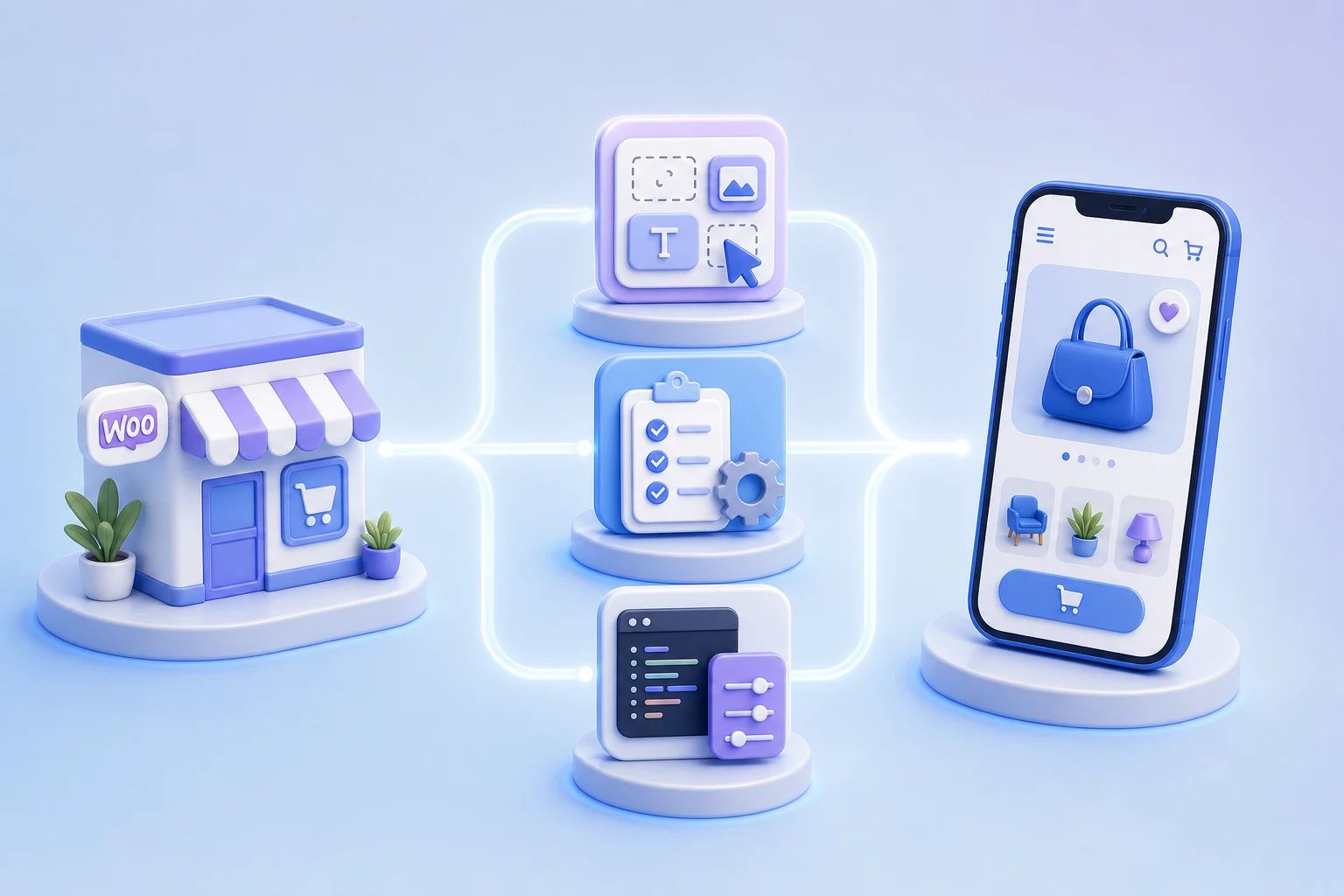
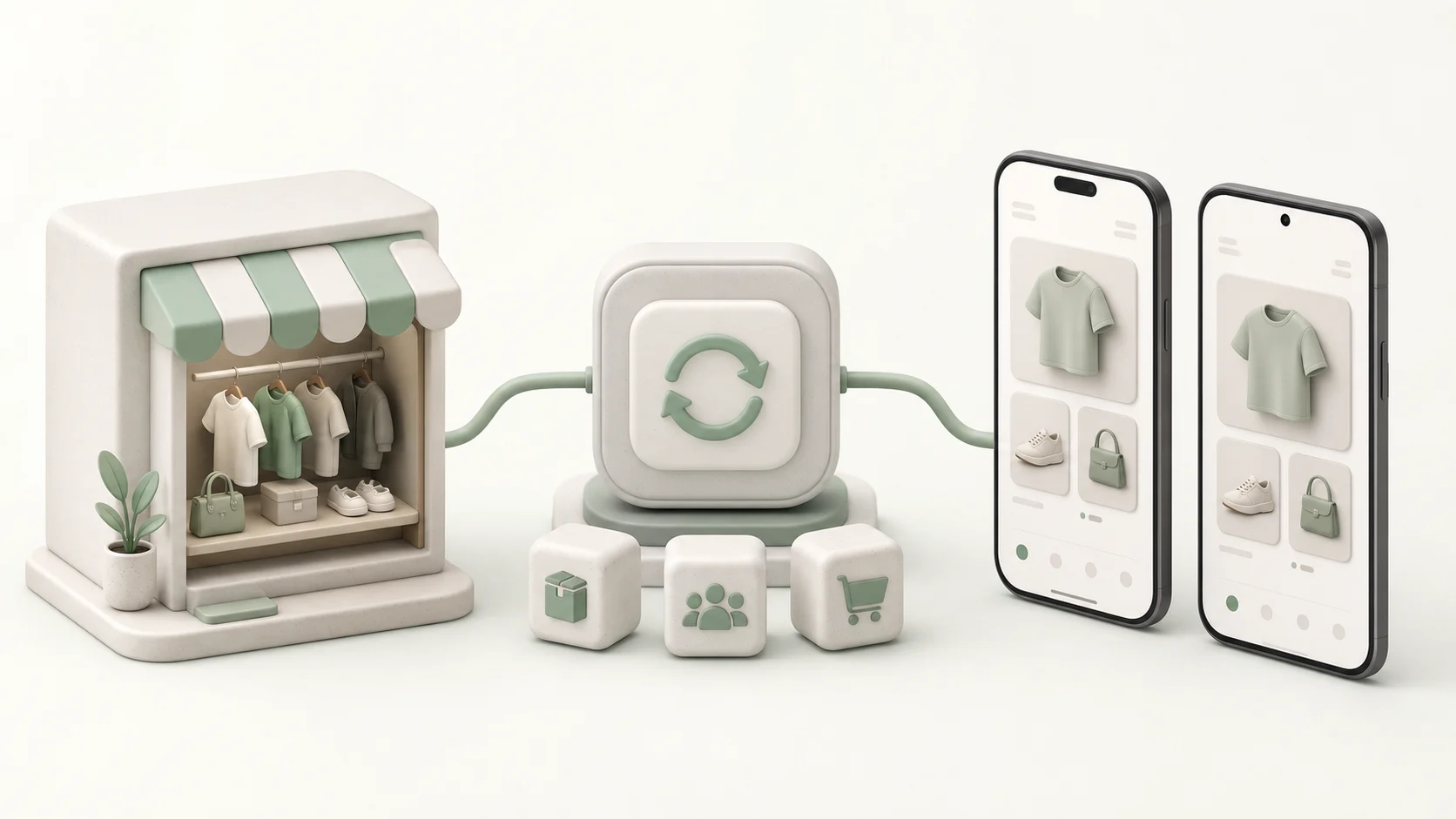
A native app builder does not display your website. It connects to your platform’s API — WooCommerce, Shopify, WordPress, Magento, and so on — and renders your products, categories, posts, carts, and orders in native screens. When you change a product on your website, the app updates because both read the same data.
How to do it with FluxBuilder:
- Connect your website. Paste your site URL. FluxBuilder detects the platform and connects to its API.
- Customize the app. Choose from 100+ templates and arrange the home screen, product layouts, navigation, and colors in a drag-and-drop editor. FluxBuilder AI can generate a first design that matches your brand.
- Build in the cloud. Builds run on FluxBuilder’s servers, so you do not install Xcode or Android Studio. You can build an iOS app from a Windows computer.
- Test on your phone. The free Starter plan gives you Android and iOS demo builds.
- Publish. Paid plans produce production-ready apps and can auto-publish to TestFlight. After launch, design and feature changes sync to the live app without re-submitting to the stores.
FluxBuilder is a no-code mobile app builder by InspireUI. It produces native Flutter apps and supports WooCommerce, Shopify, WordPress, Magento, PrestaShop, OpenCart, BigCommerce, Notion, Strapi, and listing themes such as Listeo, MyListing, and ListingPro.
Limits: The builder must support your platform, and unusual plugins or a heavily customized checkout need testing. Allow time for configuration and an end-to-end checkout test before launch.
Method 4: Build a custom native app
A development team writes the app in Flutter, React Native, Swift, or Kotlin and builds an API layer for your website. You get complete control and pay for it in time and money, both at launch and for every later update.
Choose this when your app needs features no builder offers, or when the app itself is the product.
What it costs
| Cost | PWA | WebView wrapper | Native app builder | Custom development |
|---|---|---|---|---|
| Software or build | Developer time | Free tools or a paid service | FluxBuilder: free preview, then $39/month (Basic) or $49/month (Professional) | Agency or team fees |
| Apple Developer account | Not needed | $99/year | $99/year | $99/year |
| Google Play account | Optional | $25 one-time | $25 one-time | $25 one-time |
| Ongoing updates | Same as website | App re-release for shell changes | Synced from your website and the builder | Paid development |
How to choose
- You only need faster repeat visits and no store listing: build a PWA.
- Your mobile site is excellent and you want a store listing quickly: a wrapper can work, with the App Store review risk in mind.
- You run a store, blog, or directory on a common platform and want a real app: use a native app builder.
- Your requirements are unique and you have a budget for a team: go custom.
Checklist before you publish
- Register Apple Developer and Google Play developer accounts in your own business name.
- Prepare an app icon, screenshots, a privacy policy URL, and store descriptions.
- Test sign-in, search, cart, checkout, and payments on real devices.
- Set up push notifications and send a test message.
- Confirm account deletion is available in the app, which both stores require for apps with accounts.
Convert your website into an app with FluxBuilder — the preview is free and needs no credit card.
Frequently asked questions
What is the easiest way to convert a website into a mobile app?
The easiest way is a no-code app builder that connects to your website's data. You enter your site URL, the builder reads your products or posts through the platform API, and you get iOS and Android builds without writing code. With FluxBuilder, the free Starter plan produces a demo build you can test on your own phone before paying.
Can I convert my website into an app for free?
You can get a working preview for free. A Progressive Web App costs nothing beyond development time, and FluxBuilder's Starter plan creates free Android and iOS demo builds. Publishing to the stores always carries platform fees: an Apple Developer account is $99 per year and a Google Play developer account is a one-time $25.
Will Apple approve an app that only shows my website?
Often not. App Store Review Guideline 4.2 (Minimum Functionality) lets Apple reject apps that are just a repackaged website. Apps that use native navigation, push notifications, and native screens built from your site's data are far less likely to be rejected than a bare WebView.
How long does it take to turn a website into an app?
A no-code builder can produce a testable preview in minutes and a store-ready build in days, depending on how much you customize and how complex your checkout is. A WebView wrapper takes hours to days. Custom native development usually takes months.
Do I need to know how to code?
No, not for the no-code builder route. You need coding skills for a hand-built PWA, for a Capacitor or Cordova wrapper, and for custom native development in Flutter, React Native, Swift, or Kotlin.