Is it better to use AI for app development? When it helps and when it does not
AI makes app development faster for prototypes, design, and standard features, but it still needs human review for security, payments, and store submission. Here is how to decide.
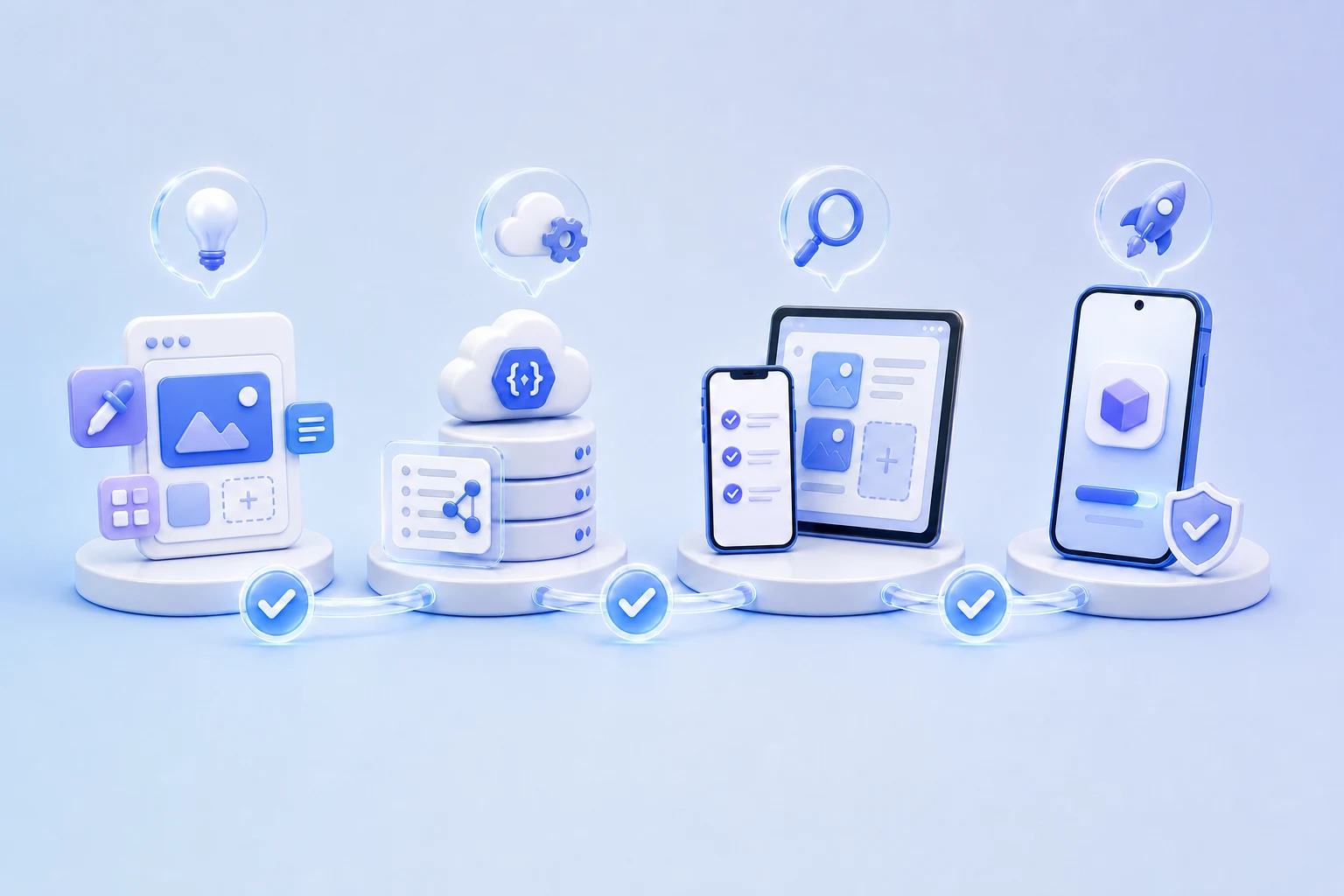
AI is better for app development when the goal is speed on well-understood work: prototypes, screen design, standard features, and tests. It is not better by itself for the parts where mistakes are expensive — security, payments, data handling, and long-term maintenance — where a person still has to review and own the result. For most businesses, the best outcome comes from AI working on top of a tested app framework, with a human checking the output before it ships.
The short answer
| Task | Is AI a good fit? | Why |
|---|---|---|
| Prototype or first design | Yes | Minutes instead of days, easy to throw away |
| Standard screens and features | Yes | Catalogs, lists, forms, and settings are well-understood patterns |
| Content and translation | Yes | Product copy, store listings, and localization |
| Writing tests and fixing simple bugs | Yes | Repetitive work with clear pass or fail |
| Payments and authentication | With review | Errors cost money and trust |
| Security and privacy compliance | With review | Generated code can contain flaws that look correct |
| Novel features and architecture | Limited | Needs judgment about trade-offs the AI cannot see |
| App Store submission and accounts | No | Requires business identity, legal agreements, and decisions |
Where AI makes app development better
- Speed. A first version appears in minutes, so you can test an idea before investing in it.
- Cost. Work that needed a designer and two developers for weeks can start with one person.
- Access. People who cannot code can describe what they want and get a result.
- Iteration. Asking for a different layout or color scheme is cheap, so you can compare more options.
Where AI falls short
- It can be confidently wrong. Generated code may compile and still mishandle edge cases.
- Security is not guaranteed. Authentication, payments, and stored customer data need expert review.
- Maintenance is still your job. An app written from scratch by AI is a codebase someone must update as iOS, Android, and third-party services change.
- The last 20 percent is the hard part. Real checkout flows, store review rules, and device differences take longer than the demo suggests.
Three ways to use AI to build an app
| Approach | What the AI does | What you must do | Main risk |
|---|---|---|---|
| AI code generation | Writes new source code from prompts | Review, host, secure, and maintain the code | Unreviewed code in production |
| AI-assisted development | Helps a developer write and test code faster | Employ developers who own the result | Still needs a development team |
| AI on a proven app builder | Configures design and features on a tested framework | Check the design and test the flows | Limited to what the framework supports |
The third approach removes the largest risk. The AI is not inventing your checkout or login. It is choosing layouts and settings on top of code that already runs in many published apps.
AI versus traditional development
| AI-first with a builder | Traditional custom development | |
|---|---|---|
| Time to first version | Minutes to days | Weeks to months |
| Upfront cost | Low | High |
| Flexibility | Bounded by the framework | Unlimited |
| Maintenance | Handled by the platform | Paid development |
| Best for | Stores, content apps, standard patterns | Unique products |
How FluxBuilder uses AI
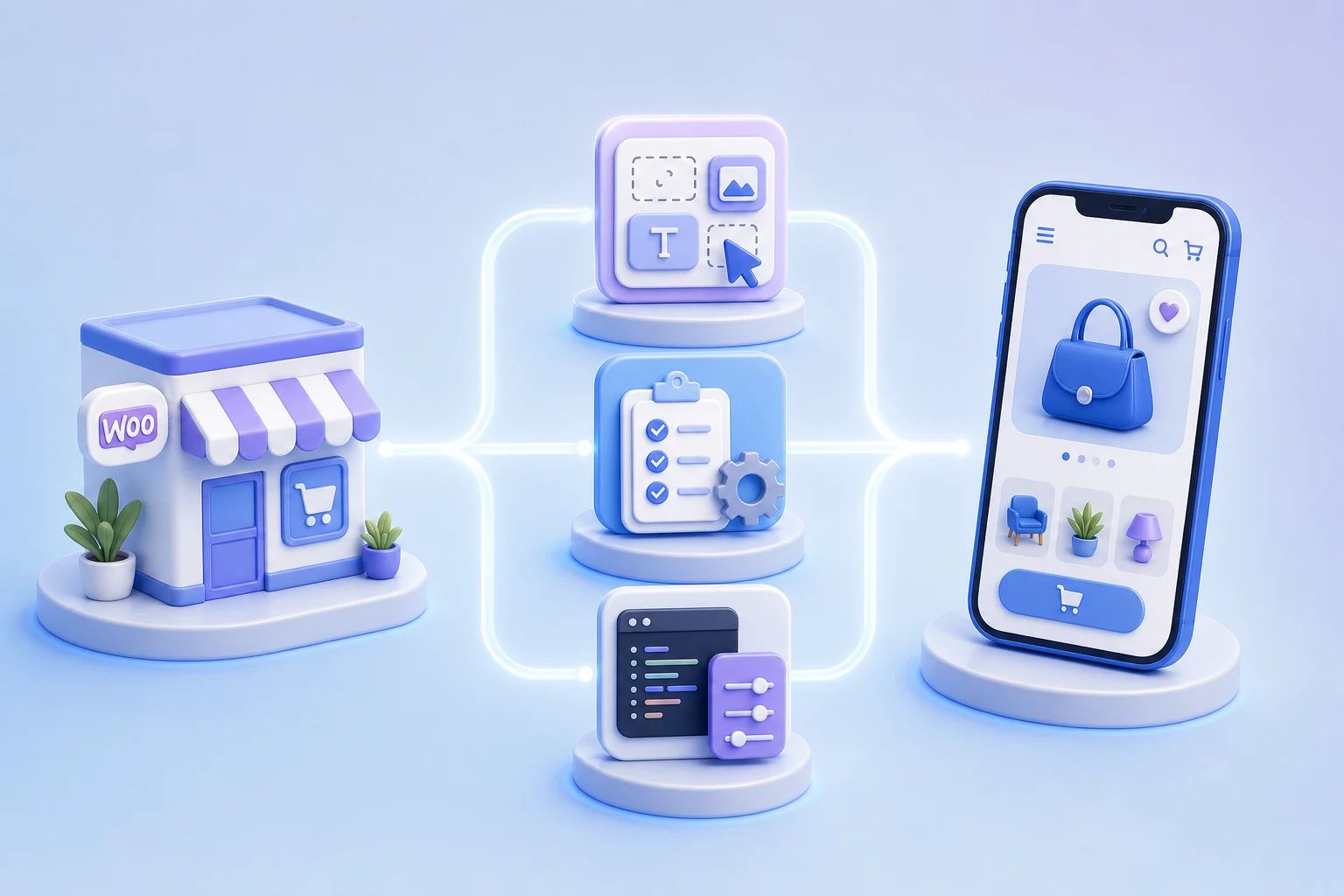
FluxBuilder is a no-code app builder by InspireUI that converts a website into native iOS and Android apps. Its AI does the setup work, and the app runs on FluxBuilder’s Flutter framework:
- You paste your website URL. FluxBuilder AI detects whether the site runs WooCommerce, Shopify, WordPress, or another supported platform.
- The AI matches your brand. It reads your content and colors and creates an iOS and Android preview.
- You review and adjust. Every screen can be edited in the drag-and-drop builder.
- You test on a real phone. The preview and demo builds are free.
FluxBuilder also provides an MCP server, so an AI assistant you already use, such as Claude or ChatGPT, can operate the builder on your behalf.
How to decide
- Use AI with an app builder if your app follows a known pattern — a store, a blog, a directory, a booking app — and you want it live quickly.
- Use AI-assisted development if you have developers and a product that needs custom logic.
- Avoid unreviewed AI-generated code for anything that handles payments or personal data.
- In every case, have a person test sign-in, checkout, and account deletion on real devices before publishing.
See what FluxBuilder AI builds from your website — the preview is free and needs no credit card.
Frequently asked questions
Is it better to use AI for app development?
AI is better for speed: it shortens prototyping, design, and standard feature work from weeks to hours. It is not better on its own for security, payments, data handling, and long-term maintenance, where human review is still required. The most reliable approach combines AI with a tested app framework and a person who checks the result.
Can AI build a complete mobile app?
AI can produce a working app, especially when it configures a proven framework instead of writing every line from scratch. Publishing still requires human steps: developer accounts, store listings, privacy disclosures, and real-device testing of sign-in and checkout.
What are the risks of AI-generated apps?
The main risks are security flaws in generated code, features that look finished but fail on edge cases, code the owner cannot maintain, and store rejections for incomplete functionality. These risks are lower when AI assembles tested components and higher when it writes new code that nobody reviews.
What is the difference between an AI code generator and an AI app builder?
An AI code generator writes source code from a prompt, and you own the job of reviewing, hosting, and maintaining it. An AI app builder uses AI to configure an existing, tested app framework, so the output is a set of design and feature settings on top of code that many apps already run in production.
How does FluxBuilder use AI?
FluxBuilder AI reads a website you connect, detects the platform, matches the brand's colors and content, and creates an iOS and Android app preview you can test. The app itself runs on FluxBuilder's Flutter framework. FluxBuilder also offers an MCP server so AI assistants such as Claude and ChatGPT can operate the builder for you.