Back to all features
Firebase Features

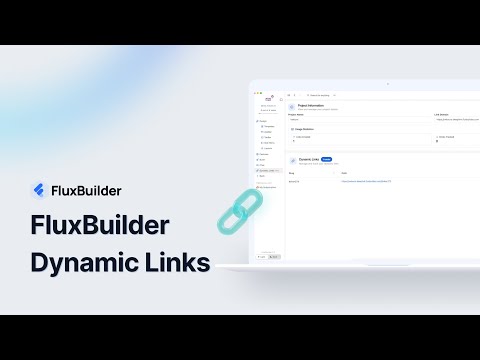
Firebase Dynamic Links

Create smart links that work across platforms and survive the app installation process.

MarketingSocialContentE-commerce

Key benefits

Direct users to specific content usingin your app

Keep link context through the installation process

Track referrals and attribution for marketing campaigns

Let users seamless social sharing using deep linking

Create consistent experiences across platforms
How it works in FluxBuilder

A practical setup flow for turning this capability into a production-ready app experience.

1

Add the capability

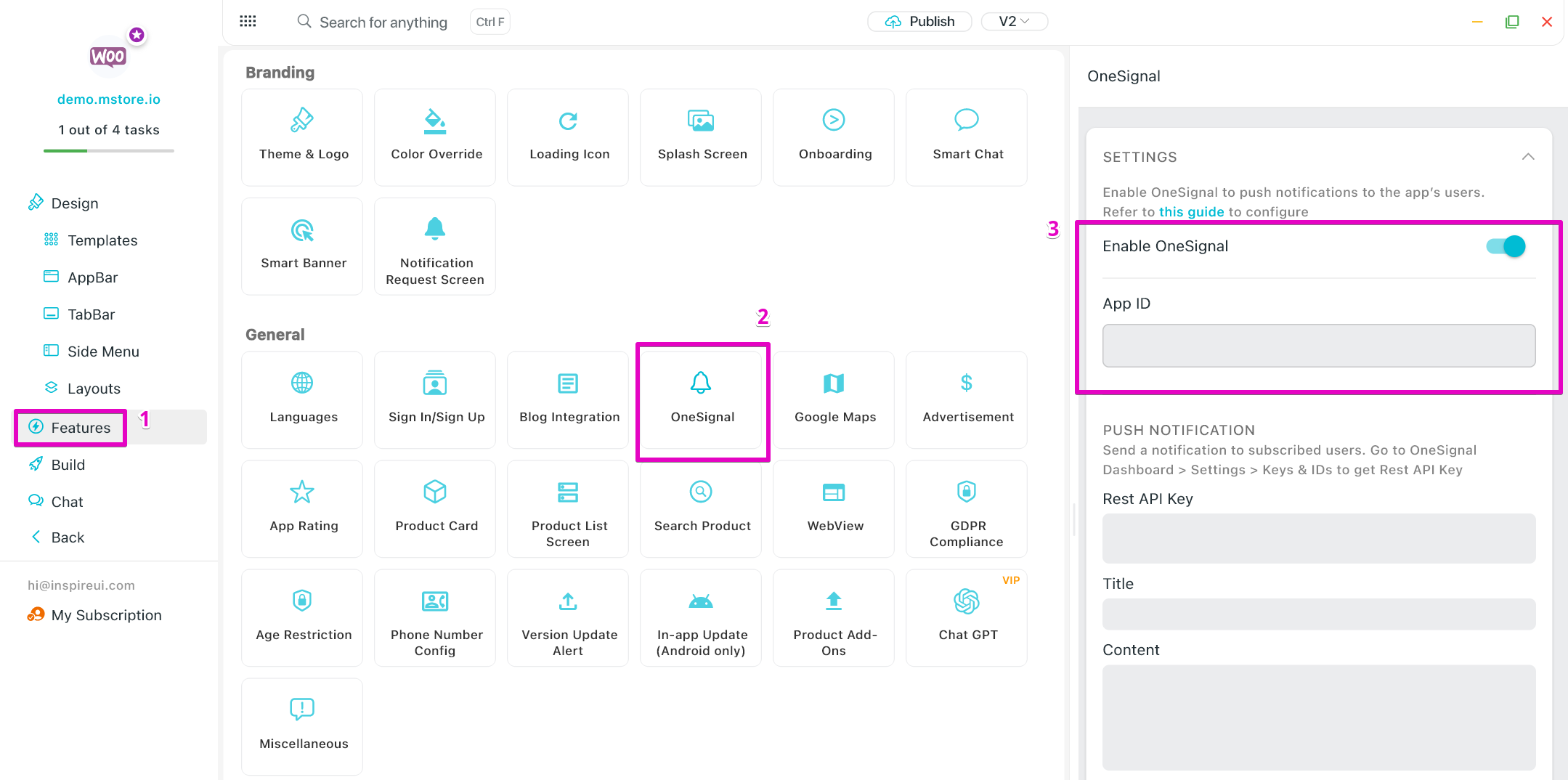
Open your FluxBuilder project and enable Firebase Dynamic Links from the relevant app feature or integration area.

2

Configure the experience

Adjust content, platform connections, permissions, and visual settings so the feature matches your app workflow.

3

Preview, test, and publish

Use live preview to test the mobile flow, then publish your update when the app experience is ready.

Feature FAQ

Questions before you enable it?

Short answers for teams evaluating Firebase Dynamic Links inside a FluxBuilder app.

Yes. FluxBuilder lets you configure Firebase Dynamic Links visually from the builder, so most teams can launch without writing custom code.
Ready to build

Turn Firebase Dynamic Links into a native mobile app flow today.

Download FluxBuilder, connect your website, and configure app features visually before publishing to iOS and Android.