Key benefits
Send notifications to specific user segments
Schedule messages for optimal delivery times
Track notification open rates and engagement
Include rich media in notifications
Automate notifications based on user behavior
Send targeted push notifications through Firebase Cloud Messaging for user engagement and retention.
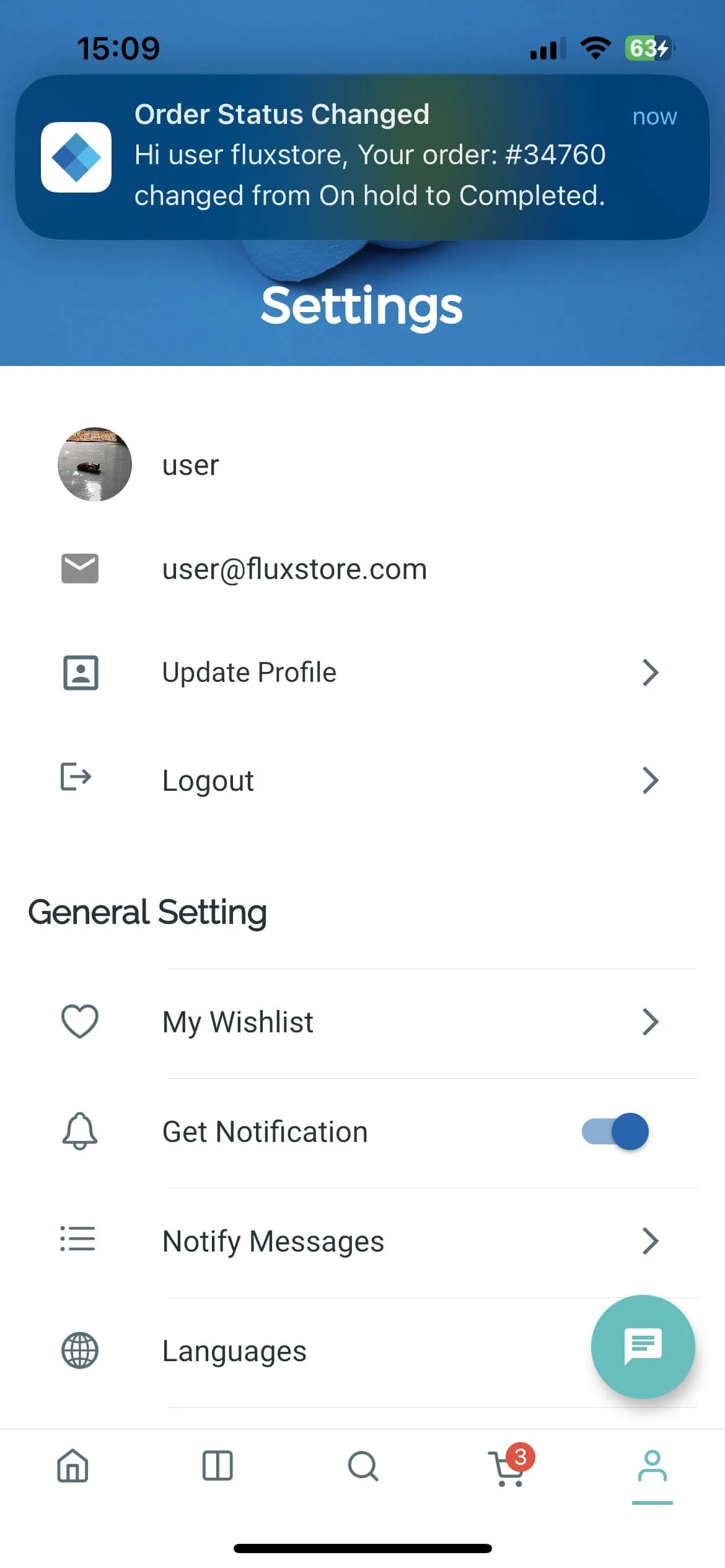
Send notifications to specific user segments
Schedule messages for optimal delivery times
Track notification open rates and engagement
Include rich media in notifications
Automate notifications based on user behavior
A practical setup flow for turning this capability into a production-ready app experience.
Open your FluxBuilder project and enable Firebase Push Notifications from the relevant app feature or integration area.
Adjust content, platform connections, permissions, and visual settings so the feature matches your app workflow.
Use live preview to test the mobile flow, then publish your update when the app experience is ready.
Short answers for teams evaluating Firebase Push Notifications inside a FluxBuilder app.
Continue exploring capabilities from the same category or use-case cluster.
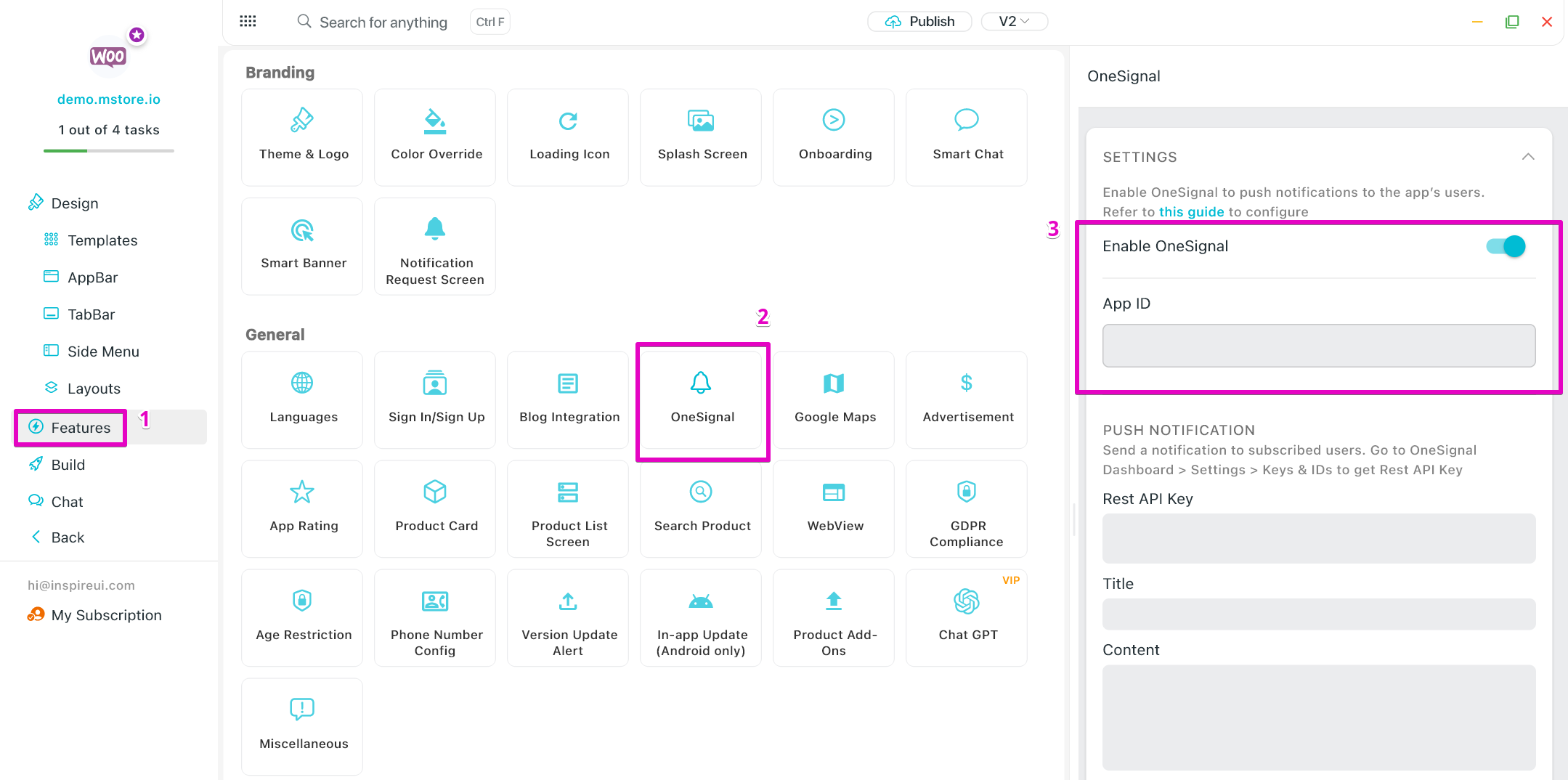
Implement cross-platform push notifications with OneSignal's powerful notification service.
Explore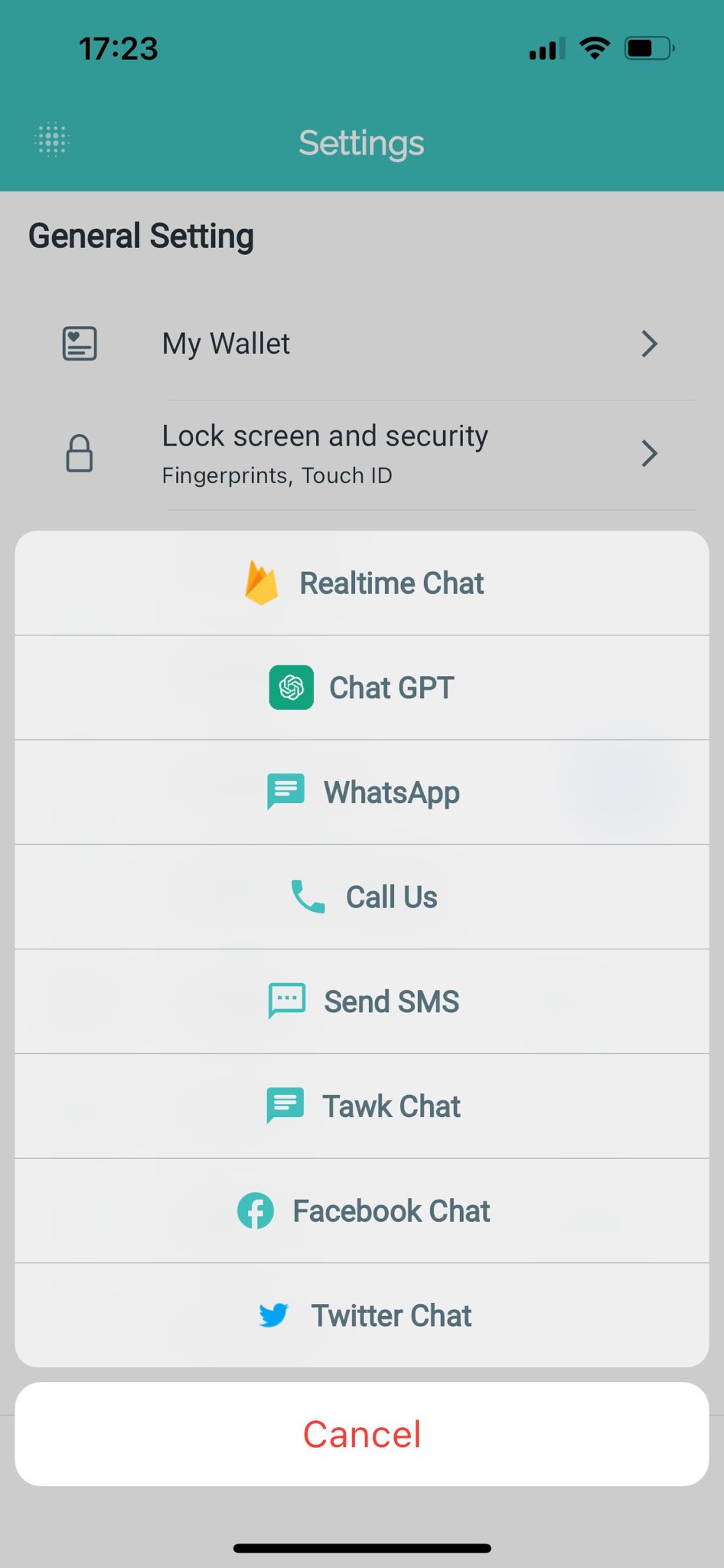
Implement real-time chat functionality using Firebase's Realtime Database for instant messaging between users.
Explore
Create smart links that work across platforms and survive the app installation process.
Explore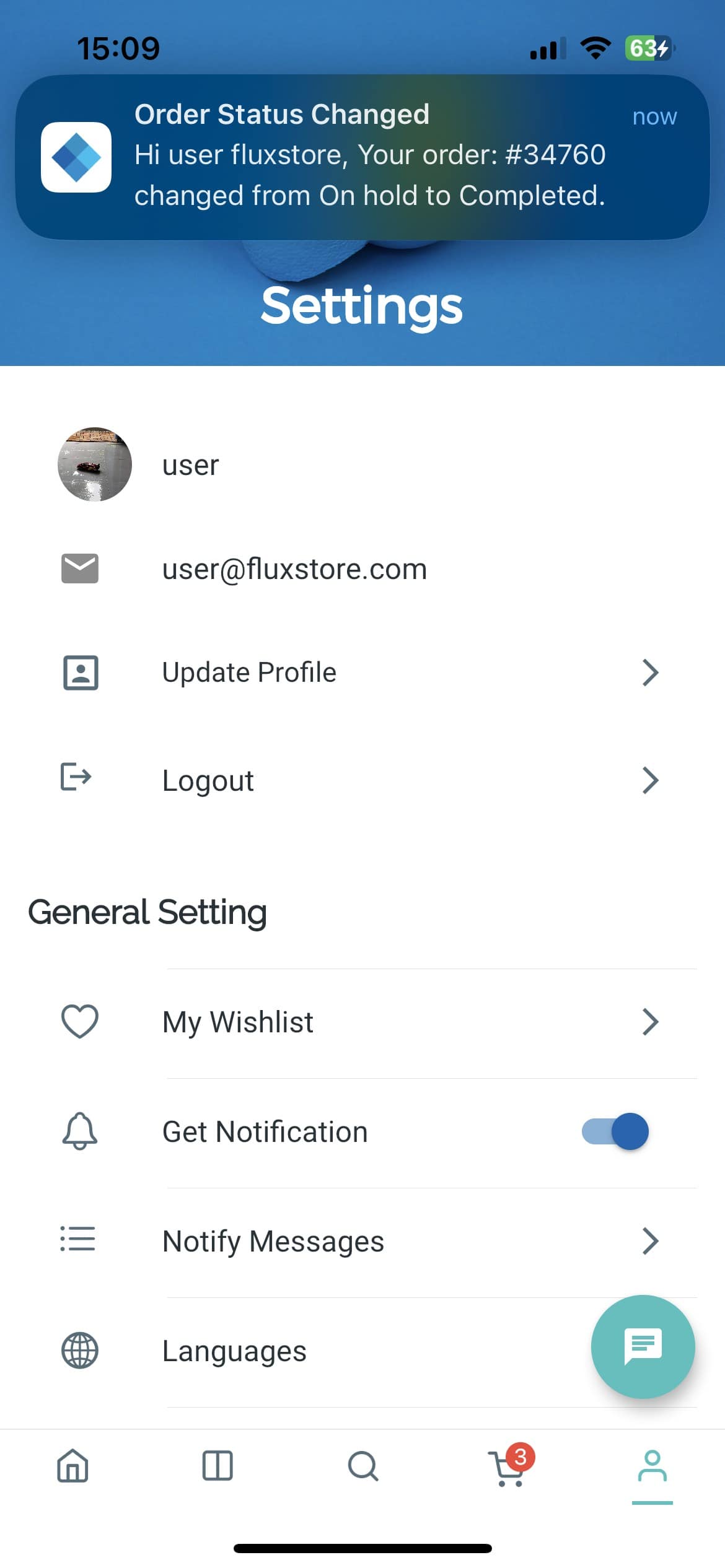
Send targeted push notifications to engage users with personalized messages, promotions, and updates.
ExploreDownload FluxBuilder, connect your website, and configure app features visually before publishing to iOS and Android.