Key benefits
Streamline checkout with saved payment information
Increase conversion with simplified payment process
Enhance security with tokenized transactions
Improve user experience for Android customers
Integrate Google Pay for fast, secure checkout with a single tap on Android devices.
Streamline checkout with saved payment information
Increase conversion with simplified payment process
Enhance security with tokenized transactions
Improve user experience for Android customers
A practical setup flow for turning this capability into a production-ready app experience.
Open your FluxBuilder project and enable Google Pay from the relevant app feature or integration area.
Adjust content, platform connections, permissions, and visual settings so the feature matches your app workflow.
Use live preview to test the mobile flow, then publish your update when the app experience is ready.
Short answers for teams evaluating Google Pay inside a FluxBuilder app.
Continue exploring capabilities from the same category or use-case cluster.
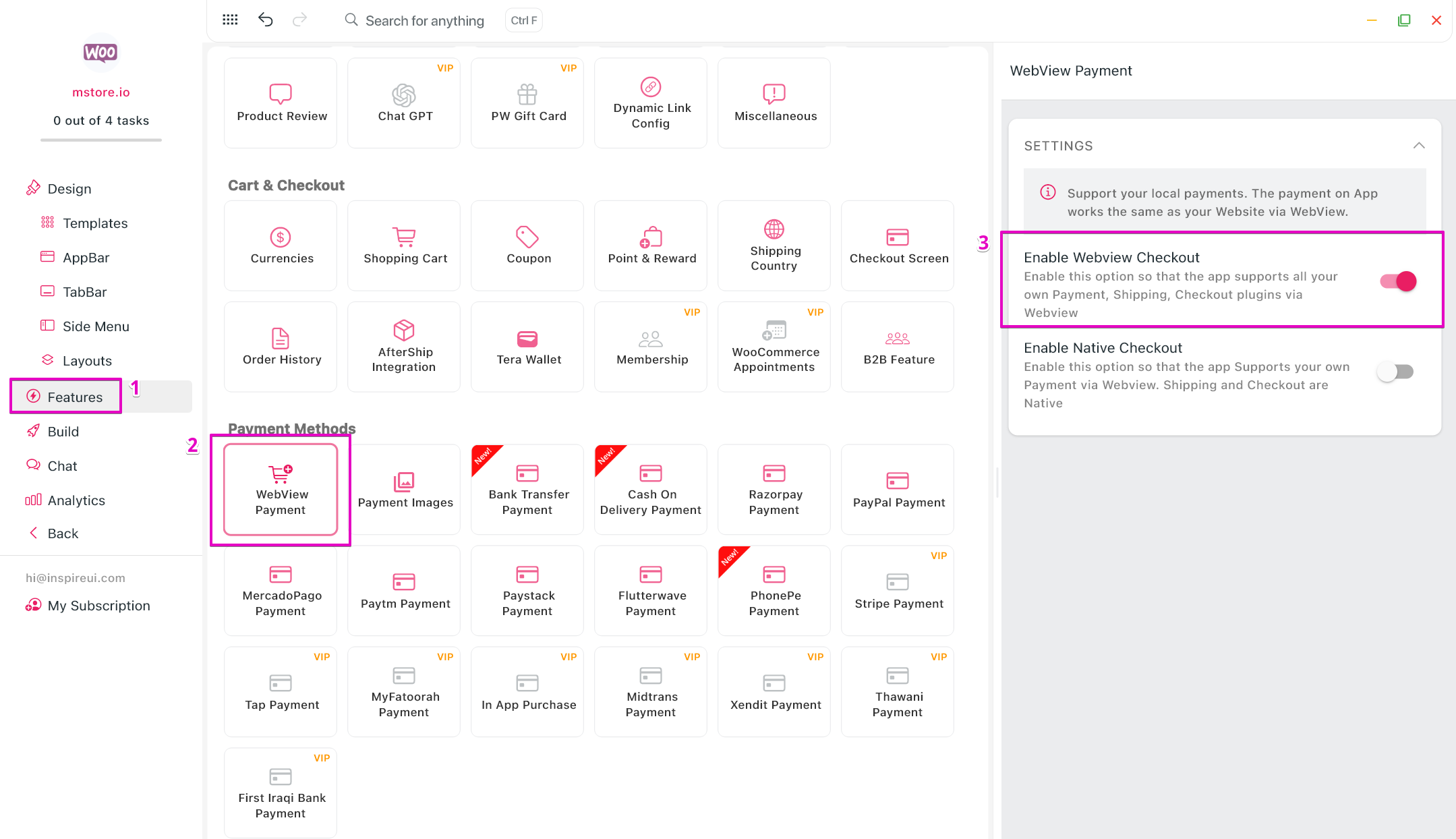
Support multiple payment gateways in a single app to provide flexible payment options for customers worldwide.
Explore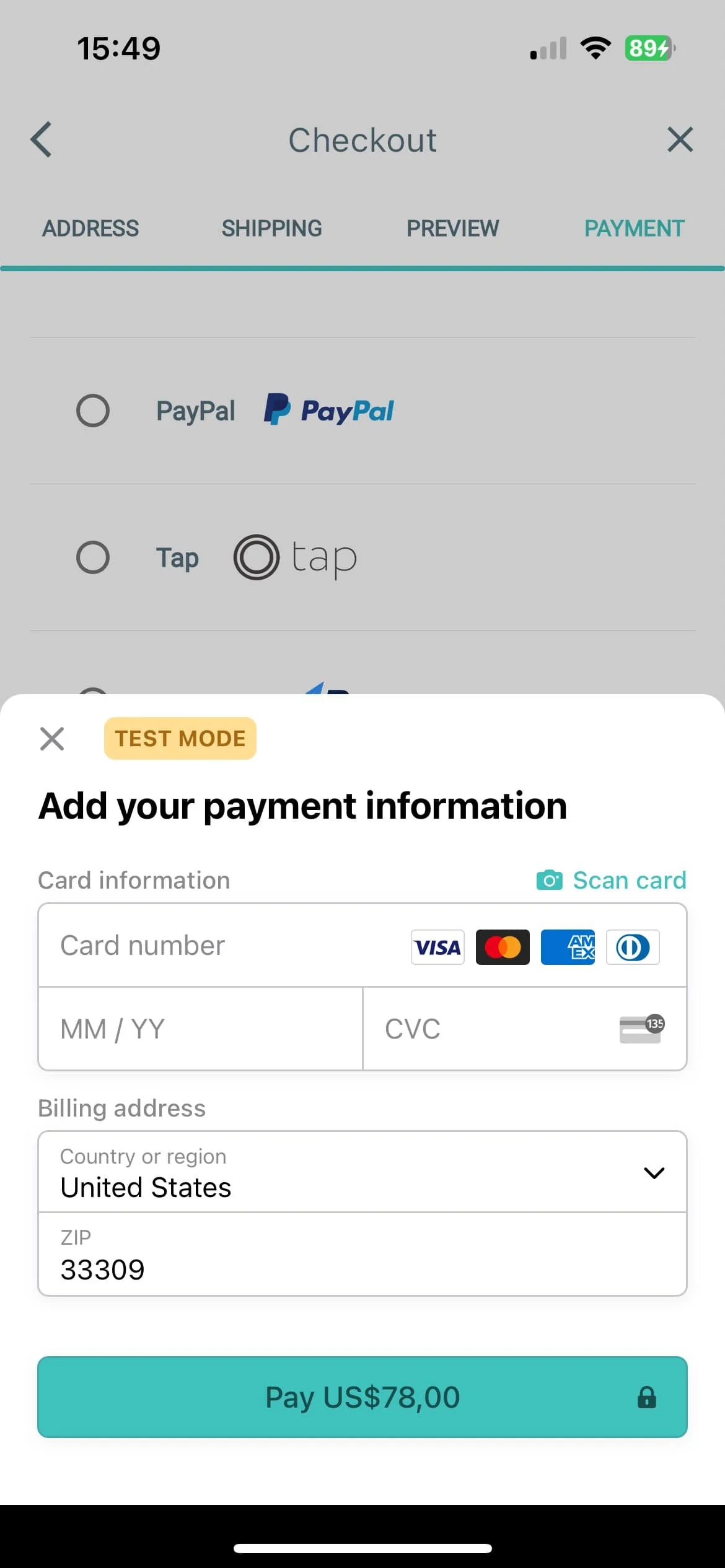
Integrate Stripe payment processing for secure, seamless credit card and digital payment acceptance.
Explore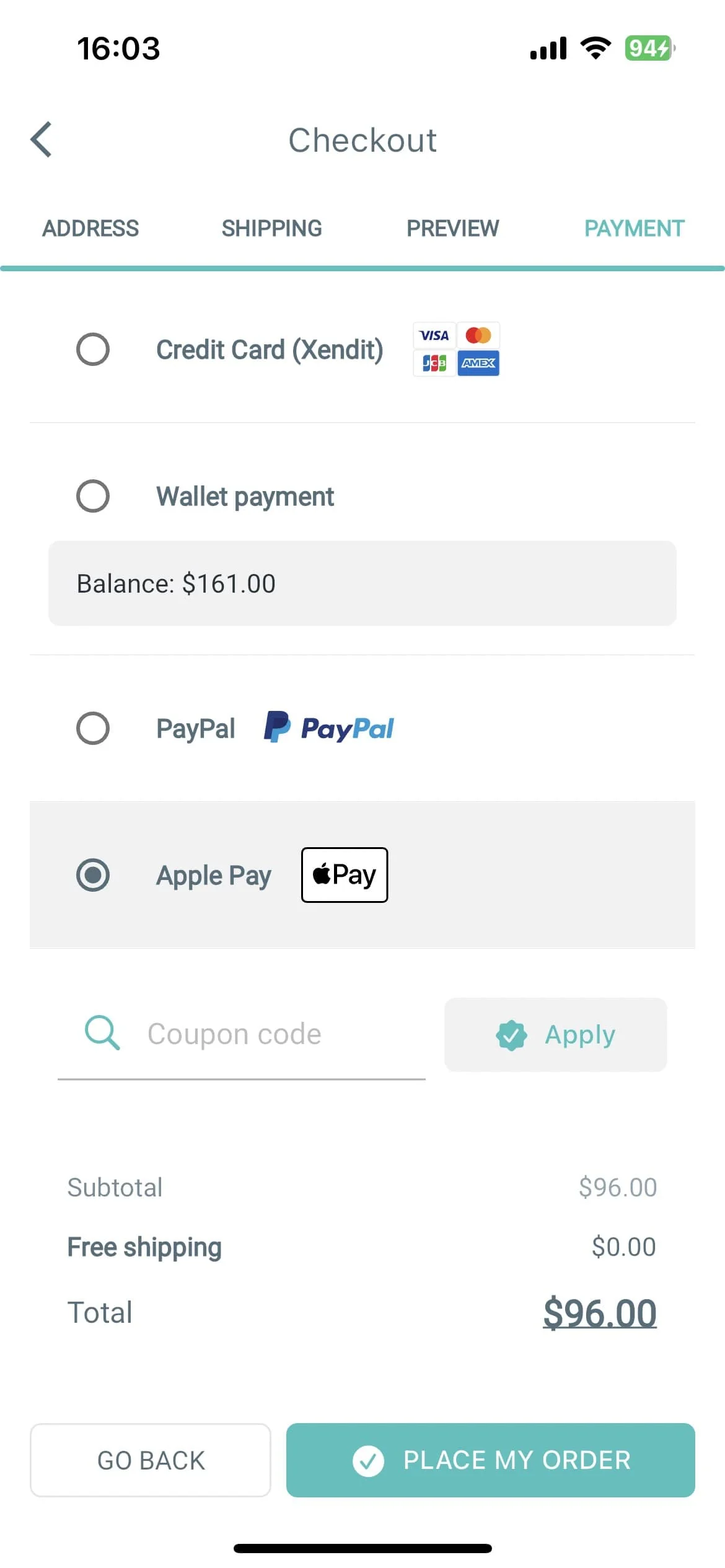
Integrate Apple Pay for secure, seamless one-touch payments on iOS devices.
Explore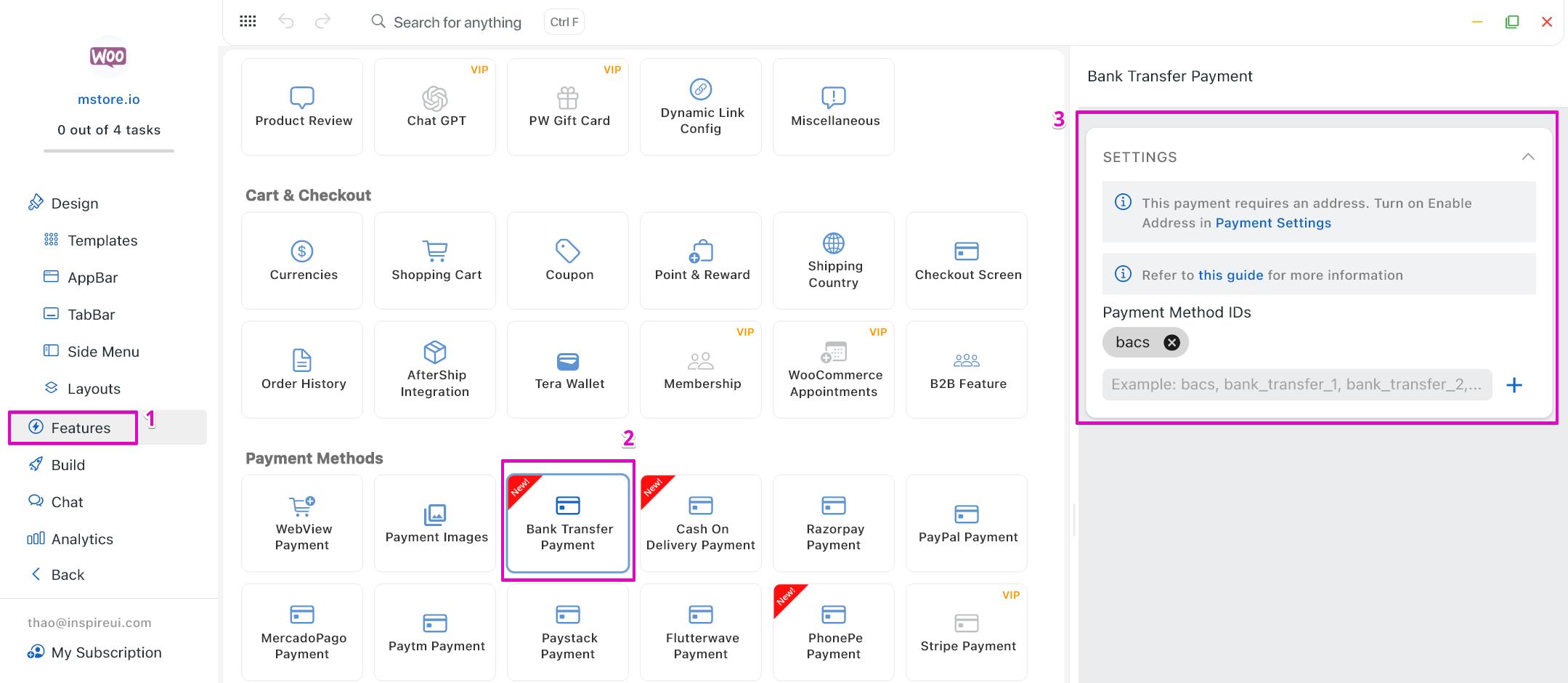
Enable bank transfer payments with automated order processing and reconciliation.
ExploreDownload FluxBuilder, connect your website, and configure app features visually before publishing to iOS and Android.