Key benefits
Give multiple options for the same product
Manage inventory separately for each variant
Set different prices based on product attributes
Give visual selection of variant options
Simplify management of complex product catalogs
Offer products with multiple options such as size, color, and material with variant management.
Give multiple options for the same product
Manage inventory separately for each variant
Set different prices based on product attributes
Give visual selection of variant options
Simplify management of complex product catalogs
A practical setup flow for turning this capability into a production-ready app experience.
Open your FluxBuilder project and enable Variants Product from the relevant app feature or integration area.
Adjust content, platform connections, permissions, and visual settings so the feature matches your app workflow.
Use live preview to test the mobile flow, then publish your update when the app experience is ready.
Short answers for teams evaluating Variants Product inside a FluxBuilder app.
Continue exploring capabilities from the same category or use-case cluster.

Enable customers to adjust product quantities directly from product listings without visiting detail pages.
Explore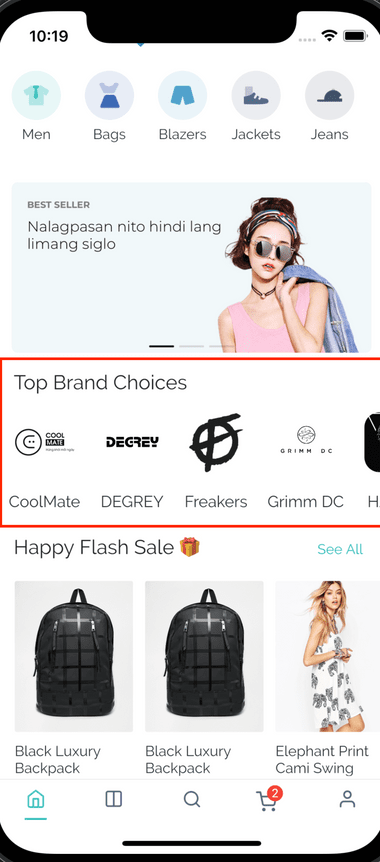
Showcase featured brands with an interactive, scrollable brand carousel display.
Explore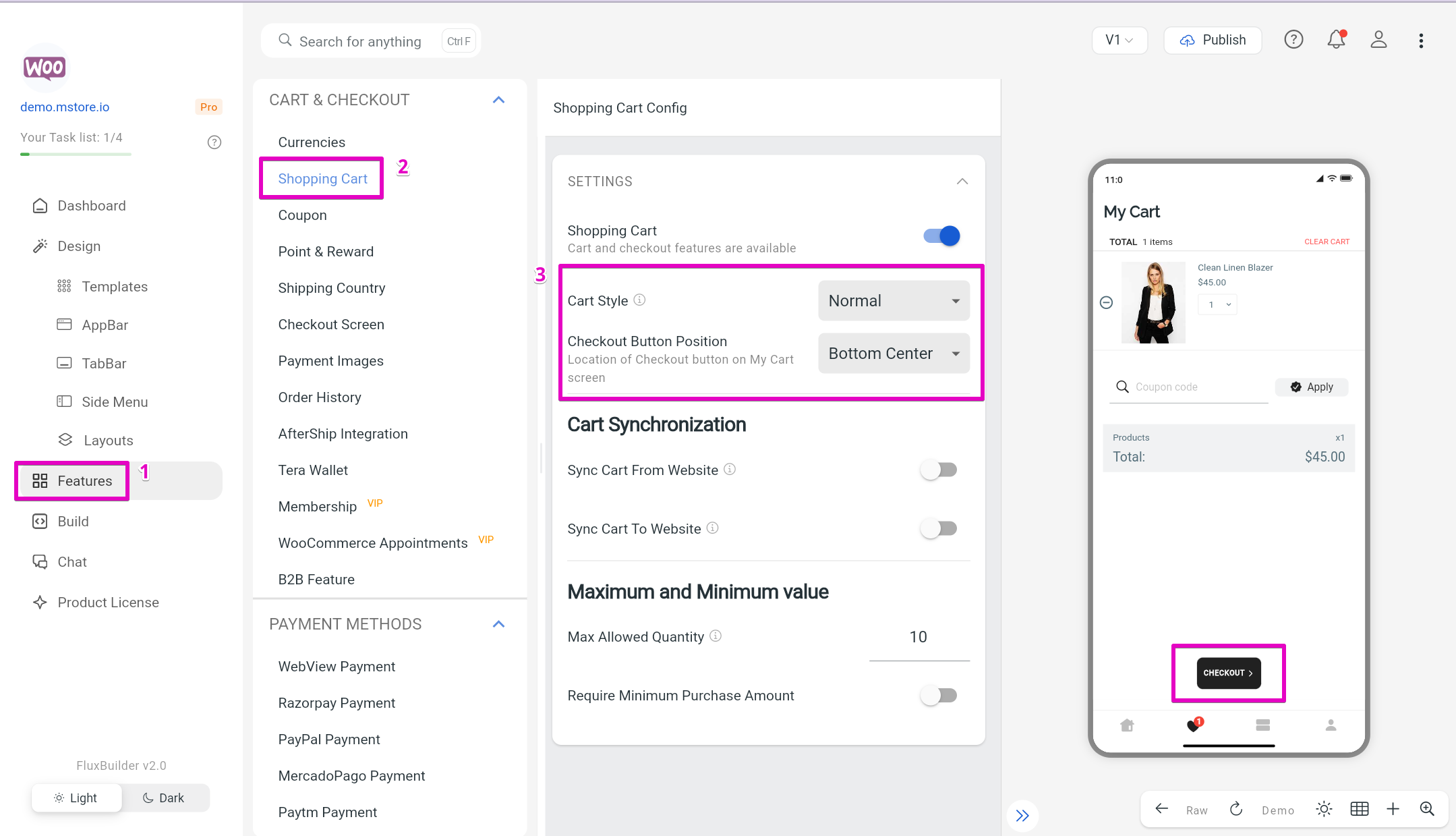
Sync changes instantly without needing app store approval.
Explore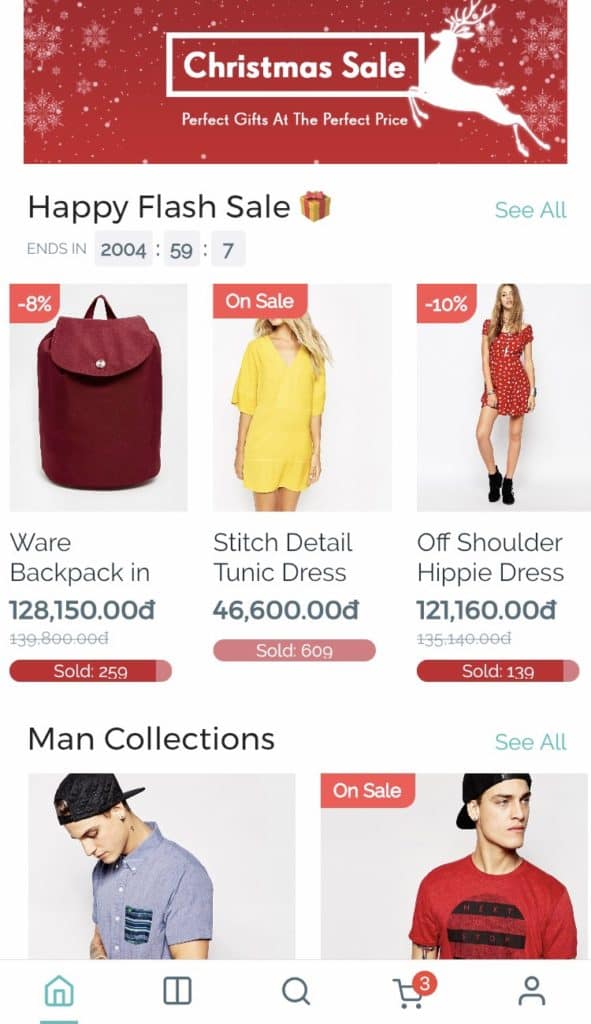
Create urgency and drive conversions with dynamic countdown timers for sales and promotions.
ExploreDownload FluxBuilder, connect your website, and configure app features visually before publishing to iOS and Android.