Key benefits
Give 24/7 AI-powered customer support and assistance
Automate responses to common questions and inquiries
Give personalized recommendations and guidance
Cut customer support costs while improving response times
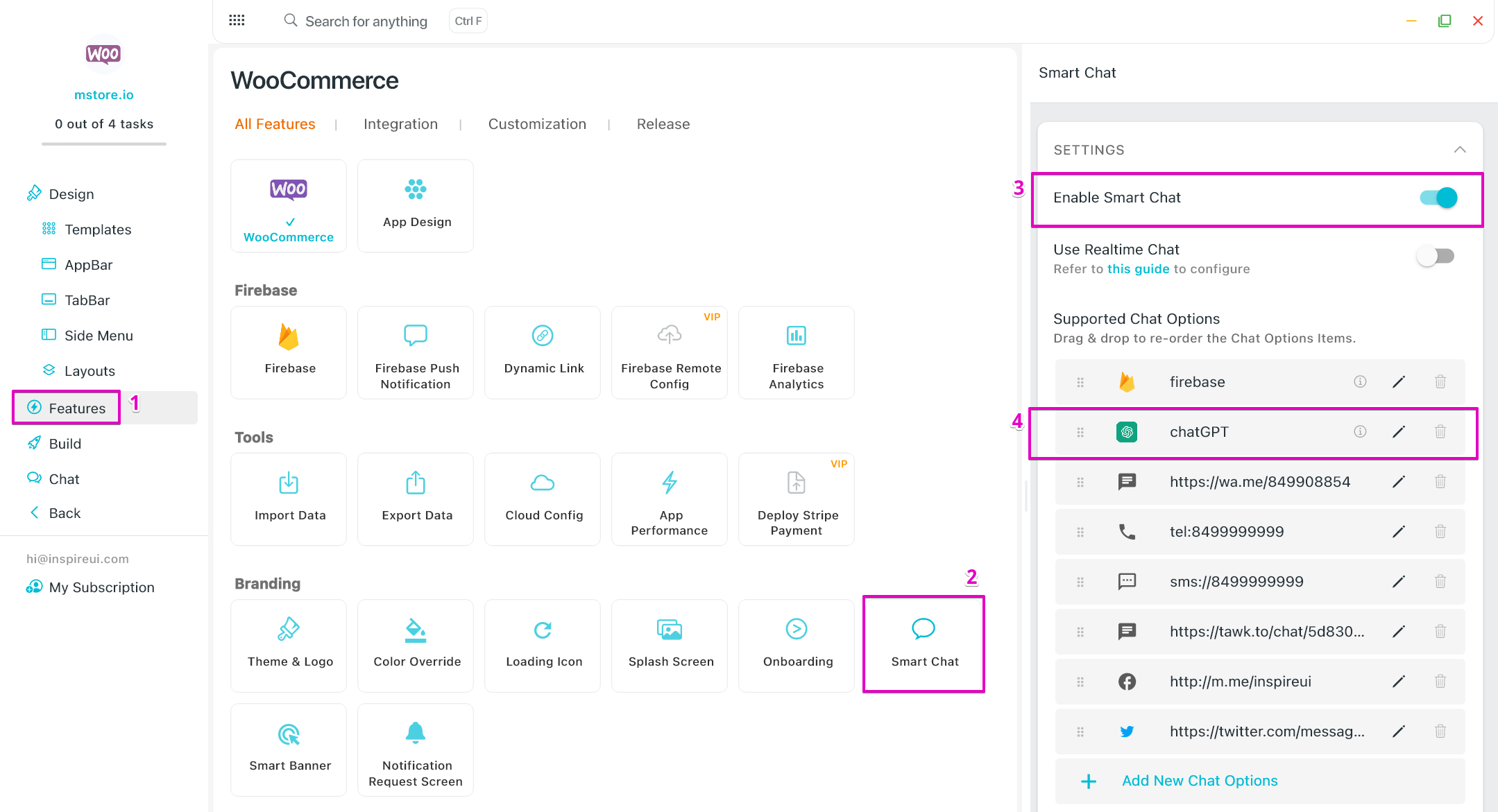
Integrate ChatGPT AI capabilities into your app for intelligent conversational experiences, automated customer support, and personalized assistance.
Give 24/7 AI-powered customer support and assistance
Automate responses to common questions and inquiries
Give personalized recommendations and guidance
Cut customer support costs while improving response times
A practical setup flow for turning this capability into a production-ready app experience.
Open your FluxBuilder project and enable ChatGPT from the relevant app feature or integration area.
Adjust content, platform connections, permissions, and visual settings so the feature matches your app workflow.
Use live preview to test the mobile flow, then publish your update when the app experience is ready.
Short answers for teams evaluating ChatGPT inside a FluxBuilder app.
Continue exploring capabilities from the same category or use-case cluster.
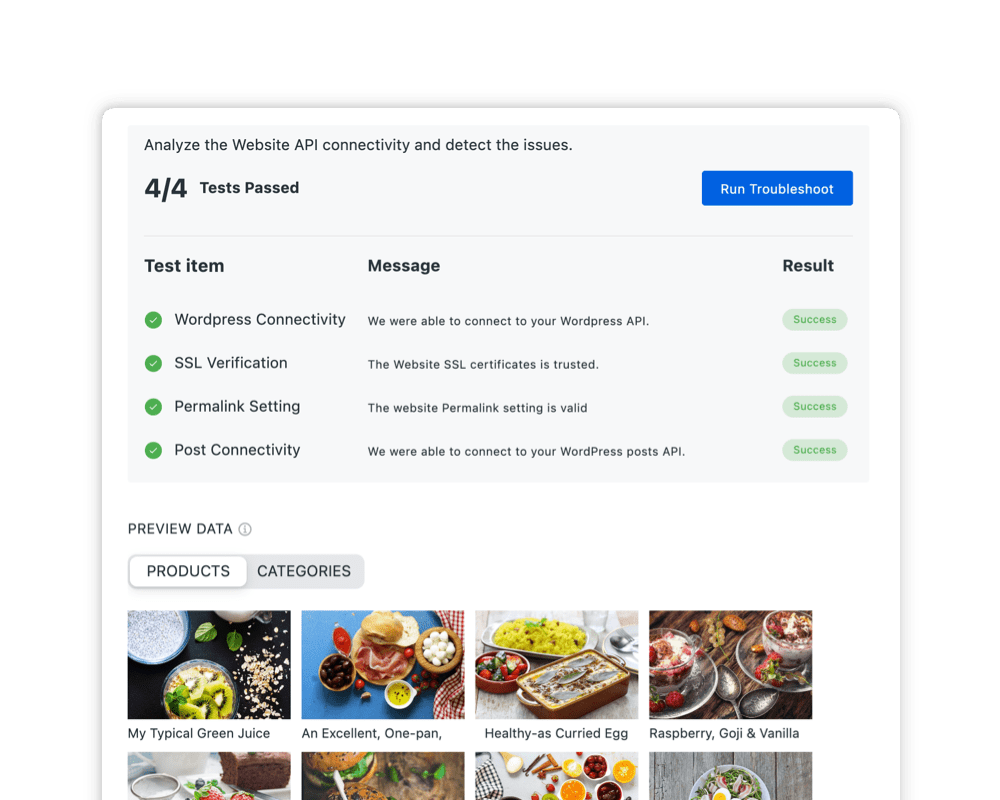
Connect FluxBuilder with your existing platforms and frameworks.
Explore
Integrate web content smoothly with secure authentication token passing for unified web-app experiences.
Explore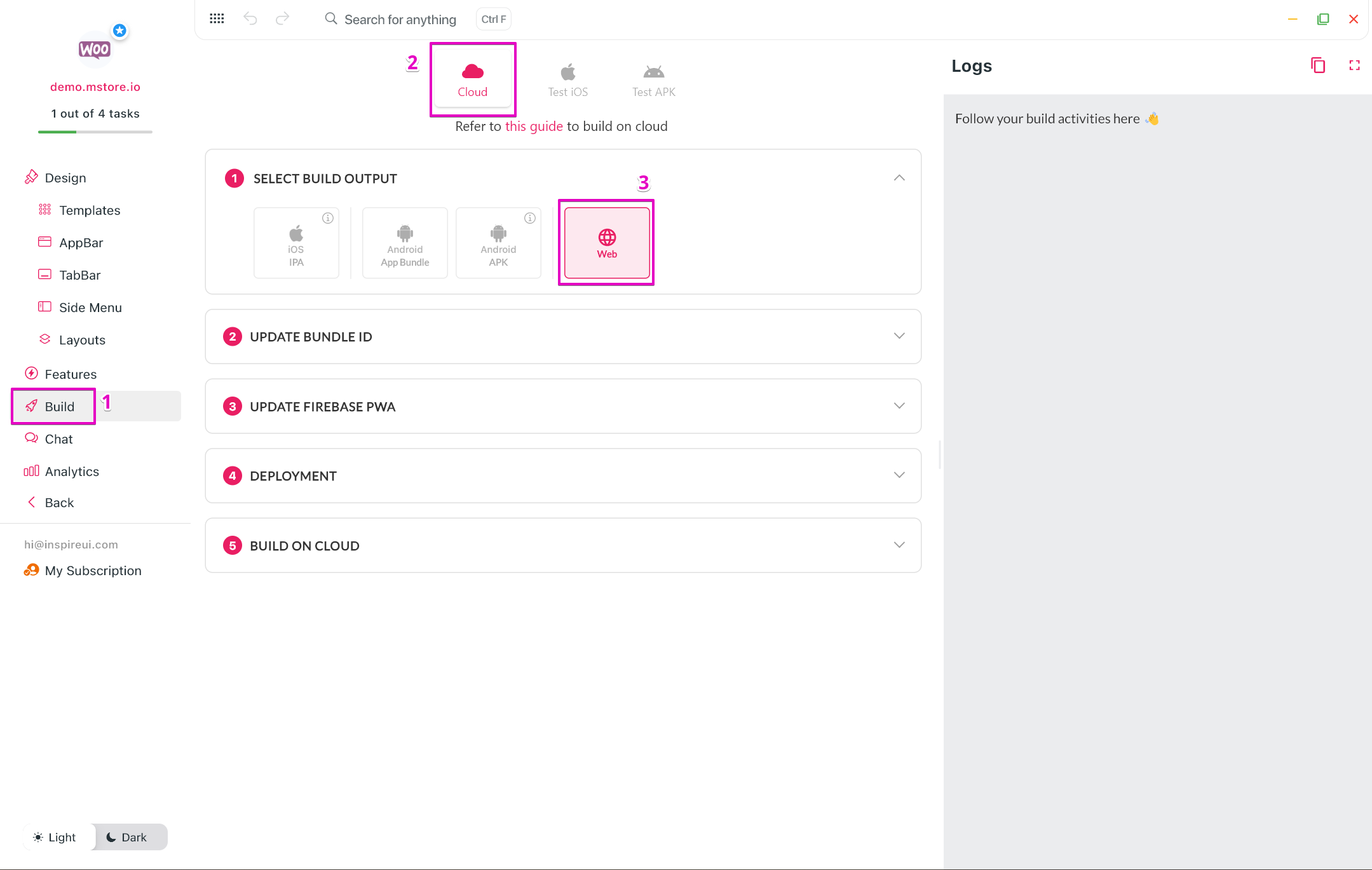
Transform any existing website into a native mobile app with customizable navigation, offline access, and mobile-specific features.
Explore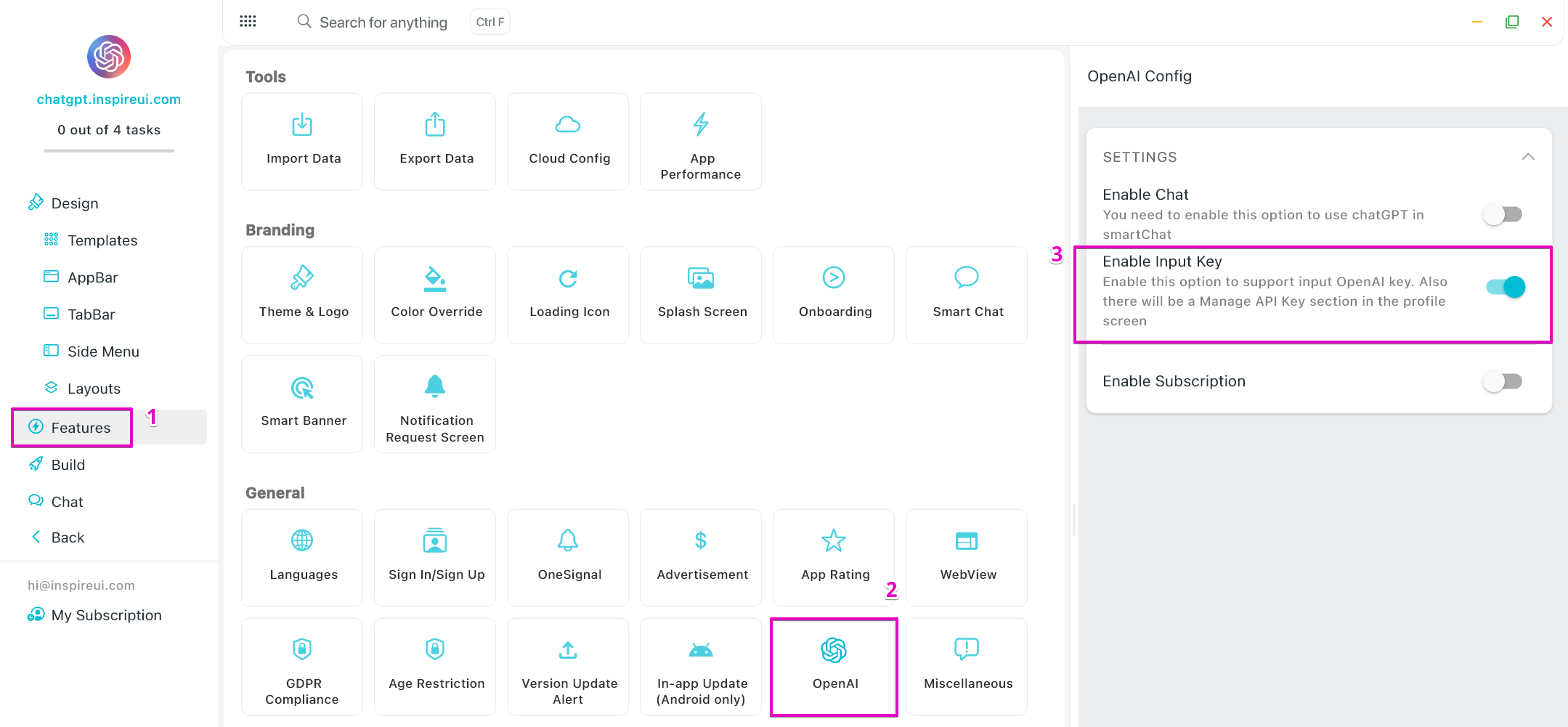
Enhance your app with AI capabilities through OpenAI integration for intelligent features and automation.
ExploreDownload FluxBuilder, connect your website, and configure app features visually before publishing to iOS and Android.