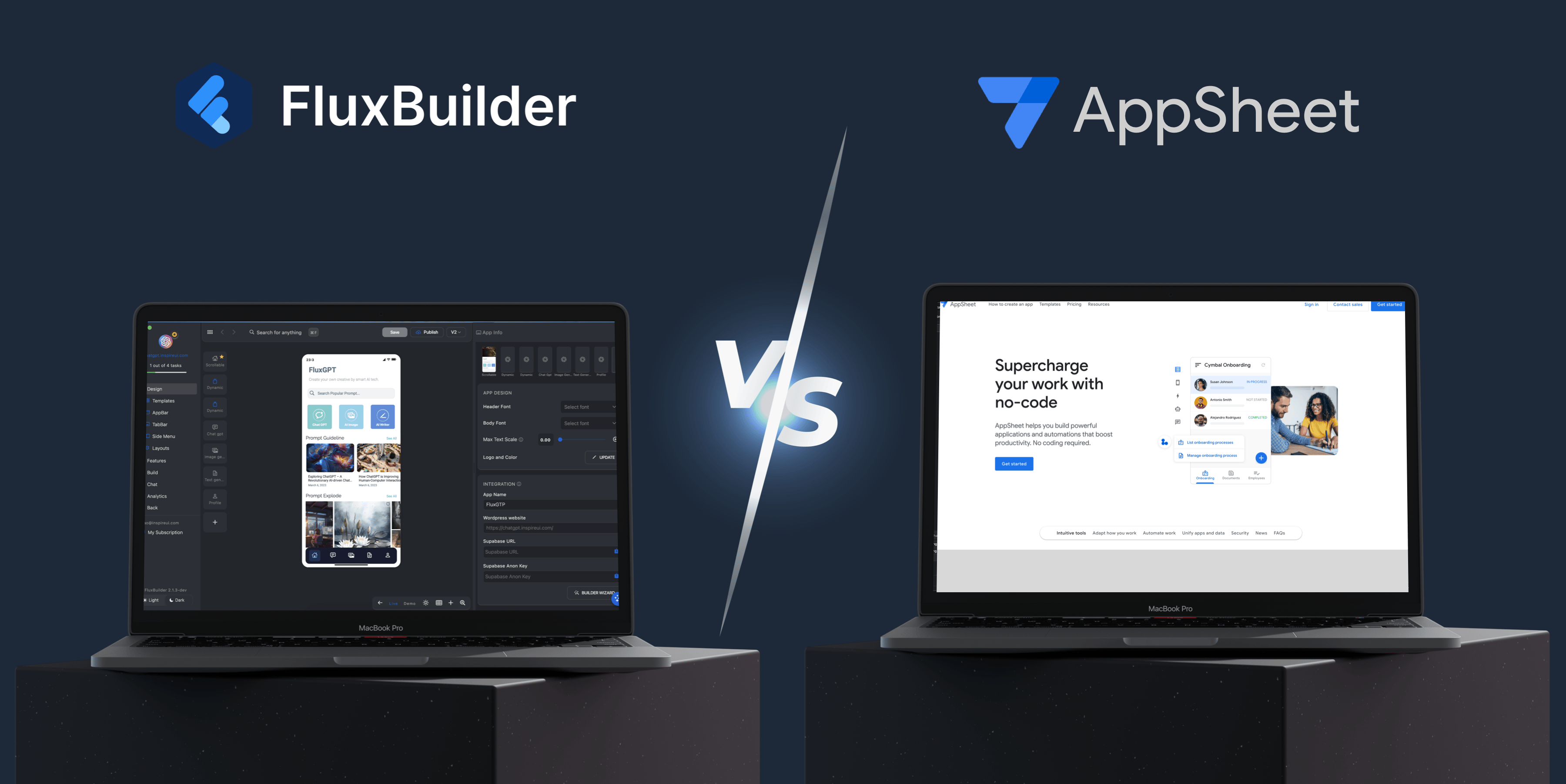
FluxBuilder vs AppSheet (2025): Which Is Better for ECommerce Mobile Apps?
⚡ TL;DR – Quick Summary
| Feature | ✅ FluxBuilder | ⚠️ AppSheet |
|---|---|---|
| App Type | Native eCommerce, service, content | Internal tools, data forms |
| Platform Support | iOS & Android (Flutter) | PWA/web-based, Android only |
| Design Flexibility | High (beautiful templates, layouts) | Low (spreadsheet style UI) |
| App Store Ready | ✅ Yes | ❌ No |
| Payment Integration | ✅ Stripe, Apple Pay, Google Pay, and more. | ❌ Not supported |
| Branding + Themes | ✅ Custom icons, splash, fonts, colors | ❌ Limited |
| Source Code Access | ✅ Flutter code export | ❌ No |
🧩 Introduction
Both FluxBuilder and AppSheet help users build apps without coding. But they are built for very different goals.
-
If you want to build a beautiful, customer-facing mobile app, choose FluxBuilder.
-
If you're creating a simple internal business tool, AppSheet may be enough.
📱 What is FluxBuilder?
FluxBuilder is a no-code app creator for building native mobile apps using Flutter. It’s ideal for businesses that want to turn their online stores or content into powerful, branded apps without touching code.
🧾 What is AppSheet?
AppSheet is a tool by Google for building data-driven apps based on spreadsheets like Google Sheets or Excel. It’s made for companies that need internal apps like checklists, inventory trackers, and approval flows.
💪 FluxBuilder Benefits
🎨 1. Stunning App Design & Layout Flexibility
FluxBuilder gives you beautiful templates, themes, and layouts like:
-
🧱 Grid view
-
📃 List view
-
🖼️ Carousels
-
🧭 Bottom navigation
-
🧩 Custom banners & components
🔥 2. Branded Mobile App Experience
With FluxBuilder, you get:
-
Your own app icon
-
A custom splash screen
-
Theme colors and fonts
-
Deep linking and in-app routing
⚙️ 3. Works with Your Website
Already have WooCommerce, Shopify, or Magento?
FluxBuilder turns your site into a native mobile app with:
-
No rebuild
-
No data migration
-
Seamless product and content sync
AppSheet requires you to start from a spreadsheet, not a website.
⚡ 4. Built with Flutter = Top Performance
Flutter powers apps from Google, BMW, and Alibaba — and now yours!
This gives you:
-
Faster load times
-
Better animations
-
Smooth scrolling
-
Great performance on low-end phones
🧠 5. Smart UX Elements
FluxBuilder has:
-
Search, filters, navigation
-
Wishlist, cart, favorites
-
Push notifications (OneSignal)
-
Infinite scroll
These make your app engaging and conversion-ready.
🌍 6. Multi-Language + RTL Support
Going global? FluxBuilder supports:
-
Multi-language UI
-
Right-to-left layout (Arabic, Hebrew)
-
Easy JSON translation setup
AppSheet is limited in UI translation flexibility.
💳 7. Payments + Checkouts
Built-in support for:
-
Stripe
-
Apple Pay
-
Google Pay
-
Webview checkouts
Refer more at: https://docs.fluxbuilder.com/features
AppSheet has no payment or selling capabilities.
🧩 8. Modular Add-ons + Growth Ready
Add powerful tools like:
-
Firebase login
-
Loyalty programs
-
Social sign-ins
-
Analytics (Google, Facebook)
📤 9. One-Click App Store Publishing
FluxBuilder makes it easy to:
-
Export to iOS & Android
-
Auto-generate splash & icons
-
Submit to Play Store & App Store
AppSheet runs your app through their own web interface — not your brand.
📊 Comparison Table – Strengths at a Glance
| Strength | FluxBuilder | AppSheet |
|---|---|---|
| Native App (iOS + Android) | ✅ Yes | ❌ No |
| Beautiful UI Templates | ✅ Many layouts | ❌ Very limited |
| Branded App (Logo, Theme, Splash) | ✅ Fully customizable | ❌ No |
| Connect to Website (Woo, Shopify, etc.) | ✅ Easy sync | ❌ No |
| Payment Integration | ✅ Stripe, Apple Pay | ❌ None |
| App Store Publishing | ✅ Yes | ❌ No |
| Source Code Access | ✅ Export Flutter | ❌ No |
| Modular Add-Ons | ✅ Many available | ❌ Few options |
| Performance | ✅ High (Flutter) | ⚠️ Moderate |
| Multilingual + RTL | ✅ Full support | ⚠️ Basic only |
🙋♀️ Q&A: People Also Ask
❓ Can AppSheet create a shopping or eCommerce app?
❌ No. AppSheet is not designed for product listings, checkout, or payment gateways.
❓ Can I publish an AppSheet app to the App Store?
❌ Not directly. AppSheet apps are web-based and not built for App Store publishing.
❓ Does FluxBuilder require coding?
✅ No. It's fully no-code, but gives you full Flutter code if you want it.
❓ Which platform gives better app design options?
✅ FluxBuilder. It offers ready-made layouts, animations, and mobile UI features.
🏁 ConclusioConclusion
If you're building an internal tool for business data — go with AppSheet.
But if you're building a real mobile app for your customers, with sales, content, and beautiful UI — FluxBuilder wins on every front.
✅ Better design
✅ Faster performance
✅ More business tools
✅ Easy publishing
✅ Future-proof with source code
🚀 Ready to Build Your Own App?
Try FluxBuilder today and build your dream mobile app in minutes — no coding needed.
🎁 Bonus: It’s perfect for WooCommerce, Shopify, and marketplace owners who want to go mobile.